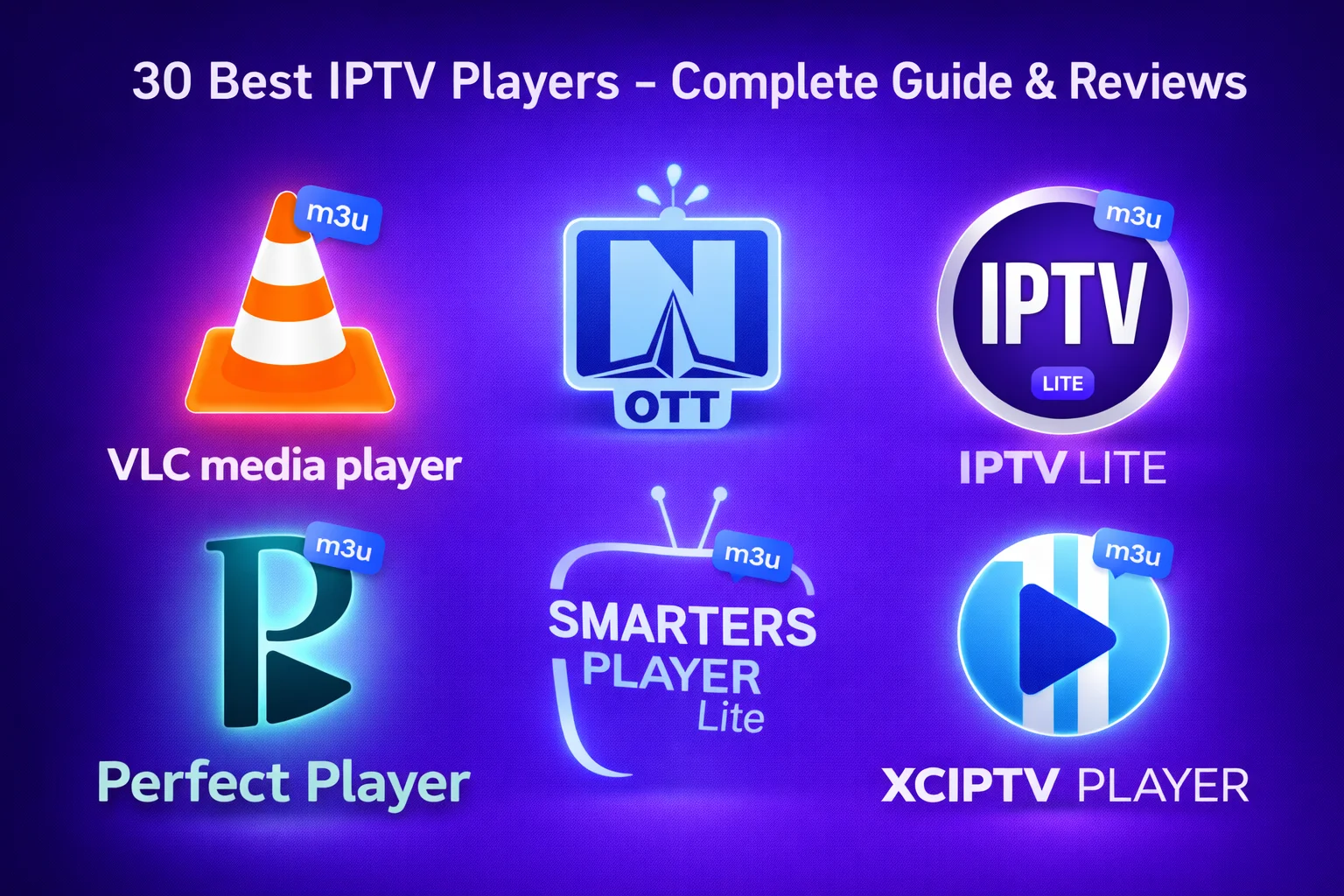
Choosing the right IPTV box can make or break your streaming experience. With dozens of options flooding the market, from budget Fire TV Sticks to premium NVIDIA Shield devices, finding the perfect box for your needs isn't always straightforward. This comprehensive guide breaks down the top 10 IPTV boxes for 2026, helping you make an informed decision based on your budget, technical requirements, and viewing habits.
What is an IPTV Box?
An IPTV box is a streaming device that connects to your television and internet, allowing you to watch IPTV content. Unlike traditional cable boxes that receive signals through coaxial cables, IPTV boxes stream content over your internet connection. Most modern IPTV boxes run Android TV or similar operating systems, giving you access to thousands of apps including dedicated IPTV players like TiviMate, IPTV Smarters Pro, and OTT Navigator.
Key Features to Look For
- Processor: Quad-core or better for smooth 4K streaming
- RAM: Minimum 2GB, 4GB recommended for multitasking
- Storage: 16GB minimum, 32GB+ for app installations
- Network: Ethernet port for stable connections
- Video Support: 4K, HDR, Dolby Vision capabilities
Top 10 Best IPTV Boxes for 2026
1. NVIDIA Shield TV Pro - Best Overall
The NVIDIA Shield TV Pro remains the undisputed champion of IPTV boxes. Powered by the Tegra X1+ processor with 3GB RAM, it handles 4K HDR streaming effortlessly while offering AI upscaling that makes even HD content look stunning on 4K displays. The Shield runs Android TV 11 with access to the full Google Play Store, supports Dolby Vision and Atmos, and includes both Ethernet and WiFi 6 connectivity.
What sets the Shield apart is its longevity—NVIDIA continues updating devices from 2015, ensuring your investment lasts years. The 16GB storage is expandable via USB, and the device doubles as a Plex server. For serious IPTV enthusiasts who want the absolute best performance and future-proofing, the Shield TV Pro justifies its $199 price tag.
2. Amazon Fire TV Cube (3rd Gen) - Best Premium Alternative
The Fire TV Cube combines powerful hardware with Alexa voice control in a compact package. The octa-core processor with 2GB RAM delivers smooth 4K streaming, while WiFi 6E ensures fast, stable connections. Unlike the Fire TV Stick, the Cube includes an Ethernet port for wired connectivity—essential for reliable IPTV streaming.
The Cube supports Dolby Vision, HDR10+, and Dolby Atmos, providing excellent picture and sound quality. Hands-free Alexa control lets you change channels, search content, and control smart home devices without touching the remote. At $139, it's pricier than sticks but offers significantly better performance and connectivity options.
3. Amazon Fire TV Stick 4K Max - Best Budget Option
For budget-conscious users, the Fire TV Stick 4K Max delivers impressive performance at just $54. The quad-core processor with 2GB RAM handles 4K HDR streaming smoothly, and WiFi 6 support ensures fast connections. While it lacks an Ethernet port, a USB Ethernet adapter can be added for $15-20.
The compact stick plugs directly into your TV's HDMI port, making it perfect for travel or secondary TVs. It supports all major IPTV apps including TiviMate, IPTV Smarters Pro, and Perfect Player. The included Alexa voice remote simplifies navigation, and the device receives regular updates from Amazon.
4. Apple TV 4K (3rd Gen) - Best for Apple Ecosystem
Apple TV 4K offers premium build quality and seamless integration with Apple devices. The A15 Bionic chip delivers exceptional performance, handling 4K HDR content with ease. The device supports Dolby Vision, HDR10+, and Dolby Atmos for cinema-quality audio and video.
While IPTV app selection is more limited than Android options, GSE Smart IPTV and iPlayTV provide excellent functionality. The Siri remote with touch-enabled clickpad makes navigation intuitive. AirPlay support lets you stream from iPhones and iPads effortlessly. At $129 (64GB) or $149 (128GB), it's ideal for users already invested in Apple's ecosystem.
5. Formuler Z11 Pro Max - Best Dedicated IPTV Box
The Formuler Z11 Pro Max is purpose-built for IPTV with the exclusive MyTVOnline 3 app. The Amlogic S905X4 processor with 4GB RAM provides powerful performance, while 32GB storage offers ample space for apps and recordings. Dual-band WiFi and Gigabit Ethernet ensure stable connections.
MyTVOnline 3 offers advanced features like recording, time-shifting, and catch-up TV with an intuitive interface optimized for IPTV. The box supports 4K HDR and includes a premium remote with backlit keys. At $249, it's expensive but offers the most refined IPTV-specific experience available.
6. Chromecast with Google TV (4K) - Best Google Integration
Google's Chromecast with Google TV combines affordable pricing ($49) with solid performance. The Amlogic S905X3 processor with 2GB RAM handles 4K HDR streaming reliably. The Google TV interface aggregates content from multiple apps, making discovery easier.
Full Google Play Store access means all major IPTV apps work perfectly. Google Assistant voice control and Chromecast built-in add convenience. The compact dongle design saves space, though the lack of Ethernet port means WiFi-only connectivity unless you add an adapter.
7. BuzzTV XRS 4900 - Best for Advanced Users
The BuzzTV XRS 4900 targets power users with its Amlogic S905X4 processor, 4GB RAM, and 32GB storage. The exclusive BuzzTV 5 app provides advanced IPTV features including recording, time-shifting, and multi-view. Dual-band WiFi and Gigabit Ethernet ensure reliable connectivity.
The box supports 4K HDR with Dolby Digital Plus audio. Advanced features like PVR recording, catch-up TV, and EPG integration make it ideal for users who want cable TV-like functionality. At $199, it offers excellent value for feature-rich IPTV streaming.
8. Xiaomi Mi Box S - Best International Option
The Xiaomi Mi Box S provides solid performance at an affordable price point ($59). The Amlogic S905X processor with 2GB RAM handles HD and 4K streaming adequately. Android TV 9.0 with Google Play Store access ensures app compatibility.
The compact design includes both WiFi and Ethernet connectivity. While not as powerful as premium options, it handles IPTV apps like TiviMate and IPTV Smarters Pro without issues. The included remote with Google Assistant voice control adds convenience. It's particularly popular in international markets with strong Xiaomi presence.
9. Roku Ultra - Best for Simplicity
The Roku Ultra ($99) offers the simplest, most user-friendly interface available. While Roku's closed ecosystem limits IPTV app options compared to Android devices, it excels at streaming from legitimate services. The quad-core processor handles 4K HDR content smoothly.
Ethernet and WiFi connectivity options provide flexibility. The remote includes headphone jack for private listening and programmable buttons for quick access. For users primarily using legitimate streaming services with occasional IPTV needs, Roku Ultra provides reliable, hassle-free operation.
10. MAG 424w3 - Best for Traditional TV Experience
The MAG 424w3 offers a traditional set-top box experience optimized for IPTV. The Amlogic S905X2 processor with 2GB RAM provides adequate performance for HD and 4K streaming. The Linux-based operating system focuses exclusively on IPTV functionality without app store distractions.
Dual-band WiFi and Ethernet connectivity ensure stable connections. The interface mimics traditional cable TV, making it perfect for users transitioning from cable. At $149, it's ideal for those who want straightforward IPTV viewing without Android complexity.
IPTV Box Comparison Table
| Device | Price | Processor | RAM | 4K/HDR | Ethernet | Best For |
|---|---|---|---|---|---|---|
| NVIDIA Shield TV Pro | $199 | Tegra X1+ | 3GB | Yes/Yes | Yes | Power Users |
| Fire TV Cube | $139 | Octa-core | 2GB | Yes/Yes | Yes | Alexa Users |
| Fire TV Stick 4K Max | $54 | Quad-core | 2GB | Yes/Yes | No* | Budget |
| Apple TV 4K | $129 | A15 Bionic | 3GB | Yes/Yes | Yes | Apple Users |
| Formuler Z11 Pro Max | $249 | S905X4 | 4GB | Yes/Yes | Yes | IPTV Enthusiasts |
*Ethernet adapter available separately
Buying Guide: How to Choose Your IPTV Box
Processor and Performance
The processor determines how smoothly your box handles streaming, app switching, and interface navigation. For HD streaming, quad-core processors suffice. For 4K HDR content, look for newer processors like Amlogic S905X4, Tegra X1+, or equivalent. More powerful processors also handle multiple apps running simultaneously without slowdowns.
RAM Requirements
RAM affects multitasking and app performance. 2GB RAM is the minimum for modern IPTV boxes, handling basic streaming adequately. 3-4GB RAM provides smoother operation, faster app switching, and better handling of background processes. If you plan to use recording features or run multiple apps, prioritize higher RAM.
Storage Capacity
Storage holds apps, recordings, and cached data. 16GB is minimum, but fills quickly with multiple apps and recordings. 32GB or more provides comfortable space for app installations and local recordings. Some boxes support USB storage expansion for additional capacity.
Network Connectivity
Ethernet connections provide the most stable streaming experience, eliminating WiFi interference and congestion. If your box lacks Ethernet, ensure it supports WiFi 5 (802.11ac) minimum, preferably WiFi 6 for faster speeds and better performance in crowded networks. For 4K streaming, wired connections are strongly recommended.
Video and Audio Support
For future-proofing, choose boxes supporting 4K resolution at 60fps, HDR10 or Dolby Vision for enhanced picture quality, and Dolby Atmos or DTS:X for immersive audio. Even if your current TV doesn't support these features, your next one likely will.
Operating System
Android TV offers the widest IPTV app selection with full Google Play Store access. Fire OS (Amazon) provides good app selection with Alexa integration. Apple tvOS has limited but high-quality IPTV apps. Linux-based systems (MAG boxes) focus exclusively on IPTV without app store distractions.
Setup and Configuration Tips
Initial Setup
Connect your box to your TV via HDMI and to your network via Ethernet or WiFi. Follow on-screen instructions to complete initial setup, including signing into your Google, Amazon, or Apple account. Install your preferred IPTV player app from the app store.
Network Optimization
For best performance, use Ethernet connections whenever possible. If using WiFi, connect to 5GHz networks for less interference. Position your router close to your IPTV box or use WiFi extenders for better signal strength. Consider upgrading your internet plan if experiencing frequent buffering—4K streaming requires 25+ Mbps.
App Installation
Install your preferred IPTV player (TiviMate, IPTV Smarters Pro, Perfect Player) from the app store. Add your IPTV service credentials (M3U URL or Xtream Codes API). Configure EPG sources for program guide information. Adjust buffer settings if experiencing playback issues.
Common Issues and Solutions
Buffering Problems
Buffering usually indicates network issues. Test your internet speed—you need 10+ Mbps for HD, 25+ Mbps for 4K. Switch to Ethernet if using WiFi. Close background apps consuming bandwidth. Increase buffer size in your IPTV player settings. Contact your ISP if speeds are consistently below your plan's advertised rate.
App Crashes
Clear app cache and data in settings. Uninstall and reinstall the problematic app. Ensure your box has sufficient free storage. Update to the latest app version. Restart your box to clear memory. If issues persist, the box may lack sufficient RAM for the app.
Remote Control Issues
Replace remote batteries if unresponsive. Re-pair Bluetooth remotes through settings. Ensure nothing blocks the IR sensor on IR remotes. Update remote firmware if available. Consider universal remotes or smartphone remote apps as alternatives.
Maintenance and Care
Keep your IPTV box updated with the latest firmware for security patches and performance improvements. Regularly clear app caches to free storage space. Ensure adequate ventilation around your box to prevent overheating. Restart your box weekly to clear memory and maintain performance. Back up important settings and playlists periodically.
Future-Proofing Your Purchase
Technology evolves rapidly, but smart purchasing decisions extend your box's useful life. Choose boxes with 4K and HDR support even if your current TV is HD. Prioritize devices with 3-4GB RAM for longevity. Select manufacturers with good update track records. Consider expandable storage options. Invest in quality over price—a $200 box lasting 5 years costs less annually than a $50 box replaced yearly.
Legal Considerations
IPTV boxes themselves are completely legal devices. However, using them to access copyrighted content without authorization may violate laws in your jurisdiction. Many legitimate IPTV services offer legal content through subscription models. Research services carefully before subscribing. Legitimate providers typically offer customer support, transparent pricing, and proper content licensing.
Final Recommendations
Quick Picks by Budget
- Under $60: Fire TV Stick 4K Max - Best value for money
- $100-150: Fire TV Cube or Apple TV 4K - Premium features, reasonable price
- $150-200: NVIDIA Shield TV Pro - Best overall performance
- $200+: Formuler Z11 Pro Max - Ultimate IPTV-specific features
Your ideal IPTV box depends on your specific needs, budget, and technical comfort level. For most users, the Fire TV Stick 4K Max offers the best balance of performance, features, and price. Power users wanting the absolute best should invest in the NVIDIA Shield TV Pro. Apple ecosystem users will appreciate Apple TV 4K's seamless integration. IPTV enthusiasts seeking dedicated functionality should consider Formuler or BuzzTV boxes.
Whichever box you choose, ensure it meets your minimum requirements for processor power, RAM, storage, and connectivity. Read user reviews specific to IPTV use cases. Test your chosen box within the return period to ensure it meets your expectations. With the right IPTV box, you'll enjoy smooth, reliable streaming for years to come.
Related Guides
- IPTV Firestick Setup Guide - Complete setup instructions for Fire TV devices
- Best IPTV Apps 2026 - Top IPTV player apps for your box
- 30 Best IPTV Players - Comprehensive player comparison
- IPTV Encoder Box Review - For businesses and content creators
Frequently Asked Questions
What is the best IPTV box in 2026?
The NVIDIA Shield TV Pro is widely considered the best IPTV box for 2026, offering powerful hardware, 4K HDR support, AI upscaling, and excellent app compatibility. For budget-conscious users, the Amazon Fire TV Stick 4K Max provides excellent value with strong performance.
Do I need a special box for IPTV?
No, you don't need a special IPTV box. Any Android TV box, Fire TV device, Apple TV, or smart TV can run IPTV apps. However, dedicated boxes with better processors, more RAM, and Ethernet connectivity provide smoother streaming and better overall experience.
What's the difference between IPTV box and Android TV box?
An Android TV box is a general streaming device running Android TV OS that can run various apps including IPTV players. An 'IPTV box' often refers to Android TV boxes marketed specifically for IPTV use, sometimes with pre-installed IPTV apps. Functionally, they're similar—both can stream IPTV content.
How much should I spend on an IPTV box?
Budget boxes ($30-50) like Fire TV Stick work fine for HD streaming. Mid-range boxes ($80-150) like Fire TV Cube or Chromecast with Google TV offer better performance. Premium boxes ($150-200+) like NVIDIA Shield TV Pro provide the best experience with 4K, AI upscaling, and future-proofing.
Can I use my old Android box for IPTV?
Yes, if it has at least 2GB RAM, Android 7.0+, and can run modern IPTV apps. However, older boxes may struggle with HD/4K streams, have slower interfaces, and lack security updates. Consider upgrading if experiencing performance issues.