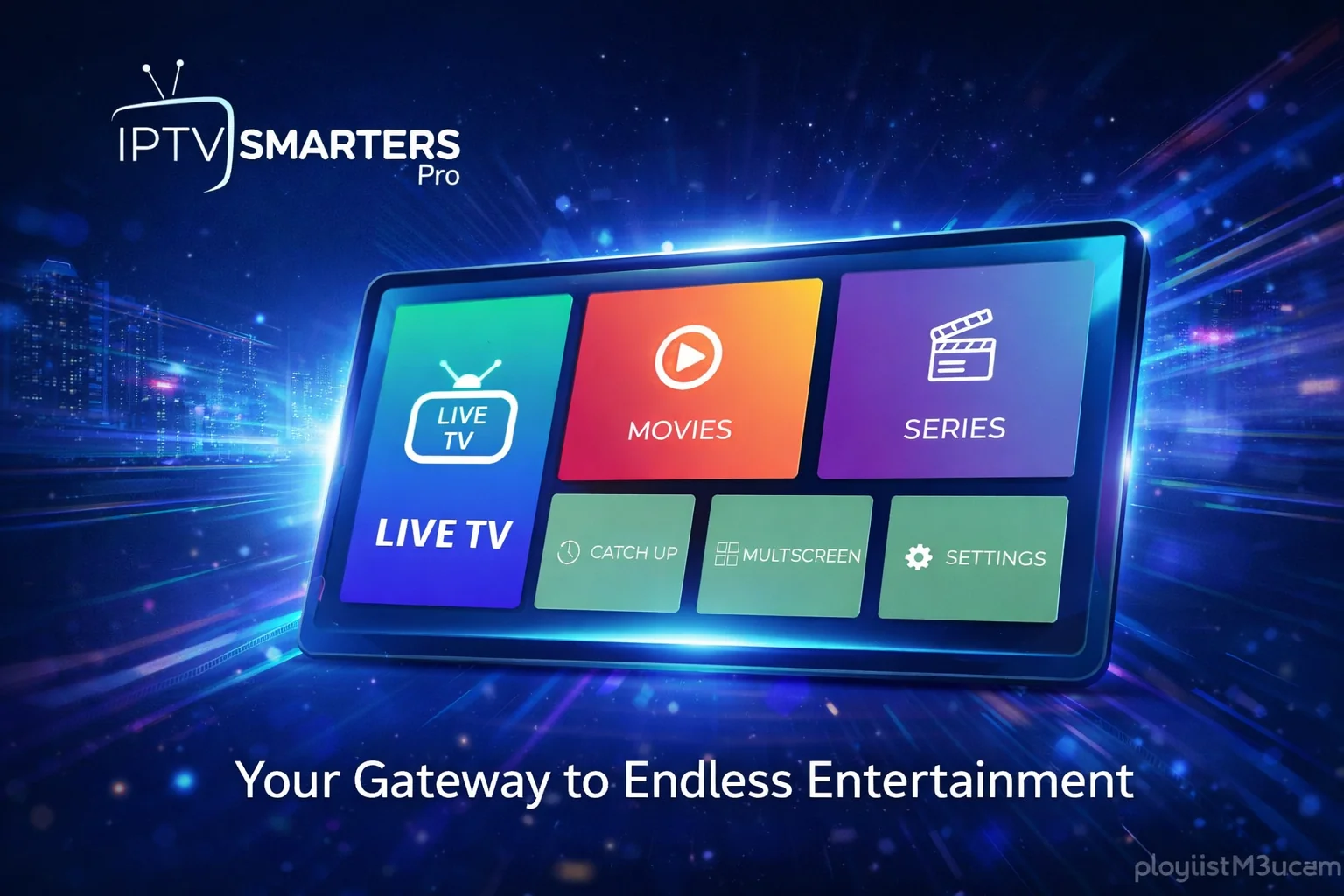
Key Insights
- Streaming Support: M3U URL/File and Xtream API
- Official Website: https://www.iptvsmarters.com/
- Download Link: App Store, Google Play, APK
- Supported Devices: Android, iOS, Firestick, PC, Smart TV
- Customer Support: 24/7 Email support
- Cost: Completely free to use
IPTV Smarters Pro stands out as one of the most popular free IPTV player applications available today. With its intuitive interface and powerful features, it enables users to stream live TV channels, movies, series, and on-demand content seamlessly. The application supports multiple playlist formats including Xtream Codes API, Stream Panel API, and M3U URL, making it compatible with virtually any IPTV service provider.
Is IPTV Smarters Pro Legal and Safe to Stream?
IPTV Smarters Pro is a legitimate media player application that is completely safe to install and use on your devices. The app itself doesn't host or provide any content - it simply acts as a player for the playlists you add from your IPTV service provider.
However, the legality of your streaming depends entirely on the content provided by your IPTV service. Always ensure you're using IPTV services that offer properly licensed content. Since it can be challenging to verify whether providers have proper licensing, we recommend using a VPN for added privacy and security.
Security Recommendation: We recommend using NordVPN with 256-bit AES encryption for secure and anonymous IPTV streaming. NordVPN currently offers up to 74% discount plus 3 months extra on their plans.
Highlights and Features of IPTV Smarters Pro
IPTV Smarters Pro comes packed with features that enhance your streaming experience:
- EPG Integration: Integrate Electronic Program Guide from your IPTV service for easy channel browsing
- TV Catch-Up: Watch previously aired shows with the catch-up feature
- In-App Navigation: Access channel lists and episode guides without leaving the app
- Continue Watching: Resume content from where you left off
- Recently Added Section: Quickly find new movies and series
- Master Search: Find your favorite content in seconds with powerful search
- Multi-Language Support: Watch content in different languages with subtitle support and dynamic language switching
- External Player Integration: Use your preferred video player
- Download Feature: Download content for offline viewing
- Auto Cache Management: Automatic cache clearing ensures smooth performance
- PIP Mode: Picture-in-Picture support for multitasking
- TabView Support: Enhanced navigation with tab-based interface
- Built-in Casting: Cast content to your TV with the integrated Cast icon
How to Install IPTV Smarters Player on Different Devices
IPTV Smarters Pro is available across multiple platforms, making it accessible on virtually any device you own.
iOS Devices (iPhone, iPad, Apple TV)
Apple users can download IPTV Smarters Pro directly from the Apple App Store. Simply search for "IPTV Smarters Pro" and install it like any other app.
Smart TVs (LG and Samsung)
LG TV and Samsung Smart TV users can find IPTV Smarters Pro in their respective native app stores. Navigate to the app store on your TV, search for the app, and install it.
Android Devices (Phones, Tablets, Android TV, Firestick)
For Android devices, you have two options:
- Download from Google Play Store (if available in your region)
- Sideload the APK file using a downloader tool like Downloader app
Web Browser Access
Alternatively, you can access IPTV Smarters Pro through their web player at http://webtv.iptvsmarters.com/ on any browser-supported device. This is perfect for devices where you can't install the native app.
How to Add M3U Link or Xtream Codes on IPTV Smarters Pro
Once you've installed IPTV Smarters Pro, follow these steps to add your IPTV playlist:
Step 1: Launch and Select Device Type
Open the IPTV Smarters Pro app on your device. You'll be greeted with a screen asking you to select your device type. Choose the appropriate option from the list displayed.
.webp)
IPTV Smarters Pro initial screen showing device type selection
Step 2: Choose Login Method
Tap the Save button and select your login method based on the credentials provided by your IPTV service provider:
- For M3U Playlists: Select "Load your Playlist or File/URL"
- For Xtream Codes: Choose "Login with Xtream Codes API"
.webp)
IPTV Smarters Pro login options for M3U and Xtream Codes
Step 3: Enter Login Credentials
On the login page, enter the credentials provided by your IPTV service provider. This typically includes:
- Username
- Password
- Server URL (for Xtream Codes)
- M3U URL (for M3U playlists)
After entering your details, tap the "Add User" button.
Step 4: Confirmation
Within a few seconds, you'll see a "User added successfully" message on your screen. This confirms that your playlist has been loaded correctly.
Step 5: Start Streaming
You can now browse through the available live TV channels, movies, and series. Select any content to start streaming immediately.
.webp)
IPTV Smarters Pro main interface showing live TV channels and content
Step 6: Add EPG (Optional but Recommended)
For the best experience, tap the "Install EPG" option and add the EPG link provided by your IPTV service. This will give you access to program schedules and make navigation much easier.
How to Add IPTV Playlist on IPTV Smarters Web Player
If you prefer using the web version or can't install the app on your device, follow these steps:
Step 1: Access the Official Website
Open your web browser and navigate to the official IPTV Smarters website at https://www.iptvsmarters.com/
Step 2: Navigate to Web Player
Go to the Downloads section and click on the "Available for Web Browsers" button.
Step 3: Explore the Web Player
Click the "Explore" button in the prompt that appears on the next screen.
Step 4: Accept Disclaimer
Read through the disclaimer carefully and click the "Accept" button to proceed.
Step 5: Select Playlist Format
Choose your playlist format from the available options:
- Stream Panel
- Player API
- M3U Portal
Step 6: Enter Credentials
Fill in your playlist credentials in the provided fields and click the "Add Playlist" button.
Step 7: Start Watching
Once your playlist loads, you can browse and stream your desired TV shows, movies, and live channels directly in your browser.
Customer Support
IPTV Smarters Pro offers 24/7 customer support to ensure users have the best streaming experience possible. If you encounter any issues or have questions, you can reach out to their support team in two ways:
- Contact Form: Fill out and submit the contact form on their website
- Email Support: Send a detailed email explaining your issue to
support@iptvsmarters.com
Frequently Asked Questions
Does IPTV Smarters Pro require activation?
No, IPTV Smarters Pro doesn't require any activation. You can directly upload your M3U file or URL after downloading the app. Simply add your IPTV provider's credentials and start streaming immediately.
Can I bookmark favorites on IPTV Smarters Pro?
Yes, IPTV Smarters Pro allows you to mark channels and content as favorites for quick access. The app also maintains a viewing history, making it easy to find content you've watched before.
Does IPTV Smarters Pro support parental controls?
Yes, IPTV Smarters Pro includes parental control features. You can set up PIN protection to restrict access to certain content, ensuring a safe viewing environment for children.
Is IPTV Smarters Pro free?
Yes, IPTV Smarters Pro is completely free to download and use. However, you'll need to subscribe to an IPTV service provider separately to get the playlist credentials.
Can I use IPTV Smarters Pro on multiple devices?
Yes, you can install IPTV Smarters Pro on multiple devices. However, the number of simultaneous streams depends on your IPTV service provider's subscription plan.
Conclusion
IPTV Smarters Pro is an excellent choice for anyone looking for a feature-rich, free IPTV player. Its support for multiple playlist formats, intuitive interface, and extensive feature set make it one of the best options available. Whether you're using it on your smartphone, tablet, smart TV, or streaming device, IPTV Smarters Pro delivers a smooth and enjoyable streaming experience.
Remember to always use legitimate IPTV services with proper licensing, and consider using a VPN for added security and privacy while streaming.
Related Guides
- IPTV Firestick Setup Guide - Learn how to set up IPTV on Fire TV devices
- Best IPTV Apps 2026 - Compare IPTV Smarters Pro with other top players
- 30 Best IPTV Players - Explore all available IPTV player options
- TiviMate Setup Guide - Alternative player for Android TV