
IPTV Not Working? How to Fix Buffering, Freezing & Speed Issues (2026 Guide)
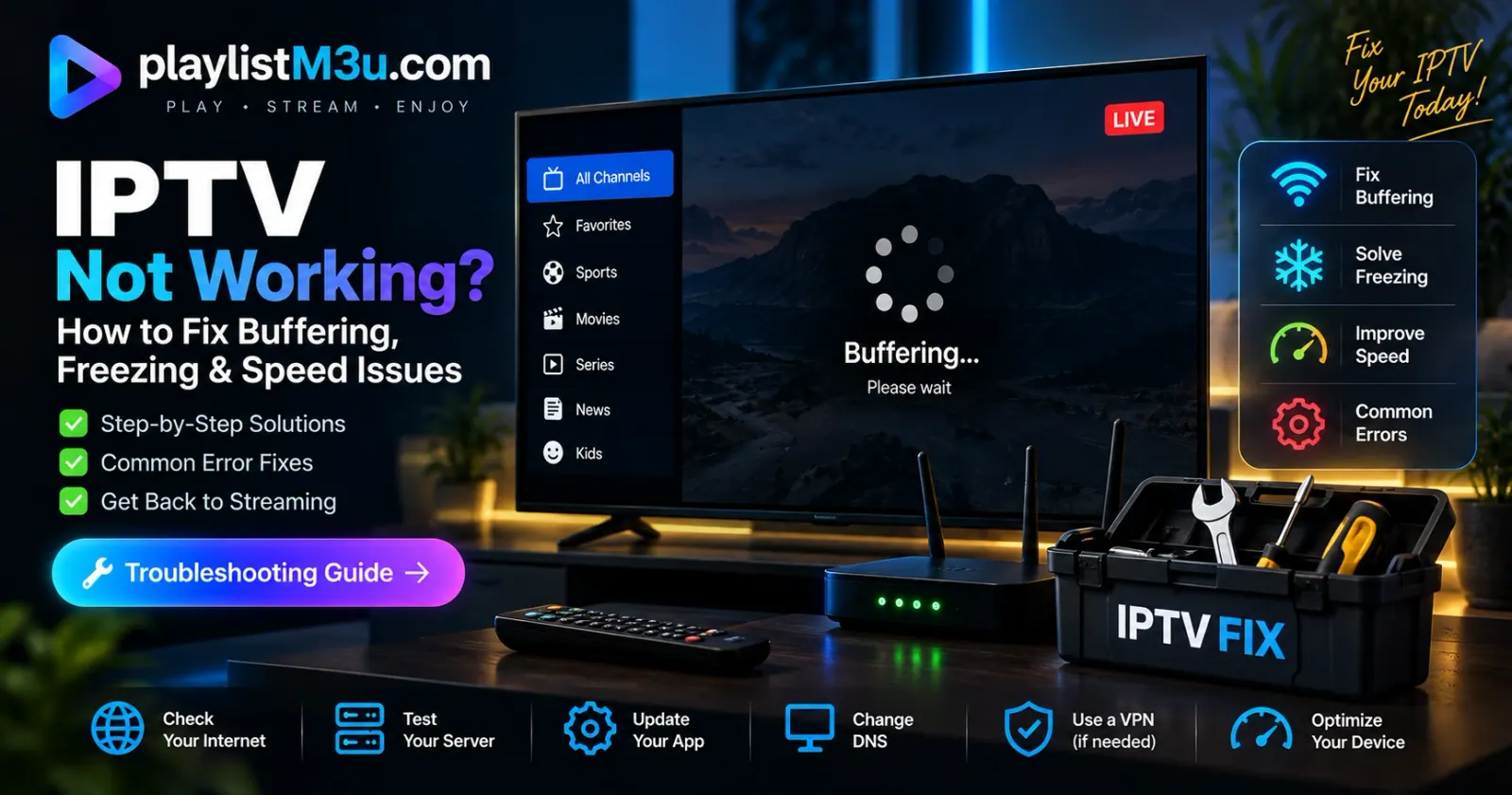
The roar of the crowd, the climax of a cinematic masterpiece, or the heat of a live news broadcast - nothing kills the immersion faster than the dreaded buffering wheel. In 2026, streaming technology has evolved, but so have the hurdles. Whether it's localized ISP throttling or misconfigured player caches, your "IPTV not working" problem usually has a technical root that is simpler to fix than you think.
"Reliability is the currency of modern streaming. If your curator isn't delivering perfection, it's time to refine the signal." - Editorial Team
01 The Performance Audit
The 50Mbps Baseline
While 4K streams technically require 25Mbps, network overhead and multi-device usage mean you should aim for 50Mbps to avoid packet loss. Run a test specifically to a server in the same region as your IPTV provider.
ISP Throttling & VPNs
ISPs often target IPTV traffic during peak hours. A high-speed VPN with WireGuard protocol encrypts your data, preventing your ISP from identifying and slowing down your stream.
View Legal Guide linkOptimizing Player Cache
Many modern players (like TiViMate or IPTV Smarters) default to a small buffer size. Increasing your buffer to "Large" or "10 Seconds" allows the app to store more video data ahead of time, smoothing out micro-drops in connectivity.

Related Editorial Guides

How to Choose a Provider
The 7 Security Red Flags to Watch For.
4K Streaming Setup
Why your HDMI cable might be the bottleneck.

Fiber vs. Starlink
Which ISP tech is best for live TV?
Frequently Asked Questions
Why does my IPTV only buffer during big sports events? expand_more
This is usually a result of "Server Overload" or "ISP Throttling." During major events, millions of users ping the same provider servers. If the provider hasn't scaled their bandwidth, it creates a bottleneck. Alternatively, ISPs detect high-bandwidth streaming clusters and throttle them. Using a VPN is the primary fix here.
Does changing DNS settings really help? expand_more
Yes. Default ISP DNS servers can be slow or blocked for certain streaming domains. Switching to Cloudflare (1.1.1.1) or Google (8.8.8.8) can improve connection resolution times and bypass local domain-level blocks.
What is the best format: M3U or Xtream Codes? expand_more
Xtream Codes is generally superior for performance as it handles metadata (EPG and logos) more efficiently than a raw M3U link, reducing the initial load time of your player.
Final Verdict
Fixing IPTV issues isn't about one magic button - it's about building a stack that prioritizes clean signals. Ensure your hardware is hardwired via Ethernet, your software cache is optimized, and your connection is masked by a high-performance VPN. When these elements align, the "Cinematic Curator" experience becomes flawless.