
IPTV Guides - Setup & Optimization (2026)
Master IPTV streaming with our comprehensive guides covering everything from beginner setup tutorials to advanced optimization techniques. Whether you're new to IPTV or looking to enhance your streaming experience, our step-by-step guides provide actionable solutions for all skill levels.
Getting Started with IPTV
New to IPTV? Start with our beginner-friendly guides that explain what IPTV is, how it works, and how to set it up on your devices. Learn about M3U playlists, Xtream Codes, EPG configuration, and choosing the right IPTV player for your needs.
Our setup guides cover popular devices including Firestick, Android TV, Smart TVs, iOS, and Windows. Each tutorial includes screenshots, troubleshooting tips, and recommended settings for optimal performance.
Optimization & Advanced Topics
Take your IPTV experience to the next level with our optimization guides. Learn how to eliminate buffering, configure VPNs for privacy and speed, optimize network settings, and troubleshoot common issues. Our guides are based on real-world testing and proven techniques.
Discover advanced topics like 4K streaming requirements, multi-room setups, parental controls, and integrating IPTV with home automation systems. If you encounter issues, check our troubleshooting section for quick fixes.
What You'll Learn
school Beginner Tutorials
Step-by-step guides for setting up IPTV on any device, understanding playlists, and configuring your first stream.
tune Optimization Tips
Advanced techniques to eliminate buffering, improve stream quality, and optimize your network for 4K streaming.
security Privacy & Security
Learn about VPNs, legal considerations, and how to protect your privacy while streaming IPTV content.
lightbulb Pro Tips for Better IPTV Streaming
- check_circle Use wired connections: Ethernet provides 10x more stable connections than WiFi for buffer-free streaming
- check_circle Enable hardware acceleration: Reduces CPU usage and improves playback smoothness on all devices
- check_circle Configure VPN properly: Choose nearby servers and fast protocols like WireGuard for minimal speed loss
- check_circle Update regularly: Keep your IPTV apps and device firmware updated for best performance and security
- check_circle Test before committing: Always use free trials to test stream quality and compatibility with your setup
Popular IPTV Guides
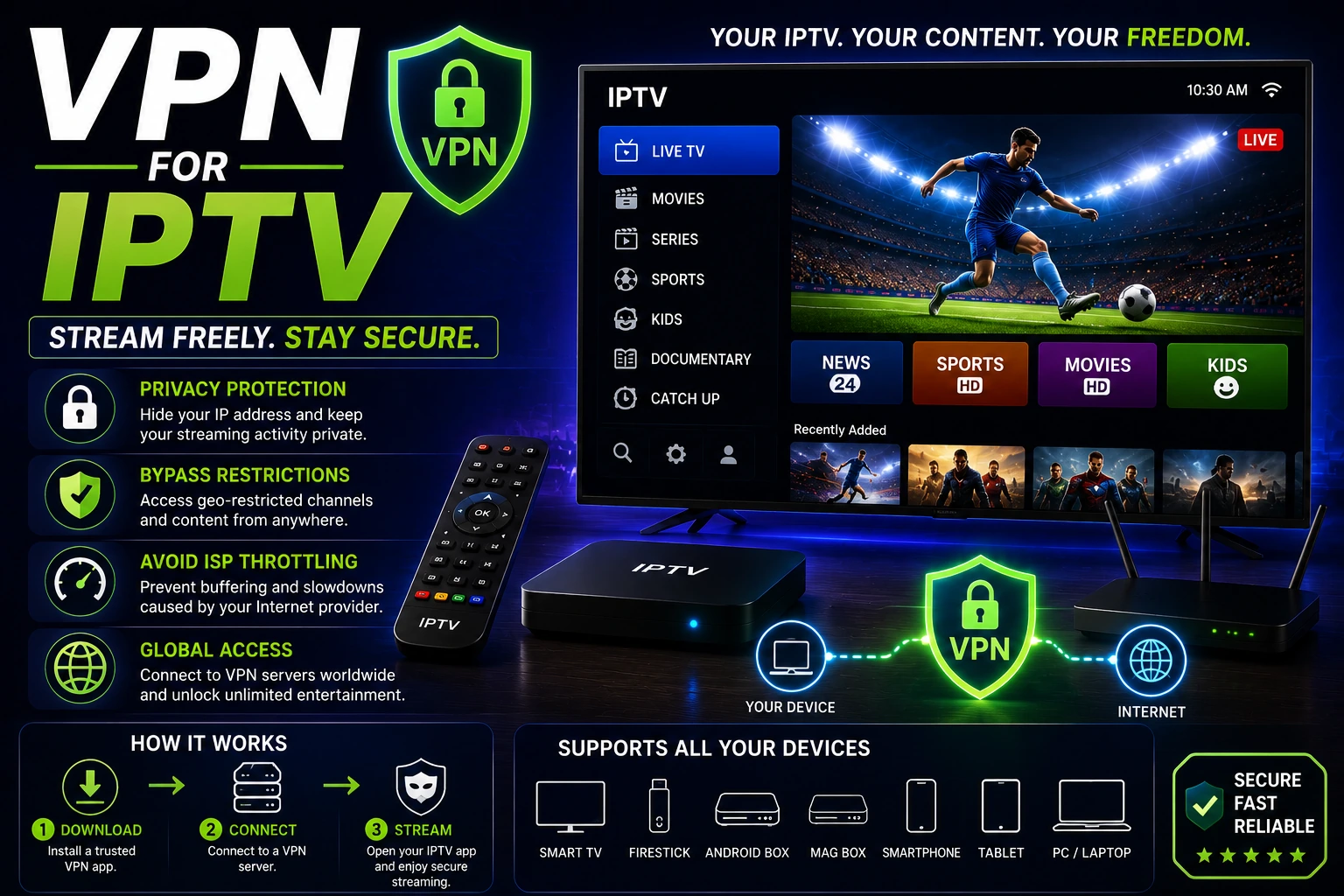
Best VPN for IPTV (2026)
Stop ISP throttling and protect your privacy. Complete guide to choosing and setting up VPNs for IPTV streaming.
Read Guide →
Xtream Codes Guide
Learn about Xtream Codes API, how to use them safely, and the difference between M3U and Xtream formats.
Learn More →
M3U Playlist Guide (2026)
Free legal sources (iptv-org, Free-TV) plus format, create/edit and how to load in any player.
Read Guide →
Public IPTV Playlists
Copy-paste verified public M3U URLs, compare sources, add EPG and load in TiviMate, Smarters, VLC or Kodi.
View Sources →
M3U Playlists Hub
All M3U resources in one place: daily links, format guides, comparisons and fixes.
Browse M3U →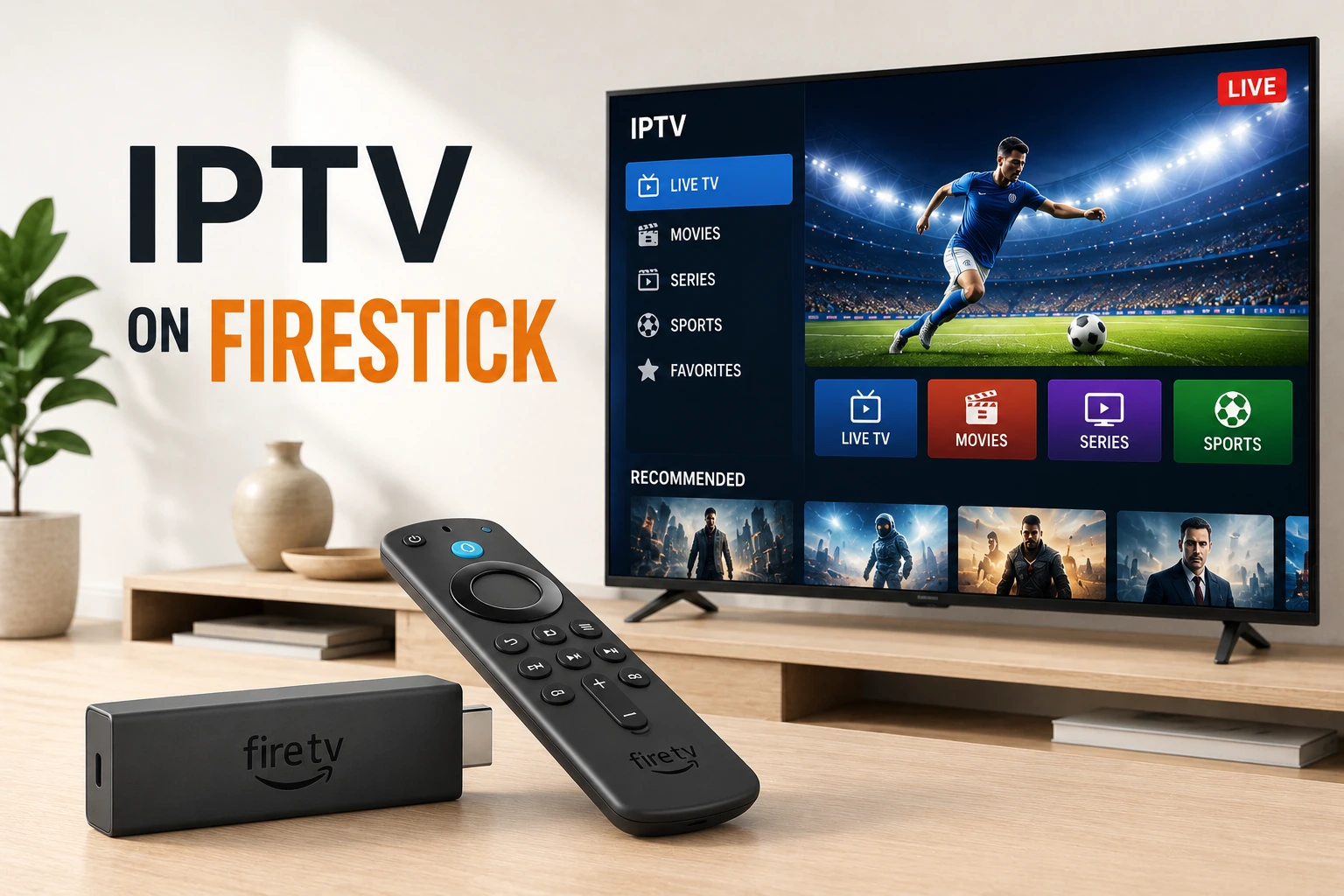
Setup IPTV on Firestick
Complete step-by-step guide to installing and configuring IPTV apps on Amazon Firestick and Fire TV.
Learn More →Browse by Topic
Getting Started
- • What is IPTV?
- • How IPTV Works
- • IPTV vs Cable TV
- • Is IPTV Legal?
Setup Guides
- • Setup on Firestick
- • Setup on Android TV
- • Setup on Smart TV
- • M3U Playlist Guide
Optimization
- • Optimize Streaming
- • 4K IPTV Requirements
- • Network Configuration
- • Buffer Settings
Privacy & Security
- • VPN for IPTV
- • Privacy Protection
- • Legal Considerations
- • Safe Streaming Tips
Specialized Topics
- • IPTV for Sports
- • Multi-Room Setup
- • Parental Controls
- • EPG Configuration
Comparisons
- • M3U vs Xtream Codes
- • IPTV vs Streaming Apps
- • Player Comparisons
- • Protocol Differences
Related IPTV Resources
IPTV Services
Compare top IPTV providers, subscription plans, and find services with free trials.
IPTV Troubleshooting
Fix buffering, connection errors, and streaming issues with our troubleshooting guides.
IPTV Players
Compare IPTV Smarters, TiviMate, and other top players for all devices.
IPTV by Country
Find IPTV providers optimized for your country with local channels and content.
Frequently Asked Questions
What is IPTV and how does it work? expand_more
IPTV (Internet Protocol Television) delivers TV content over the internet instead of traditional cable or satellite. It uses your internet connection to stream live TV, movies, and shows directly to your device. IPTV works by encoding video content into data packets and transmitting them over IP networks, allowing you to watch content on-demand or live.
Do I need a VPN for IPTV? expand_more
While not mandatory, a VPN is highly recommended for IPTV. It prevents ISP throttling (which causes buffering), protects your privacy, and can bypass geo-restrictions. Many users report better streaming quality with a VPN because it eliminates ISP speed limitations. Check our VPN for IPTV guide for detailed recommendations.
How do I set up IPTV on Firestick? expand_more
Setting up IPTV on Firestick involves installing an IPTV player app (like IPTV Smarters or TiviMate), entering your IPTV provider's credentials or M3U URL, and configuring settings for optimal performance. Most apps are available in the Amazon Appstore. For apps not in the store, you can sideload using the Downloader app. Check our Firestick setup guide for step-by-step instructions.
What's the difference between M3U and Xtream Codes? expand_more
M3U is a playlist file format containing channel URLs, while Xtream Codes is an API-based system that provides live TV, VOD, and EPG data through a single login. Xtream Codes offers better organization, automatic updates, and integrated EPG, while M3U is simpler but requires manual playlist updates. Most modern IPTV services support both formats.
How can I stop IPTV buffering? expand_more
Stop IPTV buffering by using a wired Ethernet connection, enabling a VPN to bypass ISP throttling, increasing buffer size in your player settings, closing background apps, and ensuring your internet speed meets requirements (15+ Mbps for HD, 50+ Mbps for 4K). For detailed solutions, see our IPTV buffering fix guide.
Is IPTV legal? expand_more
IPTV technology itself is legal. However, the legality depends on the content being streamed. Licensed IPTV services that have proper distribution rights are legal. Unlicensed services that stream copyrighted content without permission are illegal. Always choose reputable IPTV providers with proper licensing to stay on the right side of the law.