
TiviMate Premium: Price, Features and Whether It Is Worth It
TiviMate Premium is the paid tier of the most popular IPTV player for Android TV, Fire TV and Android phones. The free app already loads a playlist and a TV guide; Premium removes the limits and unlocks multiple playlists, recording, catch-up, reminders and custom channel groups. It is a licence for the player, not a subscription to any IPTV service, so it does not include channels. This guide covers exactly what TiviMate Premium adds, what it costs in 2026, how activation works, and whether the upgrade is worth it for your setup.
bolt Quick Answer
- Premium is a player licence, not a channel package.
- $9.99 per year or $33.99 for a lifetime licence; annual includes a 7-day free trial.
- Buy at tivimate.com, or through TiviMate Companion on an Android phone.
- One licence covers five devices running at the same time.
- Buy it if you need recording, multi-view, catch-up or more than one playlist.
Free vs Premium
The free version of TiviMate is not a trial that expires. It is a working player with a hard limit on how much you can configure, which is enough for a single playlist on a single TV. Premium lifts those limits.
| Feature | Free | Premium |
|---|---|---|
| Playlists | One | Unlimited |
| EPG and channel guide | Basic | Full customization |
| Recording and scheduling | No | Yes, needs storage |
| Catch-up and archive | No | Yes, if the provider supports it |
| Multi-view | No | Up to 9 channels |
| Favourites and custom groups | No | Yes |
| Parental controls | No | Yes |
| Subtitles and audio tracks | No | Yes |
| Devices per licence | 1 | 5 simultaneous |
The exact feature split changes between TiviMate versions, so treat this as a guide to the tiers rather than a contract. If a specific feature decides the purchase for you, confirm it on the plan screen before paying.
What Premium Unlocks
playlist_add Multiple Playlists
Run a main subscription, a free-to-air list and a test playlist side by side, each with its own EPG. This is the feature most people upgrade for, because it lets you compare providers without wiping your setup.
fiber_manual_record Recording and Scheduled Recordings
Premium adds manual and scheduled recording from the guide. Recordings need somewhere to write: internal storage fills quickly, so use a USB drive or network share on Android TV, or expandable storage on a Fire TV device.
history Catch-Up and Archive
If your provider publishes a catch-up window, Premium surfaces it as a scroll-back row in the guide. A provider without archive metadata cannot be made to offer catch-up by the player, no matter which tier you buy. Our EPG guide explains how the guide data is matched.
notifications Reminders and Custom Groups
Set a reminder for a fixture and TiviMate offers to switch to the channel at kick-off. Custom groups let you build a short list of the ten channels you actually watch instead of scrolling a 9,000-entry lineup.
grid_view Multi-View
Premium can show up to nine channels on one screen, which is genuinely useful on a sports afternoon. Each pane uses a connection from your provider, so a 2x2 grid needs four connections. Older Fire TV sticks will struggle beyond two or three panes.
lock Parental Controls and Audio Tracks
Premium adds a PIN lock for channels or categories, plus access to alternate audio tracks and subtitles where the broadcaster provides them. The free app hides both.
Price and Activation
There are two plans: an annual licence that renews, and a one-time lifetime licence. Both cover five devices running at the same time, and the annual plan includes a 7-day free trial so you can test recording and multi-view before committing. Prices are quoted in USD and may be charged in EUR depending on your region and payment method.
| Plan | Price | Best for |
|---|---|---|
| Annual | $9.99/year | Testing Premium with the 7-day trial |
| Lifetime | $33.99 once | Daily use; pays back in under four years |
How to Buy and Activate
- 1. Buy at tivimate.com. Create an account with the email you will use on the TV, choose annual or lifetime, and pay. This route works on any device and is the one to use if the in-app purchase is missing in your region.
- 2. Sign in on the TV. Open TiviMate, go to Settings, Account, and enter the same email and password. There is no key to type; the account is the licence.
- 3. On a phone, use Companion. Android phones and tablets buy through TiviMate Companion from Google Play. If you already bought on the website, sign in there instead of buying again so the licence carries over.
- 4. Check the badge appears. Premium unlocks as soon as the account check completes, usually within a minute.
Note: If the TV app still shows the free limits after signing in, force-close and reopen TiviMate and check that the email matches exactly. When an annual plan expires, the app reverts to the free tier, keeps your playlists, and locks the extra features until you renew. The lifetime plan does not expire.
Buy from the developer, not a reseller. The only official sources are tivimate.com and TiviMate Companion. Cheap "lifetime" licences sold elsewhere are usually shared or cracked accounts that can be revoked.
Is It Worth It?
For a single TV running one playlist, the free version is genuinely usable and the upgrade mainly buys convenience. The calculation changes in three situations:
- You compare providers. Multiple playlists let you keep a trial and your current service loaded at the same time. That alone is usually worth the annual price.
- You record. No other mainstream Android player matches TiviMate's recording and guide integration at this price.
- You follow live sport. Reminders, a clean sports group and catch-up for matches you missed are the features that make the upgrade pay for itself during a season.
If none of those apply, stay on the free tier. The player does not degrade over time, and nothing in the free version stops you from adding a paid IPTV subscription later.
Alternatives Worth Testing
TiviMate is Android-only, which rules it out on Apple TV, Samsung Tizen and LG webOS. If you are on one of those platforms, or you want a free player with no licence at all, test these instead:
Frequently Asked Questions
How much does TiviMate Premium cost?
TiviMate Premium costs $9.99 per year or $33.99 once for a lifetime licence. The annual plan includes a 7-day free trial; the lifetime plan does not. Prices are quoted in USD but can be charged in EUR depending on your region and payment method, and the developer can change them, so confirm the figure at tivimate.com or in the TiviMate Companion app before paying.
Does TiviMate Premium include IPTV channels?
No. TiviMate is a player, not a provider. Premium unlocks player features such as multiple playlists, recording and reminders, but you still need your own M3U playlist or Xtream Codes login from a licensed IPTV service. Buying Premium on its own gives you an empty app.
How do I activate TiviMate Premium?
Buy the licence at tivimate.com, then open TiviMate on your TV, go to Settings, Account, and sign in with the same email and password. On an Android phone or tablet, install TiviMate Companion from Google Play, sign in there, and purchase through Google Play billing instead. There is no licence key: your account is the licence.
How many devices can use one TiviMate Premium licence?
One TiviMate account can be signed in on several devices at the same time, currently five. That limit applies to the player, not to your IPTV provider: each device that streams still uses a connection from your IPTV subscription.
Is TiviMate Premium worth it?
It is worth it if you run more than one playlist, want to record, or need catch-up and reminders on an Android TV or Fire TV device. If you only watch one playlist live and never record, the free version covers the basics and a free alternative such as IPTV Smarters Pro may be enough.
Does TiviMate Premium work on iPhone or Samsung TVs?
No. TiviMate is an Android application, so it runs on Android TV, Google TV, Fire TV and Android phones and tablets. There is no iOS or tvOS version and no native Samsung Tizen or LG webOS app. On those platforms you need a different player such as IPTV Smarters Player Lite or GSE Smart IPTV.
link Related Guides
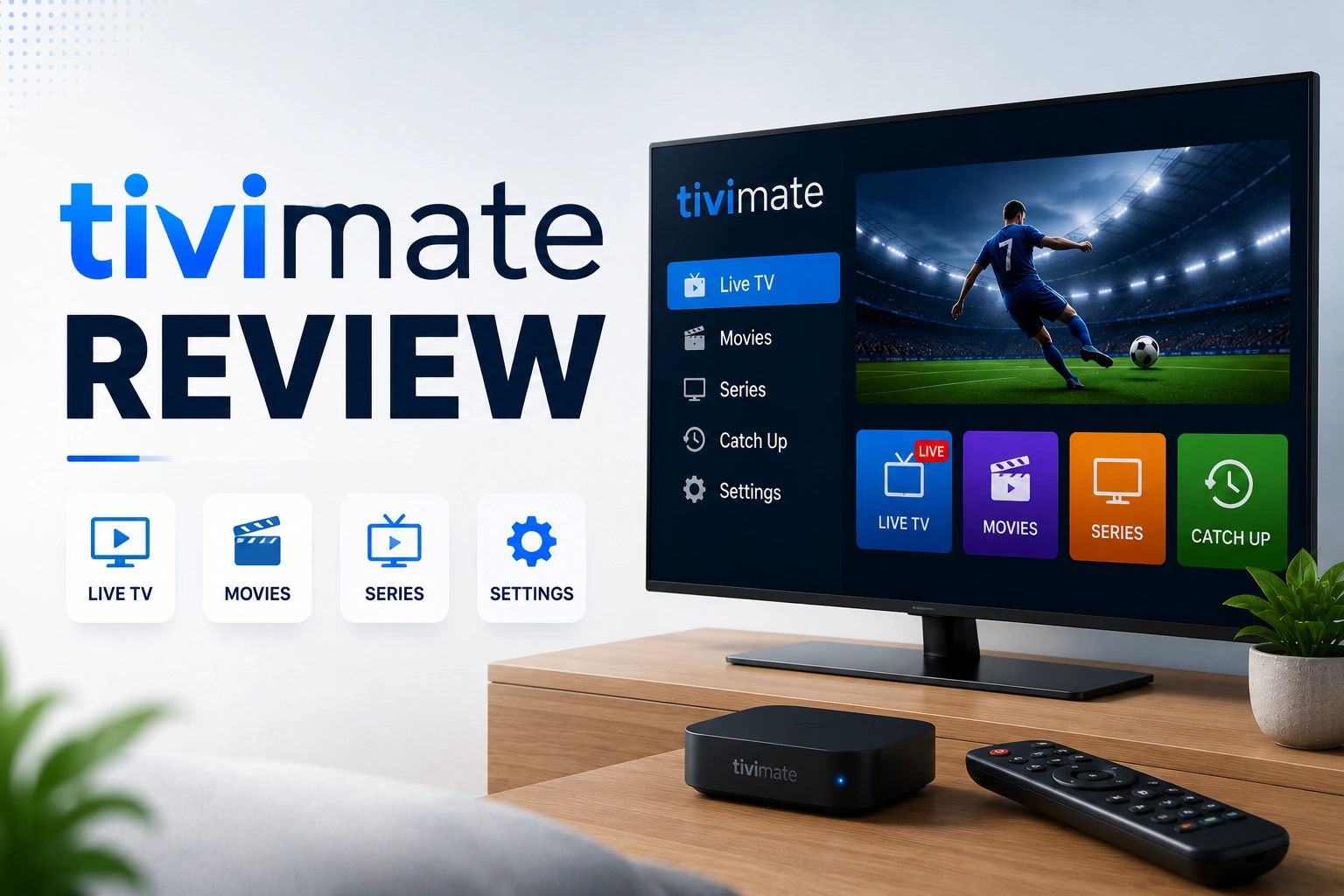
TiviMate Review
Hands-on review of the player, interface and recording
EPG Guide
Add and fix the TV guide your playlist needs
Setup IPTV on Firestick
Install a player on Fire TV step by step
IPTV Smarters Pro
Free cross-platform alternative to TiviMate