
Public IPTV Playlists Free Legal Sources & Setup
Paste verified public IPTV playlist URLs into VLC, TiviMate, IPTV Smarters or Kodi — no downloads. Compare trusted sources like iptv-org and Free-TV, add EPG, pick country slices, and fix dead channels. Free-to-air only.
upgrade Free lists not cutting it? Try a paid trial first.
Public playlists cover free-to-air channels only — no Sky Sport, no DAZN, no NFL Sunday Ticket, no PPV. If you need premium sports, live events, or stable 4K VOD, a paid IPTV subscription is the step up. Both services below offer 24–48 hour free trials — test before you pay.
StrongIPTV
50,000+ channels including premium sports, 4K streams, and a 190,000+ VOD library. Plans from $16/month. 24-hour free trial available.
Get StrongIPTV Trial open_in_newFavIPTV
Premium IPTV with extensive sports coverage, stable servers, and multi-device support. Free trial available to test quality before subscribing.
Get FavIPTV Trial open_in_newAffiliate disclosure: the two providers above are affiliate partners — we may earn a commission if you subscribe through these links, at no extra cost to you.
Always test during a live sports match on peak hours. If it buffers during the trial, it will buffer when you need it most. See how to evaluate a free trial →
content_copy Quick Answer — Copy-Paste URLs
Paste these directly in your player (Add playlist → URL). Prefer small country/category slices over the full 10k file.
https://iptv-org.github.io/iptv/index.m3u # Everything (~10k)https://iptv-org.github.io/iptv/categories/news.m3u # News only (~930)https://iptv-org.github.io/iptv/categories/sports.m3u # Sports (~320)https://raw.githubusercontent.com/Free-TV/IPTV/master/playlist.m3u8 # Curated HD coreCountry slices: see By Country below (US/UK/DE/FR). All links are public/free-to-air. Legality → • Setup in 4 players →
New to a list? Run our public IPTV playlist test before importing all 10k channels — file check, stream sample and player playback in about five minutes.
Why slices? The full file contains 10k+ entries. A news or country slice like countries/us.m3u loads faster, has fewer dead links, and is far easier to review in an M3U checker. New? Start with the Free-TV line, then add one category slice.
Best Public IPTV Playlist Sources Compared
We compare the projects Google actually surfaces for this query. Same topic, very different focus. Pick one starter + one specialist.
| Source | Channels | Updates | Best for |
|---|---|---|---|
| iptv-org/iptv | ~10k+ | Daily (GitHub auto-build) | All-rounder; country/language/category slices |
| Free-TV/IPTV | Curated core | Regular hand curation | Most reliable starter — HD, one link per channel |
| IPTV-By-Shovo | Categories (sports/news/movies) | Daily GitHub Pages | Category browsing + 2026-maintained |
| world_ip_tv | Working-only subset | Every 6h (checker bot) | Lowest broken-link rate (auto-verified) |
| jromero88/iptv | By country & category | Community updates | Neat slices (incl. VOD list) — organized alternative |
We do not host streams — these are links to public/free-to-air sources maintainers say are broadcast openly. Pick iptv-org + Free-TV to cover both scale and reliability. Prefer M3U over Xtream for public playlists (direct URLs, no auth, easier to inspect). New to the project behind most of these links? See our iptv-org GitHub playlist guide for the index.m3u URL, slices, JSON API and VLC steps.
What Is a Public IPTV Playlist?
An M3U (.m3u / .m3u8) text file listing channel names, logos, group titles and the direct stream URL for each channel. Your player turns that text file into a browsable channel list.
M3U (.m3u)
Standard format; kan have issues with special characters.
M3U8 (.m3u8)
UTF-8 version — preferred (handles international names correctly).
Public vs private
This guide covers only public/free-to-air feeds. M3U vs Xtream →
M3U snippet (two lines per channel)
#EXTM3U
#EXTINF:-1 tvg-id="BBCOne.uk" tvg-logo="logo.png" group-title="UK",BBC One
http://example.com/bbc1.m3u8
Full breakdown in M3U Playlist Guide (create/edit, tvg-id, group-title, add logos & EPG).
Are Public IPTV Playlists Legal?
IPTV as a technology is legal everywhere. Whether a specific playlist is legal depends on whether each stream is free-to-air and published by the rights holder for everyone to watch.
Projects like iptv-org and Free-TV state they link only to streams they believe are public/free-to-air, host no video themselves, and honour removal requests. That is much narrower than lists promising hundreds of premium pay channels for free — those are almost always unlicensed.
- Stick to reputable public projects; avoid "10k premium channels free" lists.
- Check each channel's rights in your country — a free stream in one region can be licensed-only in another.
- We host no streams. See Is IPTV Legal? and our DMCA.
Disclaimer: This page links to third-party public sources for information/testing only. It is not a broadcast provider. If you redistribute a filtered copy commercially, do your own rights review.
Load Public Playlists in TiviMate, Smarters, VLC & Kodi
Always load by URL (not by downloading the file once) — your player then auto-updates whenever the source rebuilds. Test in VLC first.
TiviMate (Android TV / Fire TV)
- Settings → Playlists → Add playlist
- Choose Enter URL
- Paste (e.g.
.../iptv/index.m3u) → Next → let channels load
Full setup: TiviMate review • EPG: enable auto-update in Settings.
IPTV Smarters Pro
- Add Playlist → Login with M3U URL
- Any playlist name + any user/pass → paste the M3U URL → Add User
Review & tips: IPTV Smarters Pro • Compare players: Best IPTV Players
VLC (Windows/Mac/Linux)
- Media → Open Network Stream
- Paste the playlist URL → Play → Playlist shows as browsable list
How-to: VLC IPTV Setup.
Kodi
- Add-ons → PVR IPTV Simple Client → Install & Enable
- Configure → General → M3U Playlist URL → paste → Enable
Restart Kodi; guide data comes from your EPG setup.
Tip for all players: start with a small slice (e.g. countries/us.m3u or Free-TV) to confirm playback before adding larger lists. If buffering is heavy, see Buffering Fix.
Add EPG (TV Guide) to Public Playlists
Most public playlists pair with a separate XMLTV guide file. Load one EPG URL and your player matches channels by tvg-id.
Header placement (when present):
#EXTM3U url-tvg="https://iptv-org.github.io/epg/guides/all.xml"
#EXTINF:-1 tvg-id="BBCOne.uk" ...,BBC One- Public data hub: iptv-org/epg — guides split by country/language.
- In TiviMate / Smarters: Settings → EPG → Add source → paste the XMLTV URL → Refresh.
- Let EPG download finish (a few minutes), then restart the player if logos stay empty.
- Logos use
tvg-logoper channel — direct PNG/JPG only.
Deep dive: EPG Guide • Broken guide? EPG Not Working fix.
Public Playlists by Country
Country slices mirror your regional pages — same channels, same EPG, but as a playlist you can load anywhere.
| Country | Slice URL (paste in player) | PlaylistM3U guide |
|---|---|---|
| 🇩🇪 Germany | iptv-org.github.io/iptv/countries/de.m3u | IPTV Anbieter |
| 🇺🇸 USA | iptv-org.github.io/iptv/countries/us.m3u | USA guide |
| 🇬🇧 UK | iptv-org.github.io/iptv/countries/uk.m3u | UK guide |
| 🇫🇷 France | iptv-org.github.io/iptv/countries/fr.m3u | France guide |
Full list: PLAYLISTS.md. Also browse by language/category in the project nav before taking the 10k-file.
Fixing Dead Channels
Public URLs expire, rotate CDN paths, or get geo-geo-blocked. This is normal — prune and try a nearby slice.
Playlist won't load at all
Missing #EXTM3U header, wrong encoding, or URL is 404 in the browser. Verify header, ensure UTF-8, test URL directly. Details → M3U Not Loading.
Browser says CORS error but app plays it
Server blocks browser playback. Load the same URL in TiviMate/Smarters/VLC instead.
Channel plays elsewhere but not for you
Geo-block. Try a different country's slice or enable a VPN to a nearby server — see VPN for IPTV.
Quick diagnosis: symptom → cause → fix
| Symptom | Likely cause | Fix |
|---|---|---|
| Channel opens, then freezes after a few seconds | Stream bitrate above your sustained throughput | Buffering fix |
| "Unable to open" in VLC or the app | Dead URL, 403/404, or rotated CDN path | Test the URL |
| Audio plays, video stays black | HEVC/H.265 or AC3 not decoded by the device | Audio/video fix · Black screen |
| Playlist imports but shows 0 channels | Missing #EXTM3U header, wrong encoding, malformed entries | Run the M3U checker |
| Works on phone, fails on TV | TV app has stricter codec and buffer limits | Freezing fix |
| Channels load, guide is empty | tvg-id values do not match the XMLTV source | EPG fix |
Also see Playlist Error and Buffering Fix. For recurring failures, switch from the global file to the auto-verified list (world_ip_tv) or refresh from Free-TV.
Public Playlist Safety Checklist
| Check | Green flag | Red flag |
|---|---|---|
| Channel promise | Free-to-air only | "10k premium channels free" |
| Update activity | Recent commits / rebuilt daily | No history, no README |
| Links | Direct https:// stream URLs | Shortened links hiding the host |
| Auth | No login required | Asks for credentials / personal data |
| Delivery | Load by URL (auto-updates) | Obscure downloader / extension required |
| First test | Works in VLC | Only "works" in unknown app |
When in doubt, load a category slice into VLC and inspect a few URLs before pushing the playlist to your TV.
Frequently Asked Questions
What is a public IPTV playlist?
A public IPTV playlist is an M3U or M3U8 file listing free-to-air channels that broadcasters publish openly on the internet. Projects like iptv-org and Free-TV collect these public stream URLs into playlists you can load into VLC, TiviMate, Kodi or any M3U-compatible player.
Are public IPTV playlists legal?
Playlists limited to free-to-air feeds (news, public broadcasters, FAST channels) are legal to watch in most countries because broadcasters publish these streams for everyone. Legality depends on each channel's rights in your region. Stick to reputable projects, avoid lists promising premium paid channels for free, and check local rules.
What is the best public IPTV playlist in 2026?
iptv-org is the best all-rounder (~10,000+ channels, updated daily, split by country and category). Free-TV is the most reliable starter list thanks to HD-only curation. Load category or country slices instead of the giant global file.
Is iptv-org safe to use?
Yes. iptv-org hosts no video; it links to streams its maintainers believe are publicly available, has a transparent removal process, and updates via GitHub daily. Streams can still be geo-blocked or go offline, so test slices before loading them on your TV.
Why do channels in public IPTV playlists stop working?
Public stream URLs rotate CDN paths, switch off, or become geo-blocked without notice. That is why you should load playlists by URL (so they auto-update), prefer maintained projects, and prune dead entries when channels fail.
How do I add a public IPTV playlist to TiviMate?
Open TiviMate → Settings → Playlists → Add playlist → Enter URL, paste a playlist link such as https://iptv-org.github.io/iptv/index.m3u, then save and let channels load.
Do public playlists work with IPTV Smarters Pro?
Yes. In IPTV Smarters Pro choose Add Playlist → Login with M3U URL, enter any name plus the M3U link, and save. EPG loads separately if the playlist includes an XMLTV link.
Can I watch public IPTV playlists in a browser?
Individual HLS (.m3u8) streams often play directly in browsers, but full M3U playlists need a player app. The easiest route is VLC: Media → Open Network Stream → paste the playlist URL.
Do I need a VPN for public IPTV playlists?
Not mandatory, but recommended. A VPN prevents ISP throttling, reduces buffering, protects privacy, and lets you reach free-to-air channels geo-blocked in your region. See our VPN for IPTV guide for setup.
How often do public IPTV playlists update?
iptv-org rebuilds daily through GitHub automation; Free-TV refreshes regularly by hand. Always load via URL rather than downloading the file once, so your player auto-refreshes.
What is the difference between M3U and M3U8?
M3U8 is simply M3U saved with UTF-8 encoding so international channel names display correctly. Both work identically in players; prefer .m3u8 sources.
Can I get EPG data for public playlists?
Yes. iptv-org/epg publishes guide data for thousands of public channels, and many playlists embed an url-tvg attribute. Add the XMLTV URL in your player's EPG settings.
link Related Guides
M3U Playlist Guide
Master the M3U format: sources, create & edit
EPG Guide
Add TV guide data to any playlist
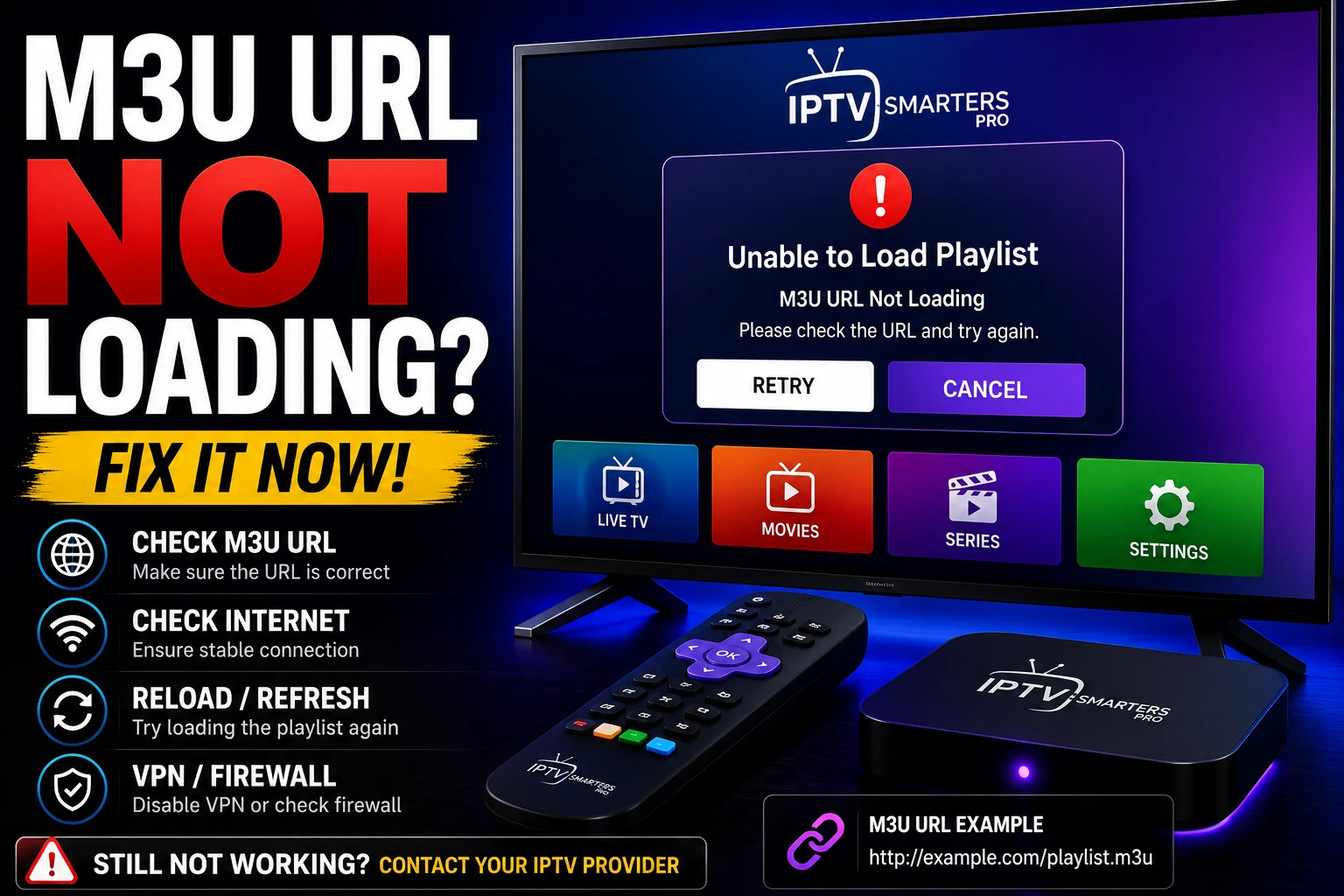
M3U Not Loading
Fix playlist URL errors
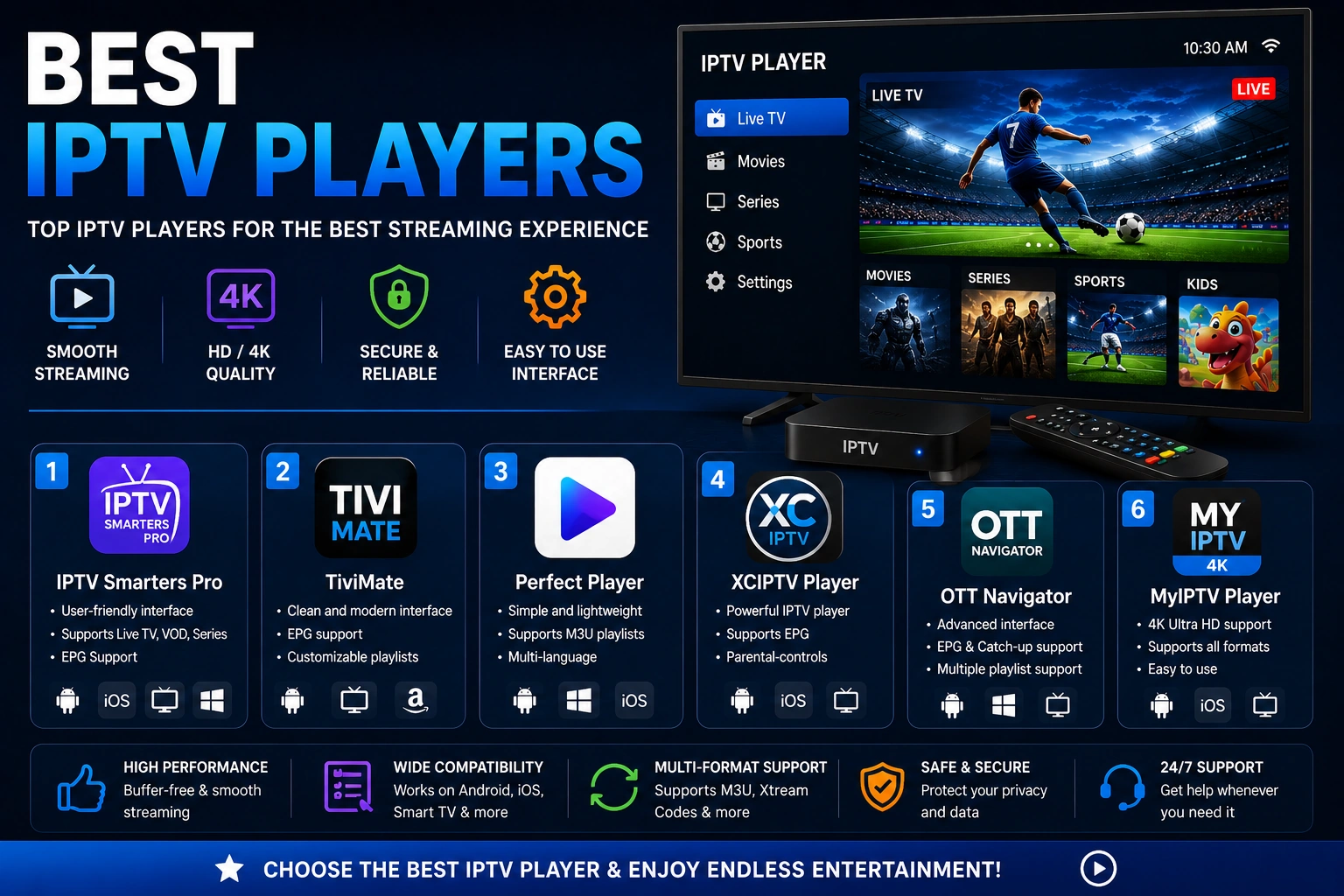
Best IPTV Players
TiviMate, Smarters & top choices
Smart IPTV App
Download, playlist setup & activation