
Smart IPTV Review (2026) - SIPTV Guide
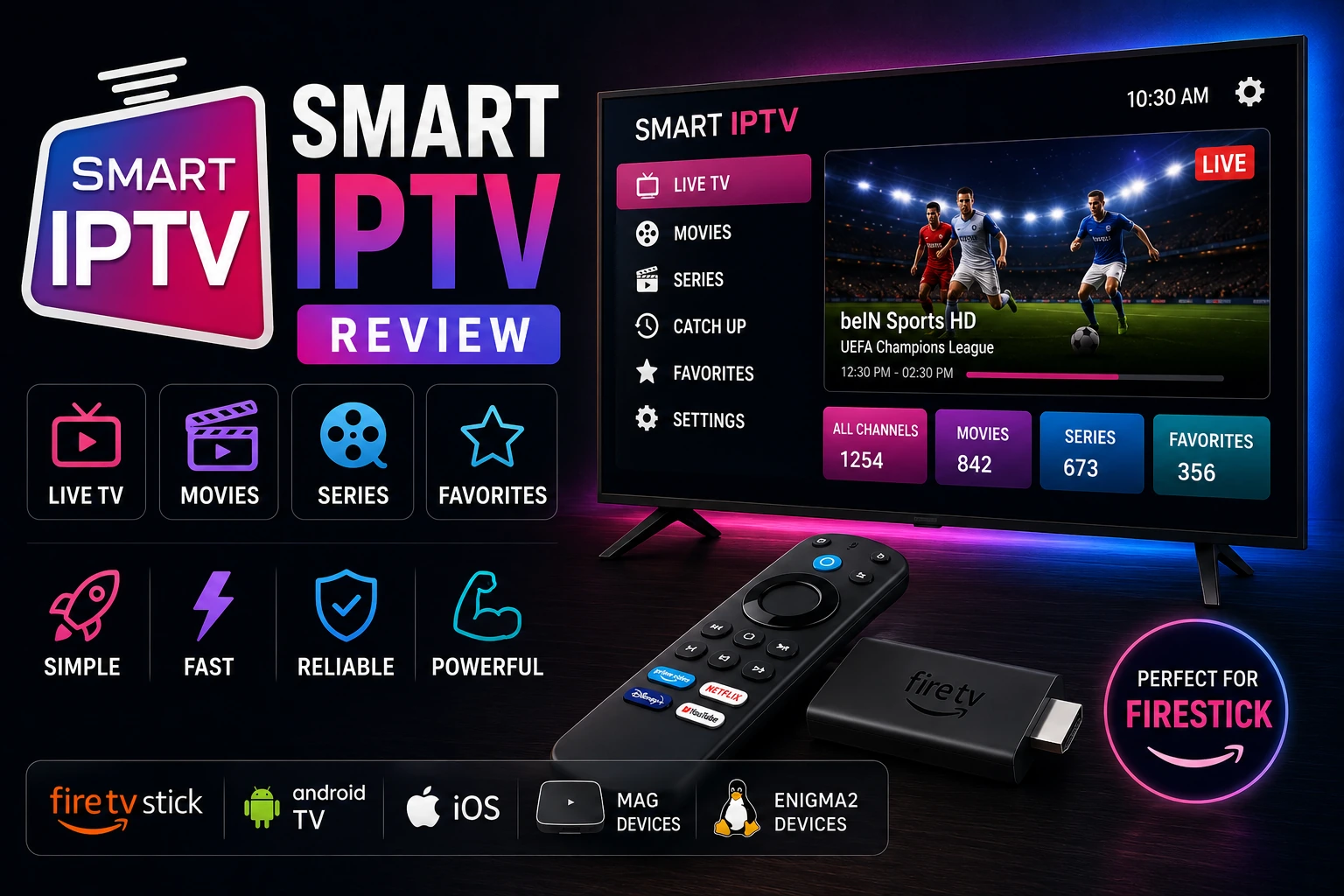
Smart IPTV (SIPTV) is one of the most popular IPTV apps for Smart TVs, offering a simple way to watch IPTV channels on Samsung, LG, and other Smart TV platforms. This comprehensive review covers everything about Smart IPTV including activation process, features, setup guide, pricing, and whether it's worth the one-time payment.
star Quick Verdict
Smart IPTV is the best IPTV solution for Smart TV users who want a simple, reliable player without needing external devices. The €5.49 lifetime activation is excellent value, and the app works flawlessly on Samsung and LG TVs. However, it lacks advanced features like recording and catch-up TV.
What is Smart IPTV?
Smart IPTV (also known as SIPTV) is an IPTV player application designed specifically for Smart TVs. Unlike mobile or Android TV apps, Smart IPTV runs natively on Samsung Tizen, LG webOS, and other Smart TV operating systems, eliminating the need for external streaming devices.
The app itself doesn't provide any content - it's purely a player that loads M3U playlists from your IPTV provider. You need an active IPTV subscription to use Smart IPTV.
What It Is
- • IPTV player for Smart TVs
- • M3U playlist loader
- • One-time payment app
- • Native Smart TV application
What It's Not
- • Not an IPTV service/provider
- • Doesn't include channels
- • Not a subscription service
- • Not for phones/tablets
Smart IPTV Key Features
Native Smart TV App
Runs directly on Samsung, LG, and other Smart TVs without external devices
One-Time Payment
€5.49 lifetime activation per device - no recurring subscription fees
M3U Playlist Support
Load playlists via URL or upload M3U file directly
EPG Support
Electronic program guide with automatic updates from provider
Favorites & Groups
Organize channels into favorites and custom groups
Parental Controls
PIN protection for adult channels and content
Channel Search
Quick search to find channels in large playlists
Remote Control Optimized
Designed for TV remote navigation, not touch screens
Auto Playlist Update
Automatically refresh playlists from URL
Multi-Language
Interface available in 20+ languages
Subtitle Support
Display subtitles when available in stream
Backup & Restore
Export settings and playlists for backup
How to Activate Smart IPTV
1 Install Smart IPTV App
For Samsung Smart TV:
- • Press Smart Hub button on remote
- • Search for "Smart IPTV" in app store
- • Click Install and wait for download
- • Open app after installation
For LG Smart TV:
- • Press Home button on remote
- • Open LG Content Store
- • Search for "Smart IPTV"
- • Install and launch app

2 Note Your MAC Address
- check_circle Open Smart IPTV app on your TV
- check_circle MAC address will be displayed on screen
- check_circle Write down or take photo of MAC address
- check_circle Format: 00:1A:79:XX:XX:XX
3 Visit Activation Website
- check_circle Go to siptv.eu/activation on computer or phone
- check_circle Enter your TV's MAC address
- check_circle Enter your email address
- check_circle Click "Send" to proceed to payment
4 Complete Payment
- check_circle Payment amount: €5.49 (approximately $6 USD)
- check_circle Payment methods: Credit card, PayPal, cryptocurrency
- check_circle Complete secure payment process
- check_circle Save payment confirmation email
5 Wait for Activation
- check_circle Activation usually completes within 5-10 minutes
- check_circle Can take up to 24 hours during busy periods
- check_circle You'll receive confirmation email when activated
- check_circle Restart Smart IPTV app after activation
6 Add Your Playlist
- check_circle Open Smart IPTV app (now activated)
- check_circle Go to Settings → Add Playlist
- check_circle Enter M3U URL from your IPTV provider
- check_circle Or upload M3U file via siptv.eu/mylist
- check_circle Wait for channels to load and start watching
How to Upload M3U Playlist
If your IPTV provider doesn't give you a direct M3U URL, you can upload the playlist file manually:
Step 1: Get MAC Address
Note your TV's MAC address from Smart IPTV app
Step 2: Visit Upload Page
Go to siptv.eu/mylist on computer
Step 3: Enter MAC Address
Enter your TV's MAC address in the form
Step 4: Upload M3U File
Click "Choose File" and select your M3U playlist
Step 5: Submit
Click "Send" to upload playlist to your TV
Step 6: Restart App
Close and reopen Smart IPTV app to load new playlist
Note: Uploaded playlists don't auto-update. Use M3U URL method for automatic updates from your provider.
Pros & Cons
thumb_up Pros
- check_circle Native Smart TV app - no external device needed
- check_circle One-time payment of €5.49 - no subscriptions
- check_circle Simple, clean interface optimized for TV
- check_circle Works on Samsung, LG, and other Smart TVs
- check_circle Reliable and stable performance
- check_circle EPG support with auto-updates
- check_circle Easy playlist management
- check_circle Regular updates and improvements
thumb_down Cons
- cancel Requires payment per device (not per account)
- cancel No recording or catch-up features
- cancel Limited customization options
- cancel No Xtream Codes API support
- cancel Activation can take up to 24 hours
- cancel Only works on Smart TVs - not mobile
- cancel Limited customer support
Smart IPTV Pricing
What's Included:
- • Lifetime activation for one device
- • All features unlocked
- • Free updates forever
- • EPG support
- • Unlimited playlists
- • No recurring fees
Important Notes:
- • Payment is per MAC address (device)
- • Multiple TVs need separate activations
- • Non-refundable after activation
- • IPTV subscription sold separately
- • Activation takes 5 min - 24 hours
Supported Devices
check_circle Samsung Smart TV
Models from 2015 onwards running Tizen OS. Available in Samsung App Store.
check_circle LG Smart TV
Models with webOS (2014+). Download from LG Content Store.
check_circle Android TV
Sony, Philips, and other Android TV devices. Available on Google Play Store.
check_circle Amazon Fire TV
Fire TV Stick and Fire TV Cube. Download from Amazon Appstore.
check_circle MAG Boxes
MAG 250, 254, 256, 322, and other MAG IPTV set-top boxes.
cancel Not Supported
iOS (iPhone/iPad), Windows PC, Mac, Linux, Roku, Apple TV, Chromecast (standalone).
Common Issues & Solutions
Activation Not Working
- • Wait 24 hours - activation can be delayed
- • Check MAC address was entered correctly
- • Verify payment was completed successfully
- • Contact support at siptv.eu/support
Playlist Not Loading
- • Check M3U URL is correct and complete
- • Verify internet connection is working
- • Try uploading playlist via siptv.eu/mylist
- • Contact IPTV provider for valid playlist
Channels Buffering
- • Check internet speed (need 10+ Mbps)
- • Use wired Ethernet instead of WiFi
- • Contact IPTV provider about server issues
- • See our buffering fix guide
EPG Not Showing
- • Verify EPG URL is included in M3U playlist
- • Wait for EPG to download (can take time)
- • Check EPG format is compatible (XMLTV)
- • See EPG troubleshooting
App Removed from TV
- • Samsung/LG sometimes remove third-party apps
- • Reinstall from app store if available
- • Check siptv.eu for alternative installation methods
- • Consider alternative players like TiviMate
Smart IPTV vs Alternatives
| Feature | Smart IPTV | TiviMate | IPTV Smarters |
|---|---|---|---|
| Price | €5.49 lifetime | $5/year | Free |
| Smart TV Native | ✓ Yes | ✗ No | ✗ No |
| Samsung/LG Support | ✓ Yes | ✗ No | ✗ No |
| Recording | ✗ No | ✓ Yes | ✗ No |
| EPG Support | ✓ Yes | ✓ Yes | ✓ Yes |
| Xtream Codes | ✗ No | ✓ Yes | ✓ Yes |
| Interface | Simple | Excellent | Good |
| Mobile Support | ✗ No | ✗ No | ✓ Yes |
| Best For | Smart TV users | Android TV | Multi-platform |
Frequently Asked Questions
How much does Smart IPTV cost?
Smart IPTV costs €5.49 (approximately $6) for a lifetime activation per device. This is a one-time payment with no recurring subscription fees. You can activate it on Samsung, LG, or other supported Smart TVs.
What devices support Smart IPTV?
Smart IPTV works on Samsung Smart TV (2015+), LG Smart TV (webOS), Android TV, Fire TV, MAG boxes, and some other Smart TV platforms. It's designed specifically for Smart TVs, not phones or tablets.
Is Smart IPTV legal?
Smart IPTV app itself is legal - it's just a player. However, legality depends on the content you stream. Using it with legitimate IPTV subscriptions is legal, but streaming pirated content is illegal.
How do I activate Smart IPTV?
Activate Smart IPTV by installing the app on your Smart TV, noting the MAC address shown, visiting siptv.eu/activation, entering your MAC address and email, then paying €5.49. Activation completes within 24 hours.
Does Smart IPTV include channels?
No, Smart IPTV is just a player app. You need to provide your own M3U playlist from an IPTV provider. The app doesn't include any channels or content - you must have a separate IPTV subscription.
Can I use Smart IPTV on multiple TVs?
Each Smart TV requires a separate activation. The €5.49 payment activates one device (MAC address). To use on multiple TVs, you need to purchase activation for each device separately.
Final Verdict
Smart IPTV is the perfect solution for Smart TV owners who want a simple, reliable IPTV player without buying additional hardware. The €5.49 lifetime payment is excellent value compared to annual subscriptions, and the app works seamlessly on Samsung and LG TVs.
While it lacks advanced features like recording and Xtream Codes support, its simplicity is actually a strength for users who just want to watch IPTV channels without complexity. The native Smart TV integration means no lag, no external devices, and a clean TV-optimized interface.
If you own a Samsung or LG Smart TV and want the easiest IPTV solution, Smart IPTV is absolutely worth the small one-time investment.
Related IPTV Players
TiviMate Review
Best IPTV player for Android TV
play_circleIPTV Smarters Pro
Multi-platform IPTV player
verifiedIPTV Extreme
Free player with recording
compareBest IPTV Players
Compare all top players
subscriptionsBest IPTV Services
Find reliable providers
buildIPTV Troubleshooting
Fix common issues
Need an IPTV Subscription?
Smart IPTV is just a player - you need an IPTV subscription to watch channels. Discover the best IPTV services with reliable streams, excellent EPG, and great support.
View Best IPTV Services 2026 arrow_forward