
TiviMate Review (2026) - Best IPTV Player?
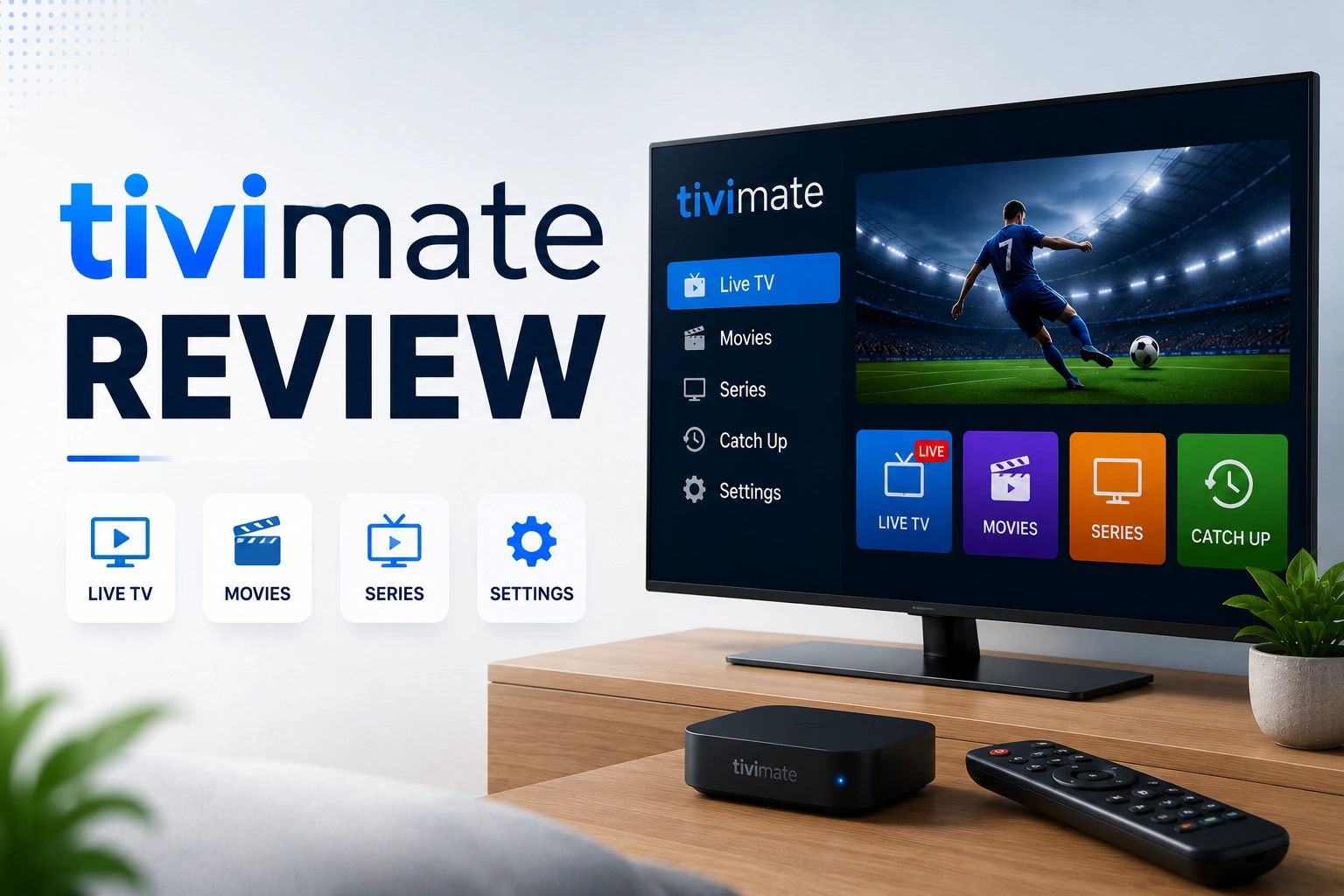
TiviMate has become the gold standard for IPTV players on Android TV. With its sleek interface, powerful features, and rock-solid performance, it's the top choice for serious streamers. This comprehensive review covers everything you need to know about TiviMate, from features and pricing to setup and real-world performance.
star Quick Verdict
TiviMate is the best IPTV player for Android TV devices, period. Its intuitive interface, advanced EPG management, and premium features like recording and catch-up make it worth every penny. The free version is solid, but Premium ($5/year) unlocks the full potential.
What is TiviMate?
TiviMate is a premium IPTV player designed specifically for Android TV devices. Unlike generic media players, TiviMate is built from the ground up for IPTV streaming, offering features like advanced EPG management, multi-playlist support, recording, catch-up TV, and a beautiful TV-optimized interface.
Important: TiviMate is just a player - it doesn't include any IPTV content. You need to provide your own IPTV subscription with M3U playlist or Xtream Codes credentials. Think of it like VLC for IPTV, but way more powerful and polished.
Compatible Devices:
- check_circle Amazon Fire TV / Firestick
- check_circle NVIDIA Shield TV
- check_circle Mi Box / Xiaomi TV
- check_circle Any Android TV Box
- check_circle Chromecast with Google TV
- check_circle Android TV Smart TVs
TiviMate Key Features
tv_guide Advanced EPG Management
TiviMate's EPG (Electronic Program Guide) is the best in the business:
- • Beautiful grid-style TV guide with customizable time slots
- • Automatic EPG updates from multiple sources
- • Program descriptions, ratings, and artwork
- • Search programs across all channels
- • Set reminders for upcoming shows
- • EPG shift adjustment for timezone corrections
fiber_smart_record Recording & Catch-Up (Premium)
Record live TV and watch catch-up content:
- • Record any live channel to local storage
- • Schedule recordings from EPG
- • Catch-up TV support (if provider offers it)
- • Manage recordings with built-in library
- • Pause and resume live TV
playlist_play Multi-Playlist Support (Premium)
Manage multiple IPTV subscriptions seamlessly:
- • Add unlimited playlists (Premium only)
- • Switch between providers instantly
- • Merge channels from different sources
- • Separate EPG for each playlist
- • Organize channels across playlists
tune Customization Options
Tailor TiviMate to your preferences:
- • Create custom channel groups and favorites
- • Hide unwanted channels
- • Customize interface colors and themes
- • Adjust buffer size and playback settings
- • Configure remote control shortcuts
- • Parental controls with PIN protection
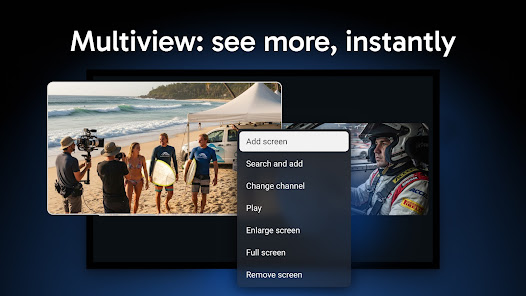
picture_in_picture Picture-in-Picture Mode
Watch multiple channels simultaneously:
- • Mini player while browsing channels
- • Watch one channel while checking EPG
- • Adjustable PiP window size and position
- • Quick channel switching without interruption
TiviMate Free vs Premium
TiviMate offers both free and premium versions. Here's what you get with each:
| Feature | Free | Premium |
|---|---|---|
| Number of Playlists | 1 | Unlimited |
| EPG Support | ? | ? |
| Recording | ? | ? |
| Catch-Up TV | ? | ? |
| Multiple Devices | 1 | 5 |
| Ads | Yes | No |
| Picture-in-Picture | ? | ? |
| Custom Channel Groups | ? | ? |
Premium Pricing:
- • 1 Year: $4.99 (best value)
- • Lifetime: $19.99 (one-time payment)
- • Payment: Google Play Store
- • Devices: Up to 5 devices per account
Is Premium Worth It?
Absolutely. For $5/year, you get unlimited playlists, recording, catch-up, and no ads. If you use multiple IPTV services or want recording capabilities, Premium pays for itself immediately. The lifetime option is a steal for long-term users.
How to Setup TiviMate
1 Install TiviMate
Download TiviMate from your device's app store:
- check_circle Firestick: Search "TiviMate" in Amazon Appstore
- check_circle Android TV: Open Google Play Store and search "TiviMate"
- check_circle NVIDIA Shield: Available in Play Store
- check_circle Download and install the app
2 Add Your IPTV Playlist
Open TiviMate and add your IPTV subscription:
For M3U Playlist:
- Click "Add Playlist"
- Select "M3U Playlist"
- Enter your M3U URL
- Give it a name
- Click "Next" to load channels
For Xtream Codes:
- Click "Add Playlist"
- Select "Xtream Codes API"
- Enter server URL, username, and password
- Click "Next" to authenticate
3 Configure EPG
Set up the TV guide for program information:
- check_circle EPG usually loads automatically from your playlist
- check_circle If not, go to Settings ? EPG ? Add EPG source
- check_circle Enter EPG URL provided by your IPTV service
- check_circle Wait for EPG to download (may take a few minutes)
4 Optimize Settings
Configure TiviMate for best performance:
Recommended Settings:
- • Buffer Size: 30-60 seconds
- • Video Decoder: Hardware (if available)
- • EPG Update: Automatic
- • Channel Switching: Fast
- • Aspect Ratio: Auto
TiviMate Pros & Cons
thumb_up Pros
- check_circle Best-in-class EPG with beautiful interface
- check_circle Smooth performance even with large playlists
- check_circle Recording and catch-up features (Premium)
- check_circle Unlimited playlists (Premium)
- check_circle Highly customizable interface
- check_circle Excellent remote control navigation
- check_circle Regular updates and improvements
- check_circle Affordable Premium pricing ($5/year)
- check_circle No ads in Premium version
thumb_down Cons
- close Android TV only (no iOS, Windows, or Mac)
- close Free version limited to 1 playlist
- close Ads in free version
- close Learning curve for advanced features
- close Recording requires sufficient storage space
- close No built-in VPN (use separate VPN app)
Performance & User Experience
Speed & Stability
TiviMate is incredibly fast and stable. Channel switching is near-instant, EPG loads quickly, and the app rarely crashes. Even with playlists containing 10,000+ channels, navigation remains smooth. The app uses minimal resources, making it perfect for budget Android TV boxes.
Interface Design
The interface is TiviMate's strongest point. It's clean, modern, and optimized for TV screens. The EPG grid is easy to read from across the room, channel logos are crisp, and everything is logically organized. Remote control navigation is intuitive - you'll rarely need to look at the remote.
Playback Quality
TiviMate handles all stream qualities flawlessly, from SD to 4K. Hardware decoding ensures smooth playback without stuttering. The buffer management is excellent - you can adjust buffer size to eliminate buffering on slower connections. For more buffering solutions, check our IPTV buffering fix guide.
TiviMate vs Competitors
| Feature | TiviMate | IPTV Smarters | Perfect Player |
|---|---|---|---|
| Platform | Android TV | Multi-platform | Android |
| Interface Quality | Excellent | Good | Basic |
| EPG Management | Best | Good | Basic |
| Recording | Yes | No | No |
| Catch-Up TV | Yes | Yes | No |
| Price | $5/year | Free | Free |
| Best For | Android TV users | Multi-device users | Basic needs |
Verdict: TiviMate wins for Android TV users who want the best experience. For a detailed side-by-side comparison, see our TiviMate vs IPTV Smarters Pro comparison. IPTV Smarters is better if you need iOS support or use multiple platforms. Perfect Player is fine for basic needs but lacks advanced features.
TiviMate Pro Tips
lightbulb Create Smart Groups
Organize channels into custom groups (Sports, Movies, News, etc.) for faster navigation. You can also create favorites for your most-watched channels.
lightbulb Use Keyboard Shortcuts
Connect a wireless keyboard for faster channel search and navigation. Press numbers to jump to channels, or use arrow keys for quick EPG browsing.
lightbulb Backup Your Settings
Go to Settings ? Backup to save your configuration. This makes it easy to restore settings if you reset your device or install TiviMate on a new device.
lightbulb Optimize for Your Network
If you experience buffering, increase buffer size to 60 seconds. For fast connections, reduce it to 15-30 seconds for quicker channel switching. Use VPN to prevent ISP throttling.
lightbulb Schedule Recordings Wisely
Recordings use storage space. Use external USB drives or network storage for large recording libraries. Set recordings to auto-delete after watching to save space.
Frequently Asked Questions
Is TiviMate worth paying for?
Yes, TiviMate Premium is absolutely worth it for serious IPTV users. For just $5/year or $20 lifetime, you get unlimited playlists, recording capabilities, catch-up TV, and no ads. The premium features significantly enhance the IPTV experience and make managing multiple services effortless. If you only use one IPTV service and don't need recording, the free version works fine.
What devices does TiviMate work on?
TiviMate works on Android TV devices including Fire TV/Firestick, NVIDIA Shield, Mi Box, Chromecast with Google TV, and any Android TV box. It's optimized for TV interfaces and remote control navigation. Unfortunately, TiviMate does not work on iOS (iPhone/iPad), Windows, Mac, or regular Android phones/tablets - it's exclusively for Android TV.
Does TiviMate include IPTV content?
No, TiviMate is just a player app - it doesn't include any IPTV channels or content. You need to provide your own IPTV subscription with M3U playlist or Xtream Codes credentials. TiviMate is like VLC or any media player; it plays content you provide. Check our best IPTV services guide to find reliable providers.
Can I use TiviMate for free?
Yes, TiviMate has a free version with basic features including one playlist, EPG support, channel playback, and customization options. The free version shows ads and limits you to one playlist. Premium ($5/year) unlocks unlimited playlists, recording, catch-up TV, and removes all ads. The free version is great for testing, but most users upgrade to Premium quickly.
How do I install TiviMate on Firestick?
Install TiviMate on Firestick by opening the Amazon Appstore, searching for "TiviMate IPTV Player," and clicking Download/Install. Once installed, open the app and add your IPTV playlist using M3U URL or Xtream Codes credentials. The setup takes less than 5 minutes. For detailed instructions, see our Firestick IPTV guide.
What's better: TiviMate or IPTV Smarters?
TiviMate is better for Android TV users who want the best interface, advanced EPG management, and premium features like recording. IPTV Smarters is better if you need multi-platform support (iOS, Windows, Mac) or prefer a simpler, more beginner-friendly interface. For Android TV specifically, TiviMate is the clear winner with superior design and features. See our IPTV Smarters review or our detailed TiviMate vs IPTV Smarters comparison for a full breakdown.
Final Verdict
TiviMate is hands-down the best IPTV player for Android TV devices. Its beautiful interface, powerful EPG management, and premium features like recording and catch-up make it worth every penny. The free version is solid for basic use, but Premium ($5/year) is a no-brainer for anyone serious about IPTV.
The only downside is platform limitation - if you need iOS or Windows support, you'll have to look elsewhere. But for Firestick, Shield, or any Android TV box, TiviMate is unbeatable. The developer actively updates the app with new features and improvements, ensuring it stays ahead of competitors.
Whether you're a casual viewer or a power user managing multiple IPTV services, TiviMate delivers a premium experience that justifies its modest price. Combined with a reliable IPTV provider and proper VPN setup, TiviMate completes the perfect IPTV streaming setup.
TiviMate Rating Breakdown
link Related Articles
IPTV Smarters Pro Review
Compare TiviMate with IPTV Smarters Pro features and performance
Best IPTV Services
Find reliable IPTV providers that work great with TiviMate
Fix IPTV Buffering
Optimize TiviMate settings to eliminate buffering issues
VPN for IPTV
Protect your privacy and improve streaming with VPN