
Best IPTV Services 2026 - How to Choose
Instead of a ranked list you can't verify, this guide gives you the evaluation framework: what separates reliable IPTV providers from the rest, typical pricing tiers, how to trial any service in 48 hours, and the red flags that mark the ones to avoid.
verified Editorial policy: we don't sell IPTV subscriptions and take no paid placements — this page contains no ranked providers and no affiliate links. Tiers below describe market norms so you know what to compare when shopping. Always verify current pricing and features with the provider directly, and start with a free trial.
science How to Evaluate Any IPTV Service
Apply these six checks to any provider before paying — they are the same criteria behind every recommendation on this site:
- check_circle Server uptime and reliability (99.9% minimum)
- check_circle Stream quality consistency (HD/4K performance)
- check_circle Buffering frequency and channel switching speed
- check_circle EPG accuracy and update frequency
- check_circle Customer support response times
- check_circle Device compatibility and app quality
What Makes a Great IPTV Service?
Server Infrastructure
Multiple server locations, CDN integration, load balancing, and 99.9% uptime guarantee for reliable streaming
Stream Quality
HD/4K channels with H.265 compression, adaptive bitrate streaming, and anti-freeze technology
EPG & Features
Accurate EPG data, catch-up TV, VOD library, parental controls, and multi-language support
Customer Support
24/7 live chat, email support, comprehensive setup guides, and fast issue resolution
Device Compatibility
Works with Firestick, Android TV, iOS, Smart TVs, MAG boxes, and supports 2-5 concurrent connections
Pricing & Value
Transparent pricing, free trials, money-back guarantees, and flexible subscription options
Typical Market Tiers Compared
Illustrative tiers based on commonly advertised plan structures — use them as a benchmark when comparing real providers, not as endorsements of specific companies.
| Tier | Typical Price/Month | Channels | Connections | Suits |
|---|---|---|---|---|
| Budget tier | $8–12 | ~10,000+ | 1–2 | Single screen, HD viewing |
| Standard tier | $12–15 | ~15,000+ | 3–4 | Families, sports in HD |
| Premium tier | $15–19 | ~20,000+ | 5 | 4K, full sports, multi-room |
Tiers describe market norms, not tested providers. Always verify current pricing and features directly with any provider, and trial before committing.
Which Tier Fits You?
Three common buyer profiles — match yourself, then trial any provider against the checklist in each card.
The Sports Fan in 4K
You want every match live, in 4K, with catch-up for what you miss. Trial checklist: dedicated sports servers, anti-freeze tech, EPG accuracy on sports channels, and a peak-matchday stress test before paying yearly.
Demand:
- • Full sports packages included
- • 4K streams that hold up live
- • Catch-up TV for missed games
- • 48-hour+ trial available
- • EPG correct on sports channels
Watch out for:
- • Paying premium without 4K to show for it
- • Providers untested at matchday peak
Best for: Viewers who prioritize live sports reliability over price. See free trials to test before committing.
The Family Household
Multiple people, multiple devices, international channels. Trial checklist: concurrent-connection limit enforced fairly, parental controls, VOD library depth, and apps simple enough for non-technical family members.
Demand:
- • 3+ concurrent connections included
- • Strong international channel mix
- • Parental controls that work
- • Money-back guarantee terms in writing
- • Apps for every household device
Watch out for:
- • Extra fees per additional connection
- • VOD libraries that never update
Best for: Households needing international content and multi-device support at a reasonable price.
The Budget Solo Viewer
One screen, HD is enough, price matters most — but reliability still matters more than the last dollar. Trial checklist: HD stability over a full evening, responsive support at least by email, and a clear upgrade path if needs grow.
Demand:
- • Stable HD at the advertised price
- • At least email support that replies
- • Transparent renewal pricing
- • Free trial before first payment
- • No lifetime-plan nonsense
Watch out for:
- • Sub-$5 plans with oversold servers
- • Intro pricing that triples on renewal
Best for: Solo viewers who want reliable HD without premium extras.
How to Choose the Right IPTV Service
1. Identify Your Needs
Start by determining what matters most to you:
- • Sports fans: Look for dedicated sports servers and 4K streaming
- • International viewers: Choose services with extensive channel libraries from your region
- • Families: Prioritize multiple connections and parental controls
- • Budget users: Focus on reliable services with essential features
2. Test Before Committing
Always use free trials to verify:
- • Stream quality on your devices
- • Channel availability and EPG accuracy
- • Buffering frequency during peak hours
- • App compatibility and ease of use
- • Customer support responsiveness
See our IPTV free trial guide for current offers.
3. Check Device Compatibility
Ensure the service works with your devices:
- • Firestick/Fire TV: Most popular for IPTV
- • Android TV: Wide app support
- • iOS/Apple TV: Limited but growing options
- • Smart TVs: Check for native apps
- • MAG boxes: Traditional IPTV hardware
Compare IPTV players for your device.
4. Verify Internet Requirements
Check your internet speed meets minimum requirements:
- • SD quality: 5 Mbps
- • HD quality: 10-15 Mbps
- • Full HD: 25 Mbps
- • 4K streaming: 50+ Mbps
Add 5-10 Mbps per additional device. Use wired Ethernet for best stability.
Red Flags to Avoid
warning Warning Signs of Poor IPTV Services
Lifetime Subscriptions
Unsustainable business model. Services often shut down within months.
No Trial or Refund Policy
Legitimate providers offer trials or money-back guarantees.
Extremely Low Prices (Under $5/month)
Usually indicates poor server quality, frequent downtime, or illegal operations.
No Customer Support
Lack of support channels means you're on your own when issues arise.
Insecure Payment Methods
Only use services with SSL encryption and trusted payment processors.
Getting Started with IPTV
Choose Your Service
Pick a pricing tier above that fits your needs and budget. Sign up for a free trial to test the service before committing.
Install IPTV Player
Download an IPTV player app like TiviMate or IPTV Smarters on your device.
Enter Credentials
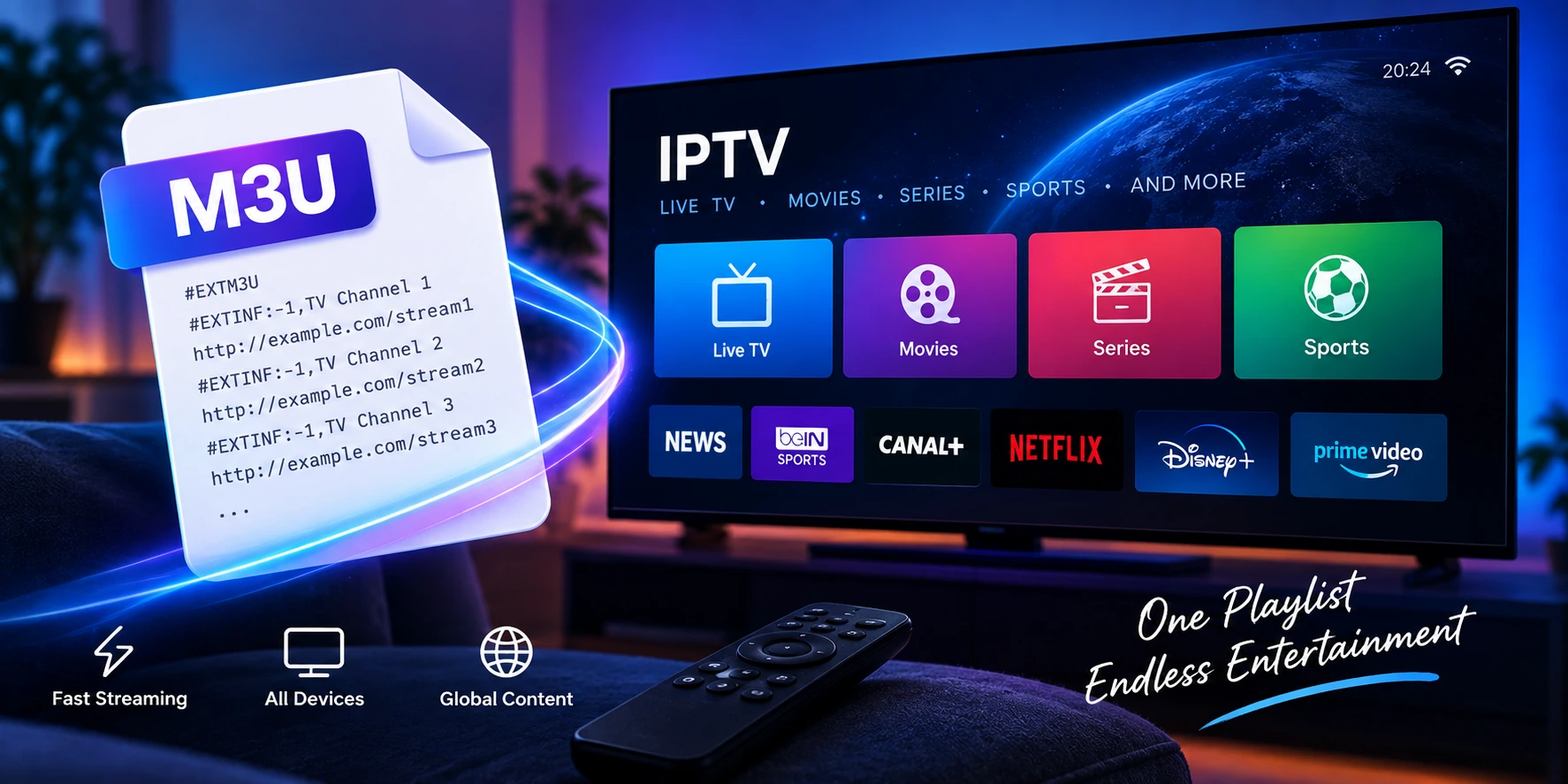
Input your M3U URL or Xtream Codes credentials provided by your IPTV service.
Optimize Settings
Configure buffer size, enable hardware acceleration, and set up EPG for best performance. See our VPN guide to prevent buffering.
Frequently Asked Questions
What is the best IPTV service in 2026?
The best IPTV service depends on your needs. For sports: services with dedicated sports servers and 4K streaming. For international content: providers with extensive channel libraries. For reliability: services with 99.9% uptime and 24/7 support. Always test with free trials.
How much does IPTV cost per month?
Premium IPTV services cost $12-19/month. Budget options range $8-12/month. Annual plans offer 20-30% discounts. Avoid services under $5/month as they often have poor quality and reliability issues.
Is IPTV better than cable TV?
IPTV offers more flexibility, lower costs, and on-demand content compared to cable. You can watch on multiple devices, access international channels, and pay only for what you want. However, IPTV requires stable internet (15+ Mbps for HD).
Do I need a VPN for IPTV?
A VPN is highly recommended for IPTV. It prevents ISP throttling, protects privacy, and bypasses geo-restrictions. Many users report better streaming quality with VPN because it eliminates ISP speed limitations. See our VPN guide.
Can I watch IPTV on multiple devices?
Yes, most IPTV services allow 2-5 concurrent connections. This lets you watch on multiple devices simultaneously. Check your subscription plan for specific device limits.
What internet speed do I need for IPTV?
For SD: 5 Mbps, HD: 10-15 Mbps, Full HD: 25 Mbps, 4K: 50+ Mbps. Add 5-10 Mbps per additional device streaming simultaneously. Wired Ethernet is recommended for best stability.
link Related Articles
IPTV Subscription Plans
Compare pricing tiers, features, and find the best value subscription
IPTV Free Trials
Test IPTV services before buying with free trials and guarantees
Best IPTV Players
Compare top IPTV apps for all devices and platforms
Fix IPTV Buffering
Stop buffering with proven optimization techniques