
M3U Playlist Guide Free Sources & Complete Tutorial
M3U playlists power IPTV. Get free legal sources (iptv-org, Free-TV), then learn the M3U/M3U8 format, how to create and edit playlists, add EPG and logos, and load them in VLC, TiviMate, Kodi or any player.
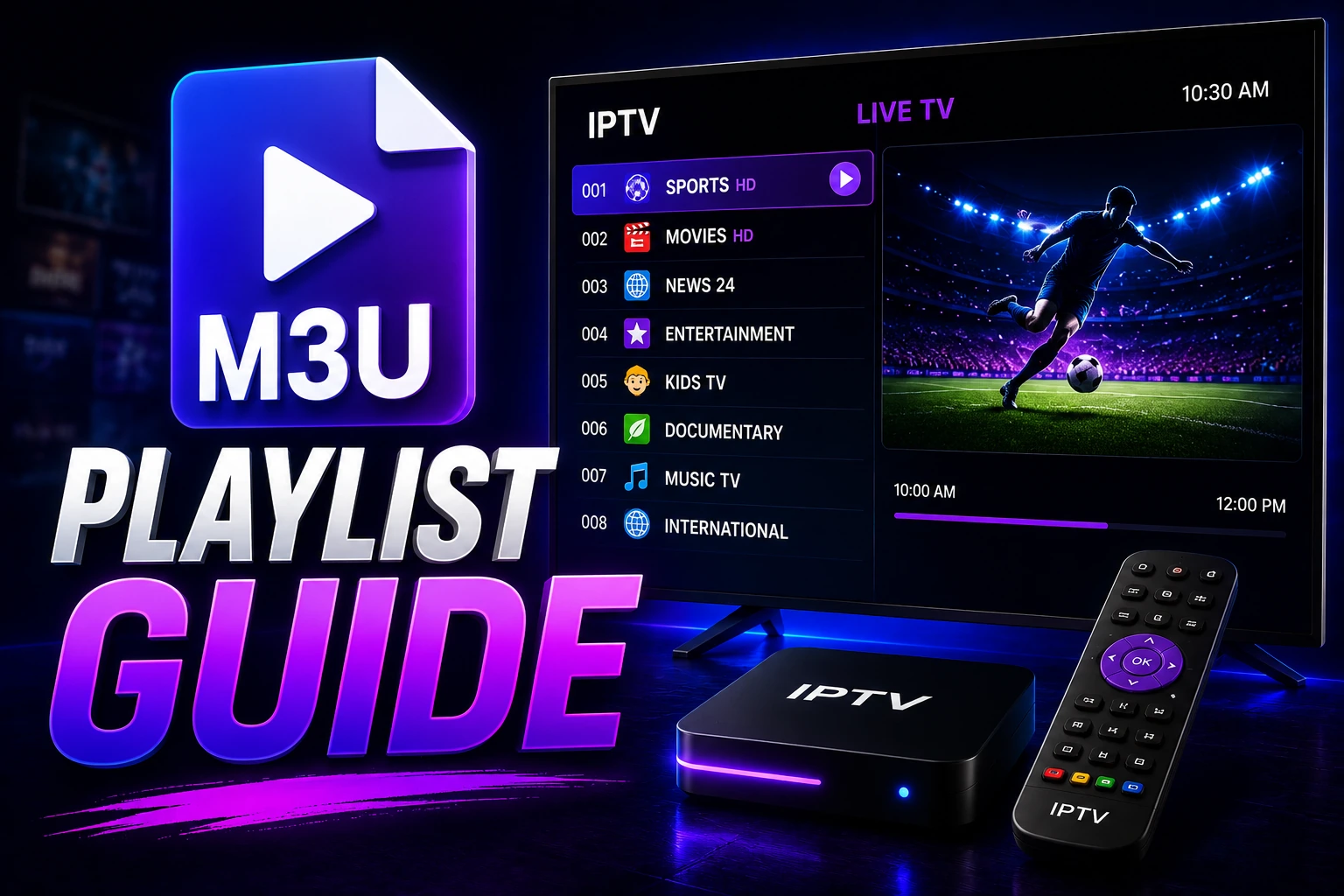
playlist_play M3U Quick Reference
Basic M3U Structure:
#EXTM3U
#EXTINF:-1,Channel Name
http://example.com/stream.m3u8
With Metadata:
#EXTINF:-1 tvg-id="bbc1" tvg-logo="logo.png" group-title="UK",BBC One
http://example.com/bbc1.m3u8
Best Free Legal M3U Sources 2026
Skip dead lists. The reliable free playlists are the public projects broadcasters actually publish. Load them via URL so your player auto-updates. Free-to-air only � news, public TV, FAST channels. Check local rights.
1. iptv-org � the big one
Community-maintained, ~12k channels. Use category or country slices instead of the full list.
https://iptv-org.github.io/iptv/index.m3ucategories/news.m3u(~930)categories/sports.m3u(~320)countries/us.m3u/gb.m3u/de.m3u
EPG: iptv-org/epg � Compatible: VLC, TiviMate, Kodi, OTT Navigator. Best players ?
2. Free-TV � clean HD core
Fewer channels, curated for HD and uptime. One reliable link per channel.
https://raw.githubusercontent.com/Free-TV/IPTV/master/playlist.m3u8Best first playlist � loads fast, minimal dead links. Hosted on GitHub, same URL-load flow as above.
Pro tip: Paste any URL into VLC (Media ? Open Network Stream) or an M3U checker first. Test a country/category slice, then load the trimmed list in TiviMate / IPTV Smarters Pro.
FAST extras (Pluto TV, Samsung TV Plus) are region-locked and change often � use as supplement, not primary. All links on this page are public/free-to-air. We do not host streams.
Want copy-paste URLs by country and a player-by-player setup? See Public IPTV Playlists � verified sources & setup guide ?
Understanding M3U Format
What is M3U?
M3U (MP3 URL) is a plain text file format originally designed for audio playlists. It's now the standard format for IPTV channel lists, containing stream URLs and metadata.
M3U (.m3u)
Standard encoding, may have issues with special characters
M3U8 (.m3u8)
UTF-8 encoding, supports all languages and special characters (recommended)
M3U File Structure
1. Header Line
#EXTM3URequired first line identifying the file as extended M3U format. Must be present for proper parsing.
2. Info Line (#EXTINF)
#EXTINF:-1 tvg-id="id" tvg-logo="url" group-title="group",Channel NameContains channel metadata. Components:
- � -1: Duration (-1 for live streams)
- � tvg-id: EPG identifier
- � tvg-logo: Channel logo URL
- � group-title: Category name
- � Channel Name: Display name
3. Stream URL
http://example.com:8080/live/username/password/12345.m3u8Direct link to the stream. Can be HTTP, HTTPS, RTSP, or RTMP protocol.
Creating M3U Playlists
Method 1: Text Editor
Step 1: Open Text Editor
Use Notepad (Windows), TextEdit (Mac), or any code editor (VS Code, Notepad++).
Step 2: Add Header
#EXTM3UStep 3: Add Channels
#EXTINF:-1 tvg-id="bbc1" tvg-logo="http://example.com/bbc.png" group-title="UK",BBC One
http://example.com/bbc1.m3u8

#EXTINF:-1 tvg-id="cnn" tvg-logo="http://example.com/cnn.png" group-title="News",CNN
http://example.com/cnn.m3u8
Step 4: Save File
Save as playlist.m3u8 (UTF-8 encoding recommended).
Method 2: Online M3U Editors
Several online tools help create and edit M3U playlists with visual interfaces:
- � M3U Editor websites (search "M3U playlist editor")
- � Drag-and-drop interface for easy organization
- � Automatic formatting and validation
- � Export to M3U or M3U8 format
Editing M3U Playlists
Adding Channels
Add new channels by inserting two lines (info + URL) anywhere after the #EXTM3U header:
#EXTINF:-1 tvg-id="new" tvg-logo="logo.png" group-title="Category",New Channel
http://example.com/newchannel.m3u8
Removing Channels
Delete both the #EXTINF line and the URL line for channels you want to remove. Save the file.
Organizing by Groups
Use group-title to categorize channels:
#EXTINF:-1 group-title="Sports",ESPN
#EXTINF:-1 group-title="Sports",Fox Sports
#EXTINF:-1 group-title="Movies",HBO
#EXTINF:-1 group-title="Movies",Showtime
Adding Channel Logos
Include logo URLs in the tvg-logo attribute:
#EXTINF:-1 tvg-logo="https://example.com/logos/bbc.png",BBC OneLogos should be PNG or JPG, ideally square (300x300px or larger).
Adding EPG IDs
Link channels to EPG data using tvg-id:
#EXTINF:-1 tvg-id="BBCOne.uk" tvg-logo="logo.png",BBC OneEPG IDs must match those in your EPG XML file.
Advanced M3U Features
Additional Attributes
| Attribute | Purpose | Example |
|---|---|---|
| tvg-name | Alternative channel name for EPG matching | tvg-name="BBC 1" |
| tvg-language | Channel language | tvg-language="English" |
| tvg-country | Channel country | tvg-country="UK" |
| tvg-url | EPG XML source URL | tvg-url="http://epg.com/guide.xml" |
| catchup | Enable catch-up TV | catchup="default" |
Complete Example
#EXTM3U url-tvg="http://example.com/epg.xml"

#EXTINF:-1 tvg-id="BBCOne.uk" tvg-name="BBC One" tvg-logo="http://example.com/bbc1.png" group-title="UK Channels" tvg-language="English" tvg-country="UK",BBC One HD
http://example.com/bbc1hd.m3u8

#EXTINF:-1 tvg-id="CNN.us" tvg-name="CNN" tvg-logo="http://example.com/cnn.png" group-title="News" tvg-language="English" tvg-country="US",CNN International
http://example.com/cnn.m3u8

#EXTINF:-1 tvg-id="ESPN.us" tvg-logo="http://example.com/espn.png" group-title="Sports",ESPN
http://example.com/espn.m3u8
Loading M3U Playlists
Method 1: URL (Recommended)
Host your M3U file online and load via URL. This allows automatic updates.
Steps:
- Upload M3U file to cloud storage or web hosting
- Get direct download URL
- In IPTV player, select "Add Playlist" ? "URL"
- Paste URL and save
Tip: Use services like Dropbox, Google Drive (with direct link), or GitHub for hosting.
Method 2: Local File
Load M3U file directly from device storage. Good for offline access.
Steps:
- Save M3U file to device
- In IPTV player, select "Add Playlist" ? "File"
- Browse and select your M3U file
- Load playlist
Common M3U Issues
Playlist Won't Load
- � Verify #EXTM3U header is present
- � Check file encoding (use UTF-8)
- � Ensure URL is accessible (test in browser)
- � Remove any blank lines at start of file
Special Characters Display Wrong
- � Save file as .m3u8 (UTF-8 encoding)
- � Use text editor that supports UTF-8
- � Avoid using Notepad (use Notepad++ instead)
Channels Missing Logos
- � Verify logo URLs are accessible
- � Use direct image links (not webpage links)
- � Check image format (PNG/JPG supported)
- � Ensure URLs use HTTPS if player requires it
EPG Not Showing
- � Verify tvg-id matches EPG XML file
- � Add EPG URL in player settings
- � Wait 10-15 minutes for EPG to download
- � Check EPG XML file is valid and accessible
Frequently Asked Questions
What is an M3U playlist?
An M3U playlist is a plain text file format that contains a list of media file locations (URLs). For IPTV, it lists channel names, stream URLs, logos, and metadata. M3U files can be loaded into IPTV players to access channels.
How do I create an M3U playlist?
Create an M3U playlist using any text editor. Start with #EXTM3U header, then add entries with #EXTINF:-1 followed by metadata and the stream URL. Save with .m3u or .m3u8 extension. Each channel needs two lines: info line and URL line.
What's the difference between M3U and M3U8?
M3U8 is UTF-8 encoded version of M3U, supporting international characters and special symbols. M3U8 is preferred for IPTV as it handles channel names in different languages correctly. Both formats work the same way structurally.
Where can I find free M3U playlists legally?
Use public free-to-air sources like iptv-org and Free-TV. Both link only to streams broadcasters publish for free. See the sources above for direct category and country URLs. Avoid sites promising 10k premium channels.
Are free M3U playlists safe and legal?
Free-to-air playlists that carry only channels broadcasters publish for free (news, public TV, FAST) are legal. Check local rights, and test links in VLC before loading on your TV. Loads via URL auto-update when the source rebuilds.
How do I test an M3U playlist before loading it?
Open VLC ? Media ? Open Network Stream and paste the URL, or use an M3U checker to flag Online/Timeout/Offline. Prefer category slices like categories/news.m3u for faster tests.
How often do free M3U playlists update?
iptv-org rebuilds daily on GitHub; Free-TV is refreshed regularly. Always load via URL (not a downloaded file) so TiviMate / IPTV Smarters can auto-refresh.
link Related Guides

M3U vs Xtream Codes
Compare M3U and Xtream Codes formats
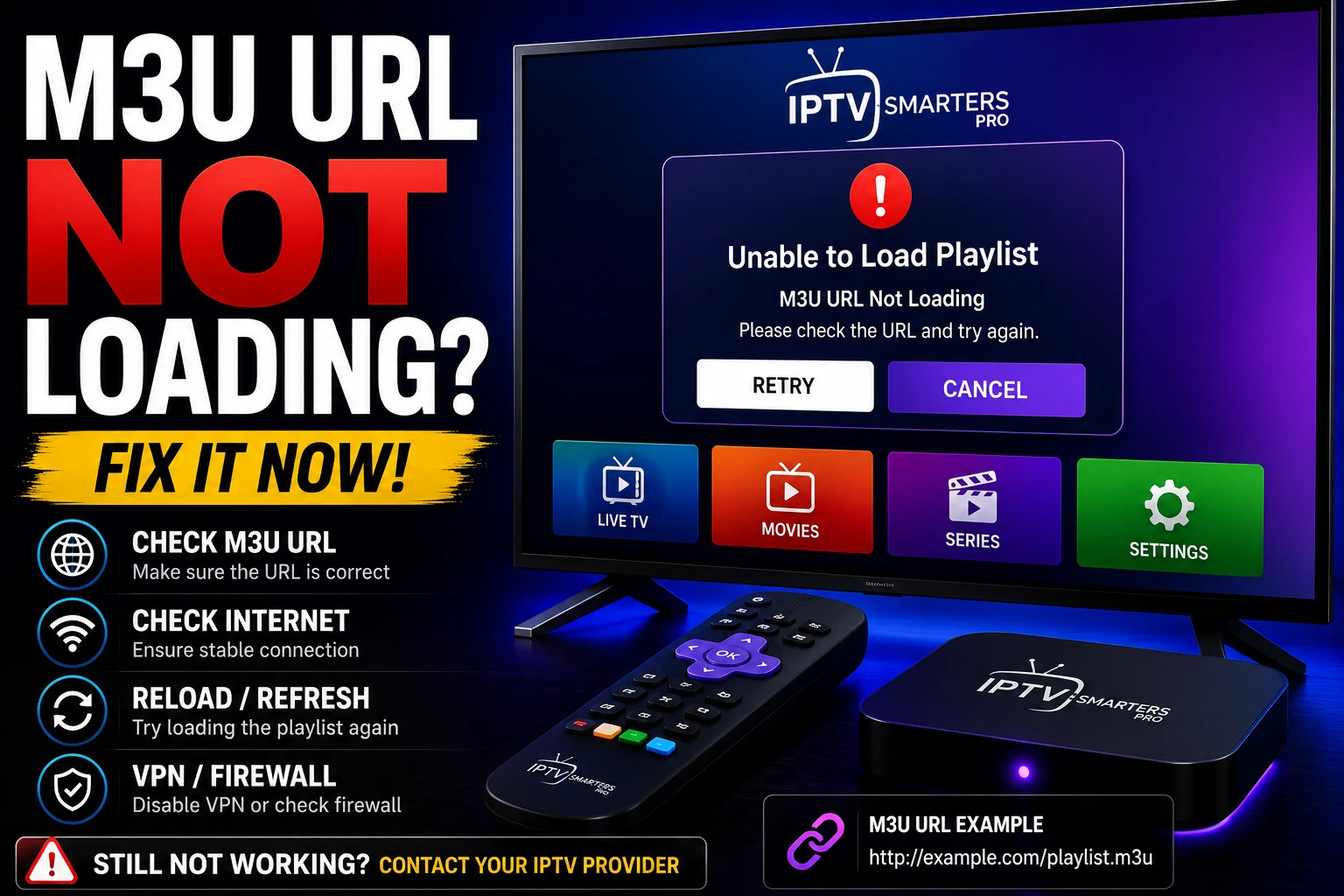
Fix M3U Loading Issues
Troubleshoot M3U playlist problems
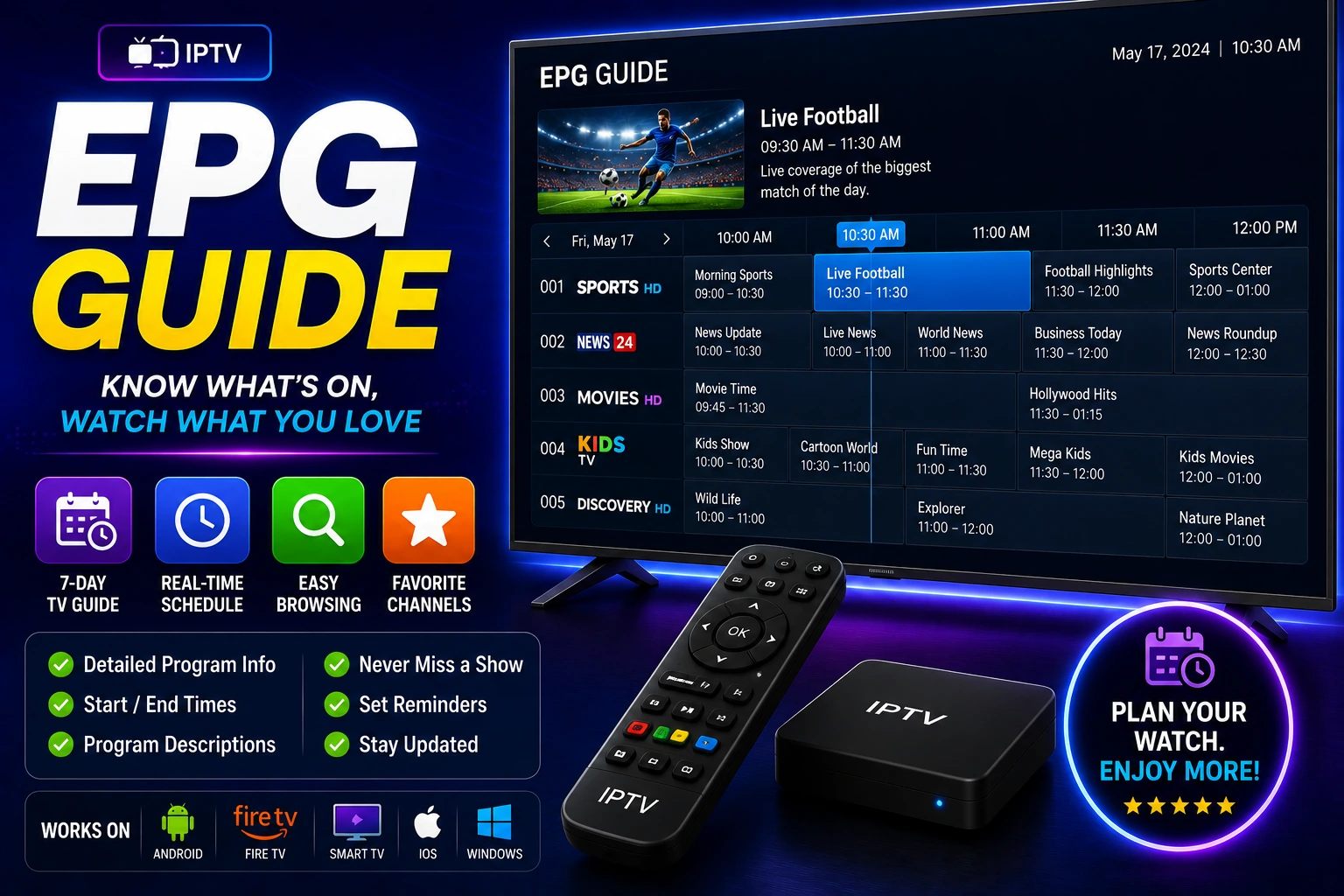
EPG Guide
Setup EPG for your M3U playlist
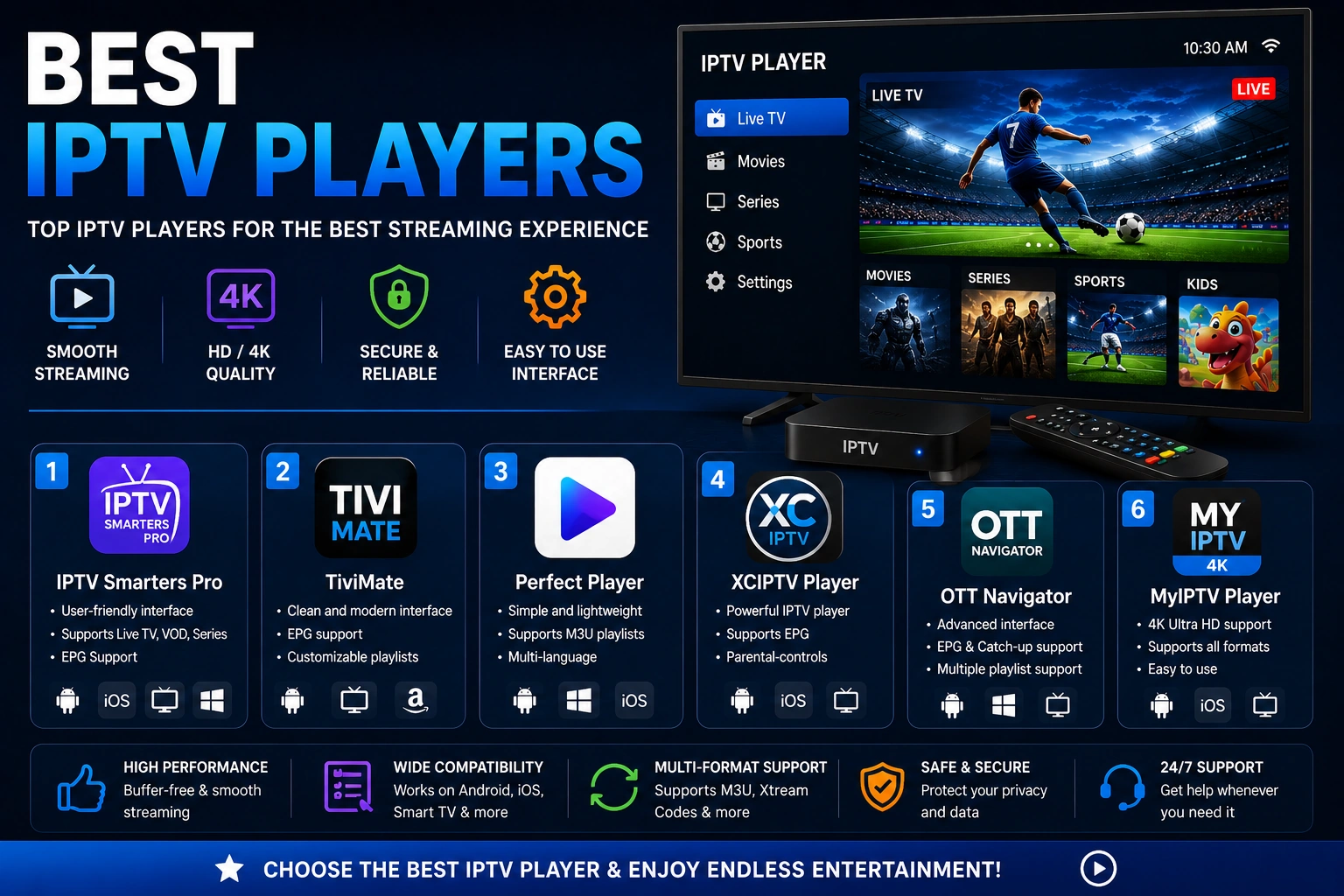
Best IPTV Players
Players supporting M3U playlists