
Public IPTV Playlist Test: Check Any M3U Before You Watch
A public IPTV playlist test tells you which streams in an M3U file actually load before you add it to TiviMate, IPTV Smarters, VLC or Kodi. Instead of importing thousands of channels and finding dead links one by one, test a small sample, check the file structure, and confirm playback in your player. This guide gives you a repeatable public IPTV playlist test you can finish in about five minutes, with clear pass/fail rules, sample sizes, and fixes for the most common M3U failures.
fact_check Quick Answer — Pass or Replace
A public IPTV playlist passes when the M3U URL opens as plain text, at least 90% of a representative stream sample plays, and the same sample works in your target player. If the pass rate is 70–89%, prune dead entries before using it. Below 70%, replace the source.
1. File check
Starts with #EXTM3U and loads without a login.
2. Stream sample
10–30 URLs from different groups, not just the first row.
3. Player test
Play the same channels in TiviMate, Smarters, VLC or Kodi.
Need the source list first? Start with our public IPTV playlist guide, then come back to test it.
What a Public IPTV Playlist Test Checks
A playlist test is not one check. It covers three layers, and a failure at any layer changes the fix.
1. File integrity
The URL must return an M3U or M3U8 text file beginning with #EXTM3U. Each channel normally has an #EXTINF line followed by a stream URL. A 403, 404, HTML login page or malformed header means the playlist will not import correctly.
2. Stream health
Individual stream URLs can be dead, geo-blocked, slow or returning the wrong content type. Test a sample from several categories and countries. A playlist with 10,000 channels is not useful if the categories you watch are broken.
3. Player compatibility
A stream that plays in VLC may fail in a TV app because of codec support, redirects, CORS, HTTPS certificates or HLS segment handling. Always test in the player and on the device you will actually use.
4. Metadata and EPG
Channel names, logos, group titles and tvg-id values decide whether the playlist feels organized. Missing or mismatched IDs leave the TV guide empty even when every stream plays.
The 5-Minute Public IPTV Playlist Test
Follow the steps in order. Stop at the first hard failure instead of importing a broken list.
Open the playlist URL directly
Paste the M3U URL into a browser. You should see plain text, not a website, login form or error page. The first line should begin with #EXTM3U.
If it fails: check the URL for missing characters, confirm it is not expired, and see our M3U not loading fix.
Choose a representative sample
Do not test only the first 10 channels. Pick channels from the categories and countries you actually watch.
| Playlist size | Minimum sample | Best sample |
|---|---|---|
| Under 500 channels | 10 streams | 15 streams |
| 500–5,000 channels | 20 streams | 30 streams |
| Over 5,000 channels | 30 streams | 50 streams |
Run the sample through an M3U checker
Paste the sample URLs into our M3U Checker. Record the HTTP status, whether the stream responds, and whether it returns a media manifest instead of an error page.
Test at the time of day you normally watch. A stream that works at midday can fail during a live match.
Load the playlist in your real player
Add the playlist by URL in TiviMate, IPTV Smarters, VLC or Kodi. Play the same sample channels. Check start time, buffering, audio, video and whether the channel changes cleanly.
Use our TiviMate setup, IPTV Smarters guide, or VLC setup if you are adding your first playlist.
Check the TV guide and channel data
Open the EPG and confirm programme data appears. Check that channel names and logos are not blank or duplicated. If the guide is empty, compare the playlist's tvg-id values with your XMLTV source.
Fix guide data with our EPG guide or the EPG not working fix.
Pass/Fail Rules for a Public IPTV Playlist
Use the same rules every time so you can compare one source against another.
| Result | Pass rate | Decision |
|---|---|---|
| Pass | 90–100% | Use it. Keep the URL as the source so it updates automatically. |
| Conditional | 70–89% | Prune dead channels, or use a smaller category/country slice. |
| Replace | Below 70% | Stop troubleshooting. Switch to a maintained source or a paid trial. |
Important: a pass rate is a snapshot, not a permanent score. Public URLs rotate, CDN tokens expire and broadcasters geo-block events. Retest when channels stop working, and load by URL rather than downloading a one-time copy.
Why Public IPTV Playlists Fail the Test
The URL is not a playlist
A login page, HTML error, 403 or 404 means the link is wrong or expired. Confirm the URL opens as plain text beginning with #EXTM3U.
The stream is dead or geo-blocked
A valid HTTP response does not guarantee video. The server may return a placeholder, block your country or require a referrer. Test from the same network and region where you will watch.
The codec is unsupported
H.265/HEVC, AC3 audio or an unusual container can fail on older TVs and boxes even when desktop VLC plays it. Test on the target device, not only on your PC.
The connection cannot sustain the bitrate
A 4K or high-bitrate feed may load and then buffer. Test during peak hours and compare against a lower-quality stream from the same source before blaming the playlist.
The playlist is malformed
Missing #EXTINF lines, broken quotes or duplicate headers can stop an app from importing the list. Open the file in a text editor and compare it with a valid M3U example.
The EPG does not match
The streams may be fine while the guide is empty. Check the XMLTV URL and confirm that tvg-id values match the guide's channel IDs.
Test the Playlist in Your Player
| Player | What to check | Common failure |
|---|---|---|
| TiviMate | Playlist loads, channels group correctly, EPG fills, playback starts within a few seconds. | Unsupported codec on an older Fire TV device. |
| IPTV Smarters Pro | M3U login accepts the URL, categories appear, VOD and live tabs separate correctly. | Wrong URL type selected or expired credentials. |
| VLC | Media → Open Network Stream opens the list; sample streams play and audio is in sync. | VLC plays a stream that a TV app cannot decode. |
| Kodi | PVR IPTV Simple Client enabled, channels load, guide data appears after a refresh. | Add-on not enabled or M3U URL entered in the wrong field. |
A test on desktop VLC is useful for the file, but it is not a substitute for testing on the TV, Firestick or phone where you will watch.
Fix a Failed Public IPTV Playlist Test
Switch to a smaller slice
A country or category playlist loads faster and is easier to test than the global index. Try one slice that matches what you watch.
Prune dead entries
Remove failed channels from a local copy, or use a playlist editor to keep only the groups that passed. Re-test after editing.
Change the network or region
If a stream is geo-blocked, a VPN exit in the channel's home country may help. If the whole playlist buffers, test a lower-bitrate group first.
Replace the source
Below a 70% pass rate, stop editing. Move to a maintained public project or a paid trial rather than rebuilding a broken list.
For playback errors after a playlist passes, see buffering fixes and M3U URL not loading.
Public Playlist Safety Checklist
| Check | Green flag | Red flag |
|---|---|---|
| Channel promise | Free-to-air only | "10k premium channels free" |
| Update history | Recent commits or daily rebuilds | No history or README |
| Links | Direct HTTPS stream URLs | Shortened links hiding the host |
| Authentication | No login required | Asks for bank or personal details |
| First test | Sample plays in your player | Only "works" in an unknown app |
Use public, free-to-air sources such as iptv-org and Free-TV. Read Is IPTV Legal? before relying on any list.
Frequently Asked Questions
How do I test a public IPTV playlist?
Open the M3U URL in a browser to confirm it starts with #EXTM3U, test a sample of 10 to 30 stream URLs with an M3U checker, then load the playlist in the player you actually use. A playlist passes when the file loads and most sampled streams play without buffering or errors.
How many channels should I test?
Test at least 10 channels for a playlist under 500 entries, 20 channels for 500 to 5,000 entries, and 30 channels for larger lists. Sample different categories and countries so one strong group does not hide failures elsewhere.
Is a public IPTV playlist test legal?
Testing an M3U URL is legal. Legality depends on what the playlist links to. Stick to public, free-to-air sources, avoid lists promising premium pay channels for free, and check the rights for your country.
Why does a playlist work in VLC but not TiviMate?
VLC supports more codecs and network configurations than many TV apps. A stream may use a codec, redirect or certificate that TiviMate or a smart TV app cannot handle. Test the same stream in the target player rather than assuming VLC compatibility is enough.
What is a good pass rate?
Aim for at least 90% of sampled streams playing correctly. A 70 to 89% pass rate is usable only after pruning dead entries. Below 70%, replace the source instead of spending time fixing it.
Can I test a playlist on Firestick?
Yes. Install TiviMate or IPTV Smarters Pro, add the M3U URL, and play a sample from several categories. Test during peak hours because a stream that works at midday may buffer during a live sports event.
Why do channels fail after a playlist passed?
Public stream URLs rotate, CDN tokens expire, broadcasters geo-block events and servers go offline. A test is a snapshot, not a guarantee. Load the playlist by URL so it updates automatically and retest when channels fail.
What should I check besides playback?
Check channel names, logos, group titles and EPG matching. A playlist can play every stream and still be frustrating if channels are miscategorized or the TV guide is empty. Also note resolution, audio codec and buffering during playback.
link Related Guides
Public IPTV Playlist Sources
Verified free M3U sources and setup
M3U Checker
Validate channels, dead links and EPG coverage
M3U Playlist Guide
Format, tags and playlist creation
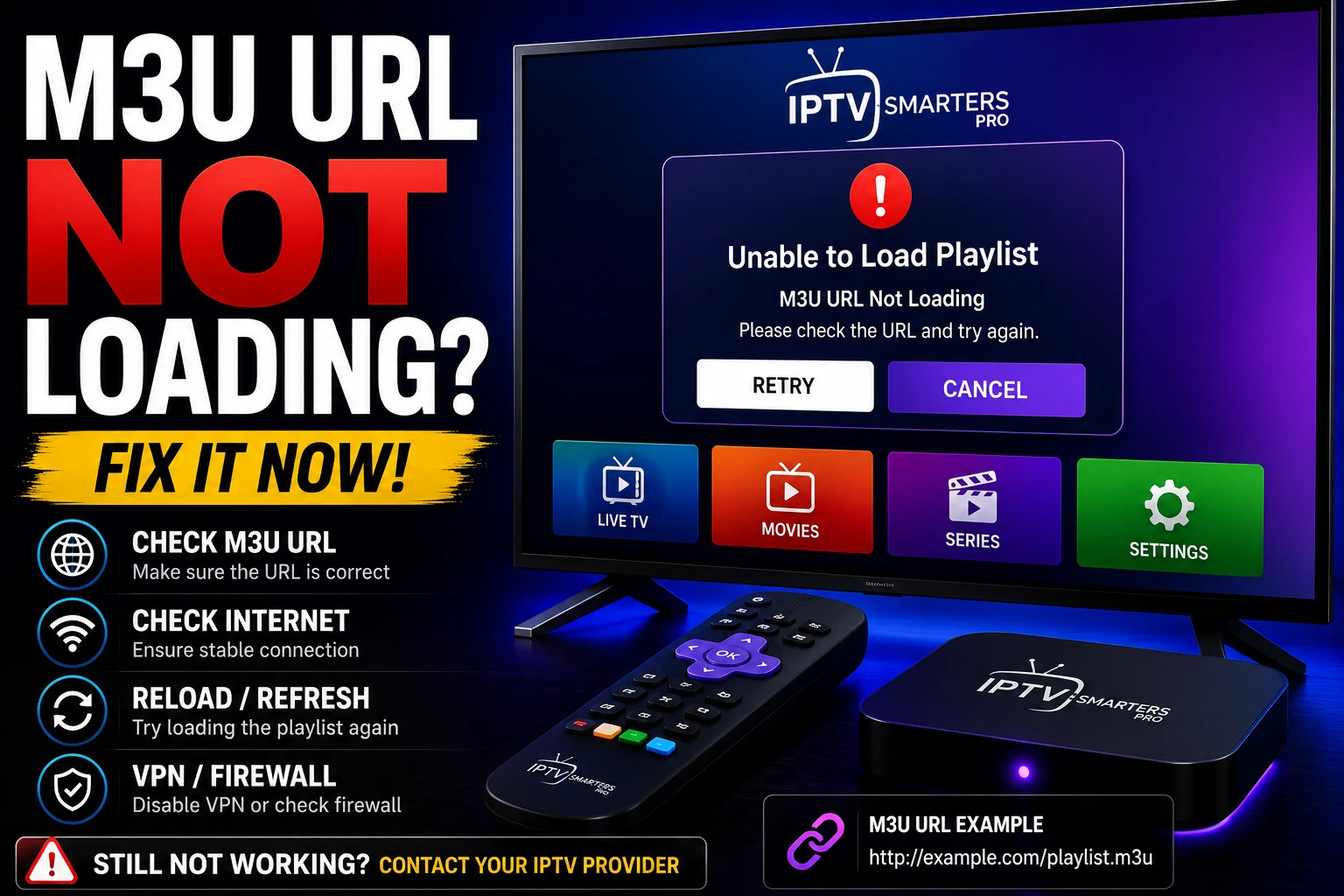
M3U Not Loading
Fix playlist URL and import errors
TiviMate Setup
Add and test playlists on Android TV