
IPTV Troubleshooting & Fix Guides (2026)
Last updated: . Written by Daniel Reed, Streaming Technology Specialist.
Experiencing IPTV buffering, connection errors, or streaming issues? Our comprehensive troubleshooting guides help you diagnose and fix common IPTV problems quickly. From "IPTV not working" errors to authentication failures, we provide step-by-step solutions that work.
Most Common IPTV Problems
The majority of IPTV connection issues stem from three main causes: ISP throttling, insufficient bandwidth, or misconfigured player settings. ISPs often detect and throttle IPTV traffic during peak hours, causing frustrating buffering and freezing. The solution? Enable a high-speed VPN with WireGuard protocol to encrypt your traffic and bypass throttling.
IPTV buffering can also result from WiFi interference, outdated IPTV player versions, or DNS issues. Always test your internet speed (need 50+ Mbps for 4K), switch to wired Ethernet, and change DNS to Cloudflare (1.1.1.1) for optimal performance.
Quick Troubleshooting Checklist
Before diving into detailed guides, try these quick fixes that resolve 80% of IPTV issues: restart your device and router, enable a VPN, clear your IPTV app cache, and verify your subscription status. If problems persist, check for playlist loading errors or authentication failures.
- check_circle Test internet speed (50+ Mbps for 4K)
- check_circle Enable VPN to bypass ISP throttling
- check_circle Clear IPTV app cache and restart device
- check_circle Switch to wired Ethernet connection
- check_circle Change DNS to Cloudflare (1.1.1.1)
Common IPTV Error Categories
wifi_off Connection Errors
Failed to load playlist, connection timeout, server unreachable, and network errors.
Fix Connection Issues →sync_problem Streaming Problems
Constant buffering, freezing, pixelation, audio sync issues, and quality drops.
Stop Buffering →lock Authentication Errors
Failed to authorize, invalid credentials, expired subscription, and login failures.
Fix Auth Errors →lightbulb Pro Tips for Stable IPTV Streaming
- arrow_forward Use a VPN: Prevents ISP throttling and unblocks geo-restricted content. See our VPN guide for recommendations.
- arrow_forward Wired Connection: Ethernet provides more stable speeds than WiFi, reducing buffering by up to 70%.
- arrow_forward Update Apps: Keep your IPTV player updated for bug fixes and performance improvements.
- arrow_forward Optimize Settings: Increase buffer size to 10+ seconds in player settings for smoother playback.
- arrow_forward Choose Quality Providers: Reliable IPTV services with 99.9% uptime prevent most issues.
Troubleshooting Guides
IPTV Not Working? Complete Fix Guide
Resolve connection failures, loading errors, and server timeout issues with our comprehensive troubleshooting steps.
Read Guide →
Fix IPTV Buffering & Freezing Issues
Stop constant buffering with proven solutions: VPN setup, network optimization, and player configuration.
Read Guide →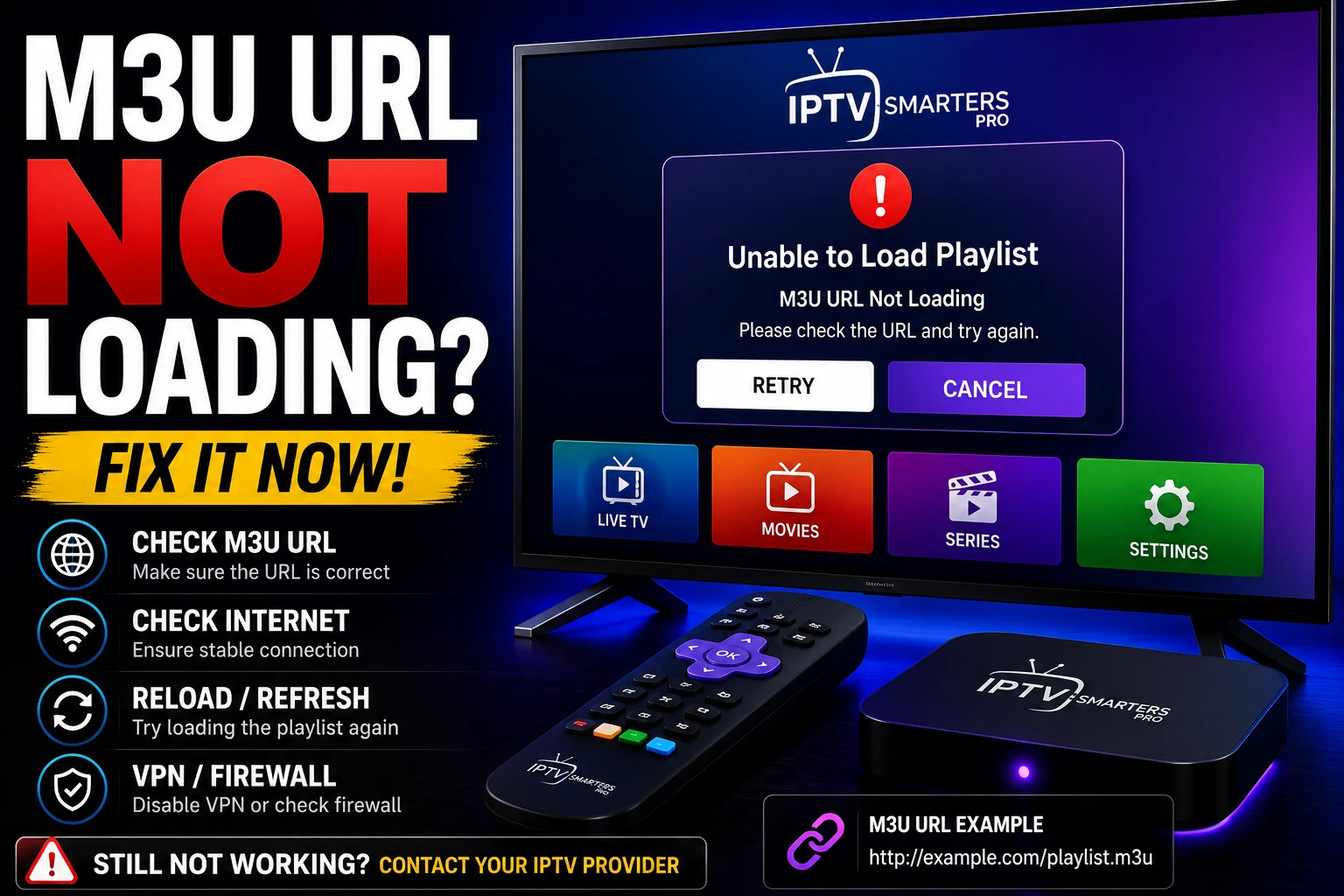
M3U URL Not Loading? Fix Playlist Issues
Resolve M3U playlist loading failures, invalid URL errors, and Xtream Codes connection problems.
Read Guide →
IPTV Smarters Failed to Authorize Fix
Fix authentication errors, login failures, and credential issues in IPTV Smarters Pro and other apps.
Read Guide →
Fix IPTV on Firestick / Fire TV
Troubleshoot Firestick-specific IPTV issues including app crashes, storage problems, and connectivity errors.
Read Guide →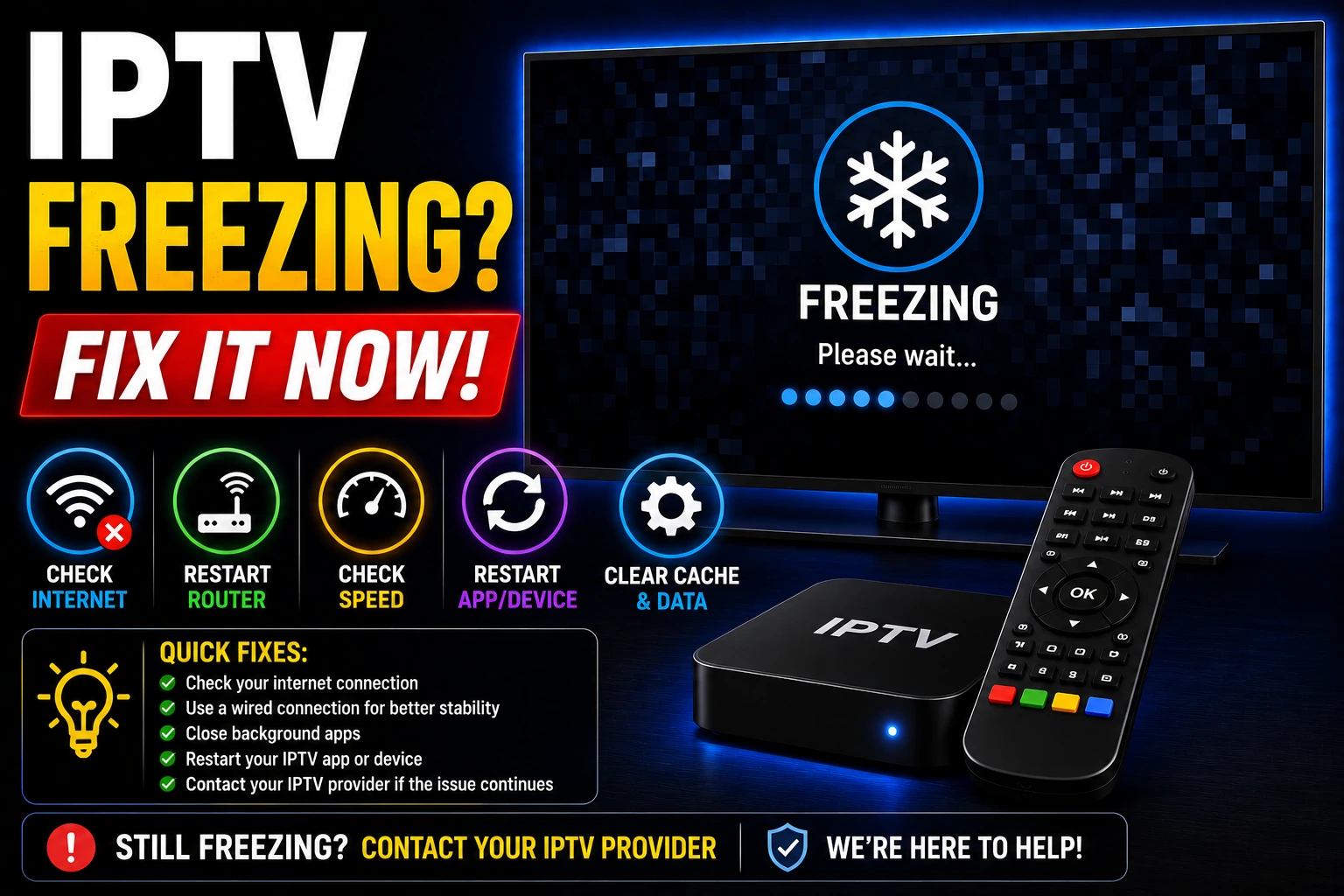
Fix IPTV Freezing & Stuttering Issues
Stop IPTV freezing and lag with network optimization, hardware acceleration, and player configuration.
Read Guide →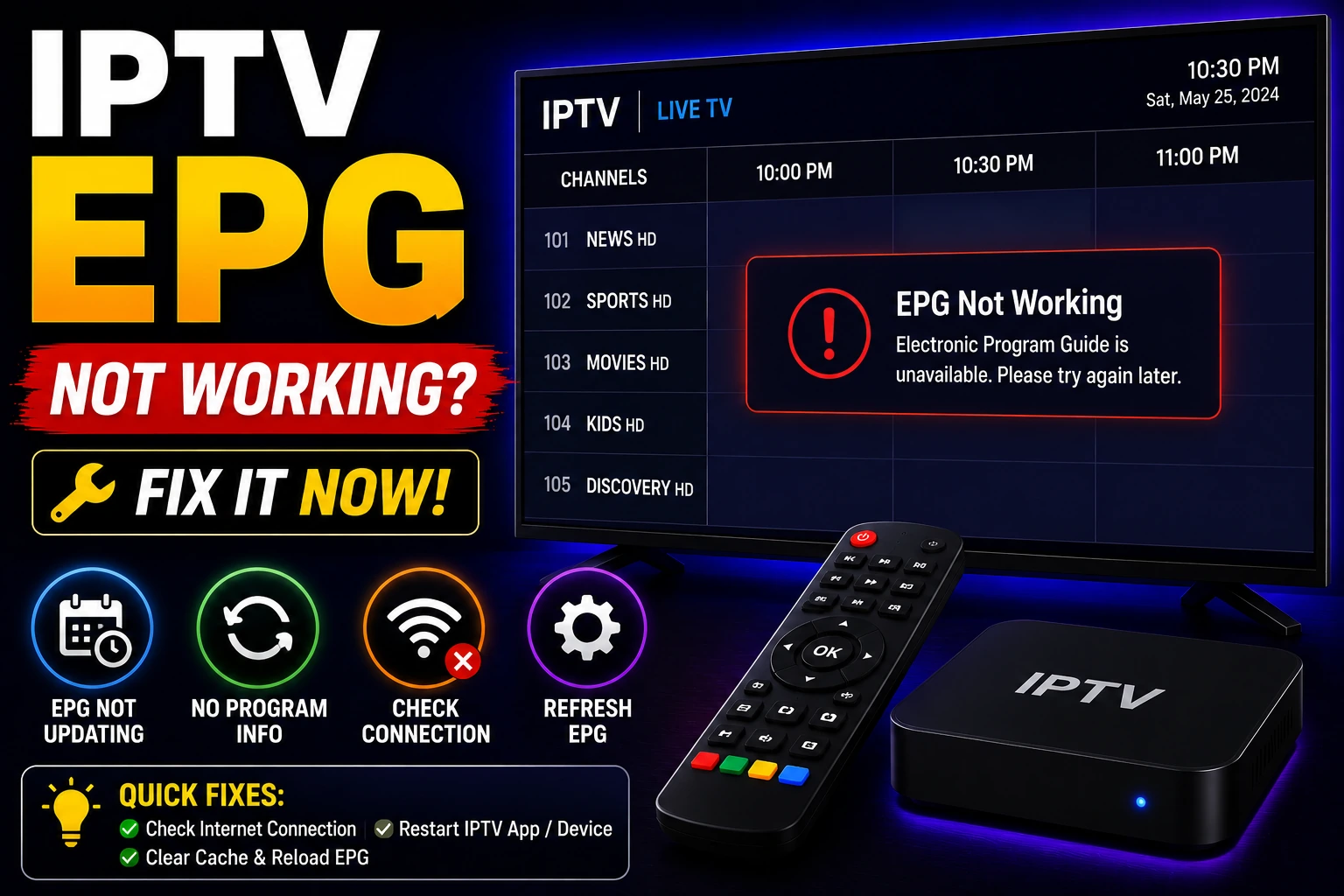
Fix EPG Not Working on IPTV
Resolve missing or outdated EPG data, update TV guide sources, and configure EPG settings correctly.
Read Guide →
Fix IPTV No Sound / Audio Problems
Resolve audio sync issues, no sound errors, and codec compatibility problems across all devices.
Read Guide →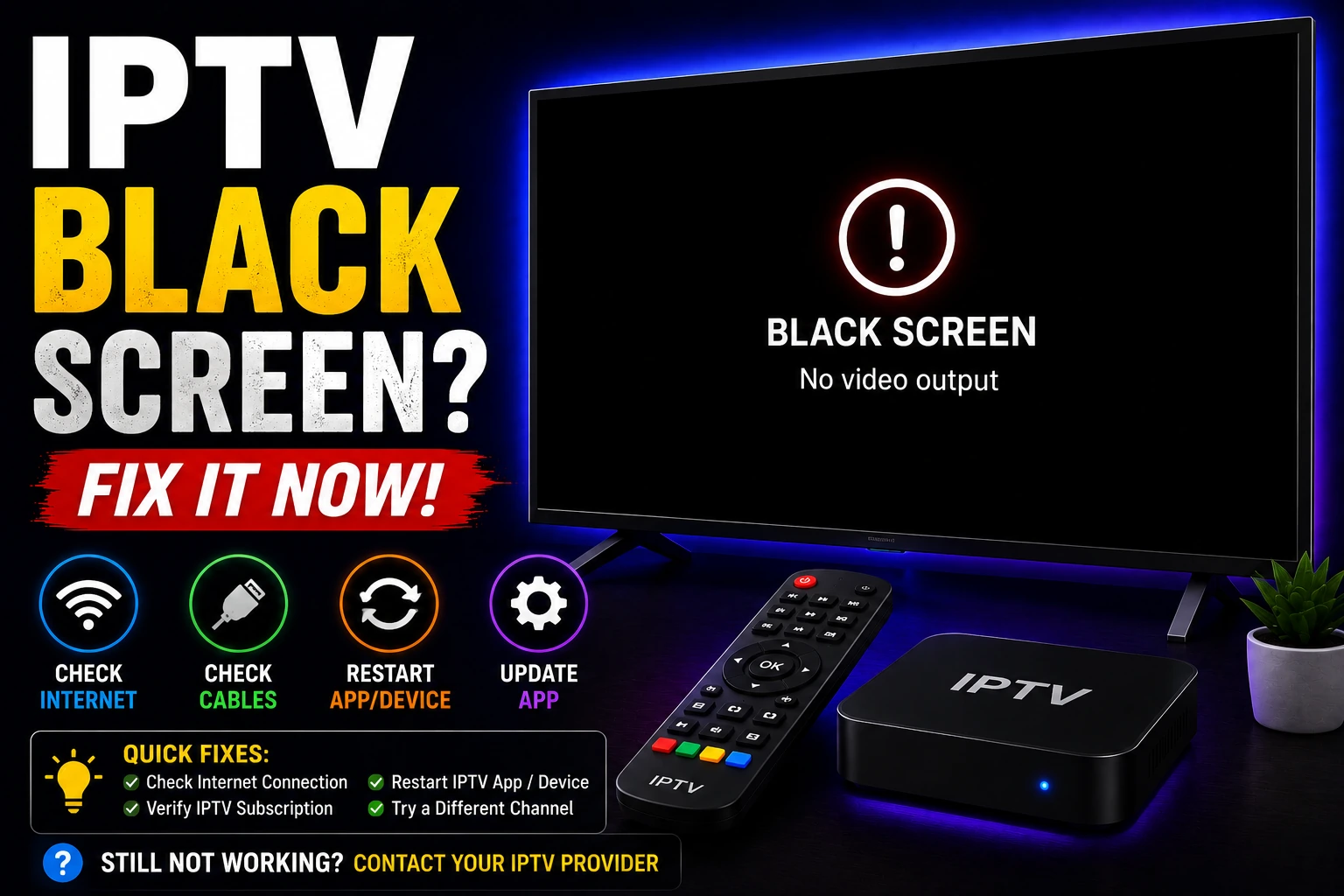
Fix IPTV Black Screen Issues
Resolve black screen errors, codec issues, and display problems on all IPTV devices.
Read Guide →Related IPTV Resources
IPTV Services
Switch to a reliable IPTV provider with 99.9% uptime and responsive support to prevent future issues.
IPTV Apps & Players
Try alternative IPTV players like TiviMate or IPTV Smarters Pro for better performance and stability.
Full Troubleshooting Walkthrough
Work through buffering, freezing and speed problems end to end with our complete IPTV troubleshooting guide.
Frequently Asked Questions
Why does my IPTV keep buffering? expand_more
IPTV buffering is usually caused by ISP throttling, insufficient bandwidth, or WiFi interference. Enable a VPN to bypass throttling, switch to wired Ethernet, and ensure you have 50+ Mbps for 4K streaming. See our complete buffering fix guide.
How do I fix "IPTV not working" errors? expand_more
Start with these quick fixes: restart your device and router, enable a VPN, clear app cache, and verify your subscription is active. If issues persist, check DNS settings (switch to 1.1.1.1) and contact your provider. Full guide: IPTV Not Working Fix.
Will a VPN fix my IPTV streaming issues? expand_more
Yes, in 60-70% of cases. VPNs bypass ISP throttling and unblock geo-restricted content. Use a fast VPN with WireGuard protocol (ExpressVPN, NordVPN, or Surfshark) for best results. Check our VPN for IPTV guide.
Why is my M3U playlist not loading? expand_more
M3U URL errors occur due to expired links, incorrect URL format, or DNS blocking. Verify the URL is correct (no extra spaces), check if your subscription is active, and try changing DNS to Cloudflare. See: M3U URL Not Loading Fix.
How do I fix IPTV Smarters authorization errors? expand_more
"Failed to authorize" errors in IPTV Smarters are usually caused by incorrect credentials, expired subscriptions, or exceeding connection limits. Verify your login details, check account status with your provider, and ensure you're not logged in on too many devices. Full guide: Smarters Auth Fix.