
M3U URL Not Loading? Fix Playlist Errors in 5 Minutes
Trying to load your M3U playlist but getting errors? You're not alone. M3U URL loading issues are among the most common IPTV problems, but they're usually easy to fix. This guide covers every possible cause and solution to get your playlist working in minutes.
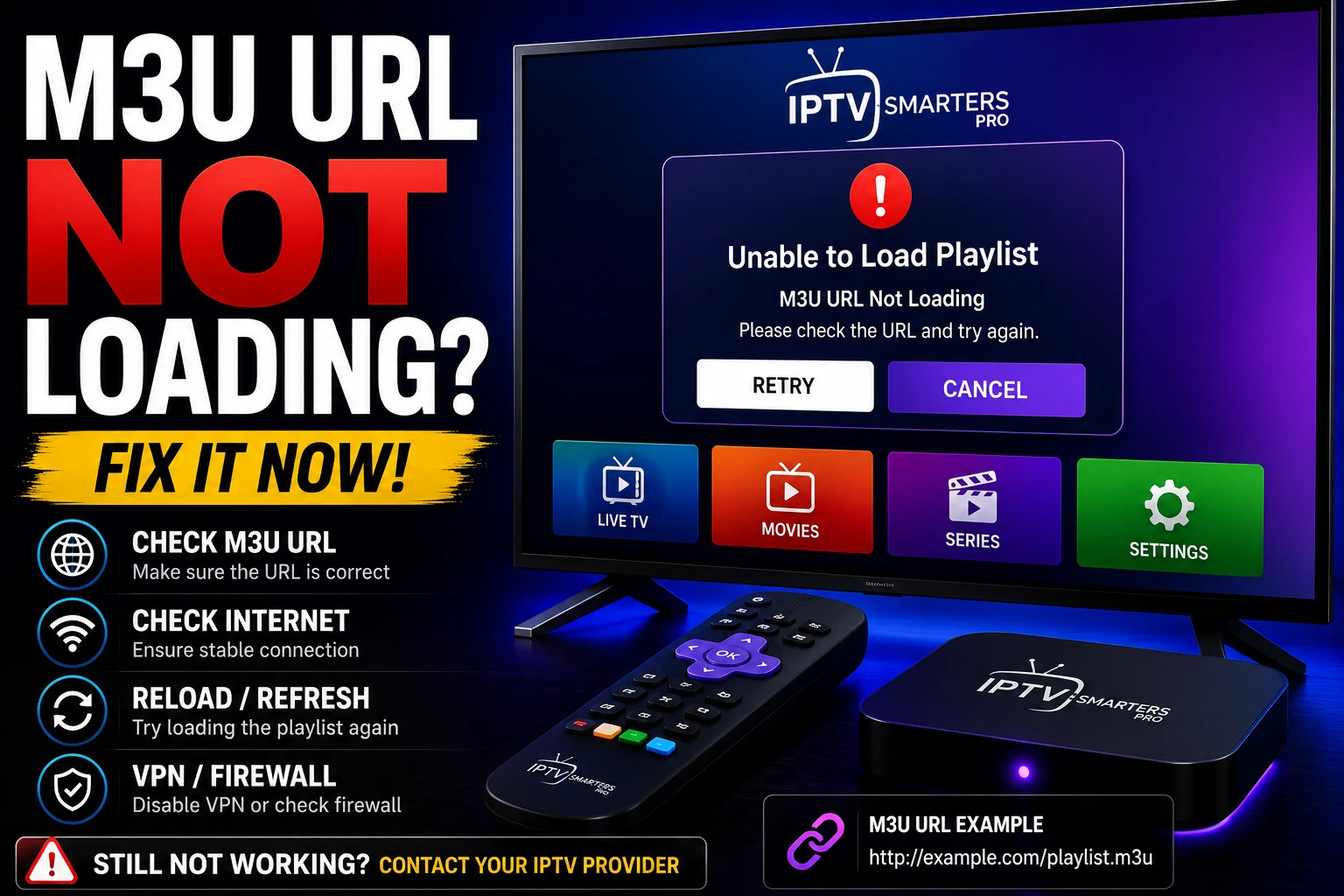
What Is an M3U URL?
An M3U URL is a web address that points to your IPTV playlist file. When you enter this URL into your IPTV player, it downloads the playlist containing all your channels, movies, and series. The URL typically looks like this:
http://domain.com:8080/get.php?username=USER&password=PASS&type=m3u_plus&output=ts When this URL doesn't load, your IPTV player can't access the channel list, leaving you with a blank screen or error message. If you want the full background on the format and free legal sources, see our M3U Playlist Guide (2026). Let's fix that.
Why M3U URLs Fail to Load
Incorrect URL Format
Missing characters, extra spaces, or wrong syntax prevent the URL from working. Even one typo breaks the entire link.
Expired Credentials
Your IPTV subscription may have expired, or your username/password changed without updating the URL.
Server Downtime
The IPTV provider's server might be temporarily down for maintenance or experiencing technical issues.
Player Compatibility
Some IPTV players don't support certain M3U formats or require specific URL structures.
Network/Firewall Blocking
Your ISP, firewall, or antivirus software may be blocking access to the IPTV server.
Cache/Data Issues
Corrupted cache or old data in your IPTV player can prevent new playlists from loading properly.
How to Fix M3U URL Not Loading (Step-by-Step)
1 Verify Your M3U URL Format
The most common issue is an incorrectly formatted URL. Check for these problems:
- check_circle URL must start with
http://orhttps:// - check_circle No spaces before, after, or within the URL
- check_circle All parameters (username, password, type) are present
- check_circle No line breaks or hidden characters
? Correct Format:
http://server.com:8080/get.php?username=user123&password=pass456&type=m3u_plus&output=ts ? Wrong Format:
http://server.com:8080/get.php?username=user 123&password=pass456 (has spaces) 2 Test the URL in a Web Browser
Before troubleshooting your player, verify the URL actually works.
- Copy your M3U URL
- Paste it into a web browser (Chrome, Firefox, Safari)
- Press Enter
? If it works: The browser will download a file or show playlist content. The problem is with your player, not the URL.
? If it fails: You'll see an error page. The URL is invalid, credentials are wrong, or the server is down.
3 Check Your IPTV Subscription Status
Expired or inactive subscriptions are a common cause of loading failures.
- check_circle Contact your IPTV provider to verify your account is active
- check_circle Check if your payment went through successfully
- check_circle Verify you haven't exceeded device limits
- check_circle Request a new M3U URL if credentials changed
4 Clear App Cache and Data
Corrupted cache can prevent new playlists from loading. Clear it to start fresh.
For Android/Firestick:
- Go to Settings ? Applications
- Find your IPTV player app
- Select "Clear Cache" and "Clear Data"
- Restart the app and re-enter your M3U URL
For iOS/Apple TV:
- Delete the IPTV app completely
- Restart your device
- Reinstall the app from App Store
- Enter your M3U URL again
5 Try a Different IPTV Player
Some players have better M3U compatibility than others. Test your URL in multiple apps.
Recommended Players:
- play_circle IPTV Smarters Pro
- play_circle TiviMate (Android TV)
- play_circle VLC Media Player
- play_circle XCIPTV Player
Why This Works:
- • Different parsing engines
- • Better error handling
- • More format support
- • Regular updates
6 Check Internet Connection and Firewall
Network issues or security software can block M3U URLs from loading.
- check_circle Test your internet connection speed
- check_circle Temporarily disable firewall/antivirus and test
- check_circle Try using mobile data instead of WiFi
- check_circle Use a VPN if your ISP blocks IPTV traffic
7 Use the Correct M3U Type Parameter
Different M3U types work better with different players. Try these variations:
Standard M3U:
...&type=m3u&output=ts M3U Plus (Recommended):
...&type=m3u_plus&output=ts M3U8 Format:
...&type=m3u_plus&output=m3u8 Tip: M3U Plus includes EPG data and channel logos, making it the best choice for most players.
8 Contact Your IPTV Provider
If nothing works, your provider may have changed servers or URL structure.
- check_circle Request a fresh M3U URL
- check_circle Ask if server maintenance is ongoing
- check_circle Verify your account hasn't been suspended
- check_circle Check if they recommend specific players
M3U URL vs Xtream Codes: Which Is Better?
| Feature | M3U URL | Xtream Codes |
|---|---|---|
| Setup Complexity | Simple (one URL) | Moderate (3 fields) |
| Reliability | Good | Excellent |
| EPG Support | Limited | Full support |
| Player Compatibility | Universal | Most modern players |
| Loading Speed | Slower (large file) | Faster (API-based) |
| Best For | Basic setups, older players | Advanced users, modern apps |
Recommendation: If your provider offers both, use Xtream Codes for better performance and features. However, M3U URLs work on more devices and are easier to set up. Learn more in our Xtream Codes guide.
Advanced M3U Troubleshooting
Check URL Encoding
Special characters in passwords must be URL-encoded. If your password contains symbols, they need to be converted:
Common Conversions:
- • @ becomes %40
- • # becomes %23
- • & becomes %26
- • Space becomes %20
- • + becomes %2B
Example:
Wrong:
password=my@pass#123 Correct:
password=my%40pass%23123 Test with VLC Media Player
VLC is the most reliable player for testing M3U URLs. If it works in VLC, the URL is valid.
- Open VLC Media Player
- Go to Media ? Open Network Stream
- Paste your M3U URL
- Click Play
If channels load in VLC but not in your IPTV app, the problem is with the app, not the URL.
Download and Inspect the M3U File
Sometimes the M3U file itself has errors. Download it to check:
- Paste your M3U URL in a browser
- Save the downloaded file
- Open it with a text editor (Notepad, TextEdit)
- Look for obvious errors or empty content
A valid M3U file should contain channel names and stream URLs. If it's empty or shows errors, contact your provider.
Use Our Online M3U Player
Test your M3U URL instantly without installing any app using our online IPTV player. It supports both M3U playlists and Xtream Codes, making it perfect for quick testing.
Common M3U Error Messages & Solutions
error "Failed to Load Playlist"
Causes: Invalid URL, expired subscription, or server down
Solution: Verify URL format, check subscription status, test in browser
error "Invalid URL Format"
Causes: Missing http://, spaces, or special characters
Solution: Remove spaces, ensure proper URL encoding, add http:// prefix
error "Authentication Failed"
Causes: Wrong username/password or expired credentials
Solution: Request new credentials from provider, check for typos
error "Connection Timeout"
Causes: Slow internet, server issues, or firewall blocking
Solution: Check internet speed, disable firewall temporarily, use VPN
error "Playlist is Empty"
Causes: Server returned empty file or wrong URL type
Solution: Try different type parameter (m3u vs m3u_plus), contact provider
How to Prevent M3U Loading Issues
Best Practices
- check_circle Save your M3U URL in a secure note app
- check_circle Keep your IPTV apps updated
- check_circle Use reliable IPTV providers with good support
- check_circle Test URLs before subscription expires
What to Avoid
- cancel Don't share your M3U URL publicly
- cancel Avoid copying URLs from untrusted sources
- cancel Don't use extremely cheap providers
- cancel Never edit the URL without understanding it
Frequently Asked Questions
Why is my M3U URL not loading?
M3U URLs fail to load due to incorrect format, expired credentials, server downtime, player compatibility issues, or network blocking. Start by testing the URL in a web browser to determine if it's a URL problem or a player problem.
How do I fix M3U playlist errors?
Fix M3U errors by: 1) Verifying URL format has no spaces or typos, 2) Checking subscription is active, 3) Clearing app cache, 4) Testing in different players, 5) Using a VPN if blocked, 6) Contacting your provider for a fresh URL.
What is the correct M3U URL format?
Correct format: http://domain.com:port/get.php?username=USER&password=PASS&type=m3u_plus&output=ts. It must start with http:// or https://, include all parameters (username, password, type), and have no spaces or line breaks.
Can I test if my M3U URL is working?
Yes, paste your M3U URL into any web browser. If it downloads a file or shows playlist content, the URL works. If you get an error page, the URL is invalid, credentials are wrong, or the server is down. You can also use our online M3U player for instant testing.
Should I use M3U or Xtream Codes?
Xtream Codes is generally better for modern IPTV apps, offering faster loading, better EPG support, and more features. However, M3U URLs work on more devices and are simpler to set up. If your provider offers both, try Xtream Codes first.
Why does my M3U work in VLC but not my IPTV app?
This indicates the URL is valid but your IPTV app has compatibility issues. Try clearing the app cache, updating to the latest version, or switching to a different player like IPTV Smarters Pro or TiviMate.
Conclusion
M3U URL loading issues are frustrating but almost always fixable within minutes. Start by verifying your URL format and testing it in a web browser. If the URL works in the browser but not in your app, the problem is with your player - try clearing cache or switching to a different app.
If the URL doesn't work anywhere, check your subscription status and contact your provider for a fresh URL. Remember that choosing a reliable IPTV provider with good support prevents most of these issues from happening in the first place.
Quick Fix Checklist
- check_circle Verify URL format (no spaces, starts with http://)
- check_circle Test URL in web browser
- check_circle Check subscription is active
- check_circle Clear app cache and data
- check_circle Try different IPTV player
- check_circle Test with VPN if blocked
- check_circle Contact provider for fresh URL
Related Articles
IPTV Not Working
Complete troubleshooting guide for all IPTV connection issues
IPTV Buffering Fix
Stop buffering and lag with 15 proven solutions
Xtream Codes Guide
Learn about Xtream Codes and how to use them safely
Best IPTV Players
Compare top IPTV players with best M3U support