
IPTV Test: Check Any Stream, Playlist or Provider
An IPTV test tells you whether a playlist, a single stream or a whole provider is actually usable before you pay, and before kick-off. Testing is not one check: you need to confirm the playlist parses, the stream starts within a few seconds, the picture holds without buffering, the EPG matches the channels, and the server survives peak hours. This guide gives you a repeatable five-minute IPTV test you can run on any service, plus the thresholds we use, the tools involved, and the fixes for the failures you are most likely to see.
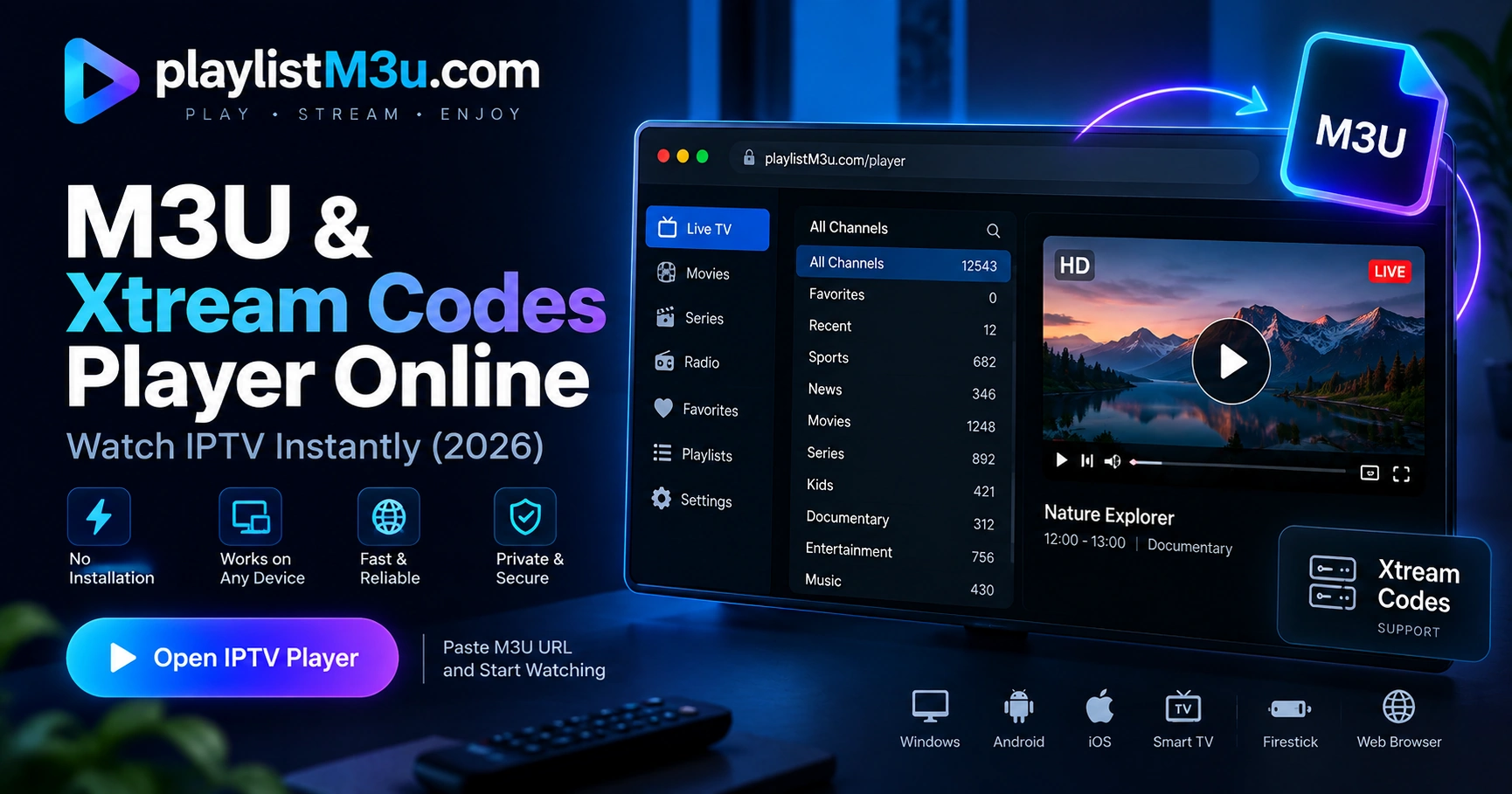
Check a Stream Now
Paste a single stream URL, such as an .m3u8 manifest, to see whether the host responds from your connection. This is a reachability check, not a playback test: a green result means the server answered, not that the codec, DRM or region will let you watch.
The request runs in your browser and the URL is never sent to our servers. Hosts that block cross-origin requests, use plain HTTP on an HTTPS page, or sit behind DNS filtering will report as blocked even when they work in VLC. For structure, channel counts and group validation, use the M3U checker instead.
Testing a playlist or Xtream account instead?
This tool checks one stream URL. To validate playlist structure, channel counts and format errors, use the M3U checker. To browse the channels inside an M3U file or Xtream login, open the IPTV channel viewer.
What a Test Should Prove
Most "IPTV test" pages check one thing: whether a link opens. That is the least useful result, because a stream can open and still be unwatchable. A useful test answers four separate questions:
Is the playlist valid?
Correct header, complete channel entries, no orphan URLs. This catches a truncated file or a bad provider export before you waste time in a player.
Does the stream start?
Startup time and first-frame reliability. Slow starts across many channels point to the server or DNS, not the app.
Does it hold?
Ten minutes of playback reveals rebuffering, audio drift and bitrate collapse that a five-second preview hides.
Is it usable?
Guide data, zapping speed and remote navigation decide whether the service is pleasant or just technically online.
Run the test on the device you will actually watch on. A playlist that is fine on a laptop can still fail on a Fire TV Stick with weak Wi-Fi.
The Five-Minute Test
- 1. Validate the playlist. Paste the M3U link into the M3U checker, or upload the file if the host blocks browser requests. Confirm the header, total channels and group list. A parse error here saves you every later step.
- 2. Open one channel directly. Copy a single stream URL and open it in VLC with Media, Open Network Stream (Ctrl+N). Time from pressing Play to the first frame.
- 3. Watch for ten minutes. Leave it running. Note any rebuffering, lip-sync drift or resolution drops. Do this on a busy channel, not a test loop.
- 4. Test five more channels. Include one from each group you care about. Record startup time and whether each one plays at all.
- 5. Check the EPG. Open the guide in your player and confirm the programme names and times match the channel you are watching. Blank guide rows mean a tvg-id mismatch, covered in the EPG guide.
Five minutes is enough to catch a dead service. It is not enough to judge a provider, because load changes through the day. Treat the fast test as a filter and the peak-hour retest below as the real decision.
Pass or Fail Scorecard
| Check | Pass | Fail |
|---|---|---|
| Playlist parse | No errors, channels listed | Missing header or empty groups |
| Startup time | Under 5 seconds | 10 seconds or more |
| Ten-minute playback | No rebuffering | Stalls every few minutes |
| Channel success rate | 5 of 6 or better | Half the channels dead |
| Zapping | Under 3 seconds | Over 8 seconds |
| EPG match | Correct names and times | Blank or shifted guide |
| Peak-hour retest | Same result at 9pm | Collapses under load |
Score each row pass or fail. Two or more fails on the same device means the service is not ready for you, regardless of how many channels the sales page advertises.
What Failures Mean
Playlist will not parse
Usually a truncated download, a login page saved as .m3u, or an expired URL. Re-request the link from the provider. If the same URL works in VLC but not in the browser checker, it is a cross-origin restriction, not a broken playlist.
Streams start then stop
Connection limits are the usual cause: too many devices or streams on one subscription. Close other players and retest. Persistent stops on every channel point to the provider or your network; see the connection timeout fix.
Only sport buffers
Live events concentrate viewers on one feed. If ordinary channels are fine and the big match is not, the provider's sports capacity is short. Test a second provider on the same evening before renewing.
Everything looks fine but the guide is empty
The EPG URL is missing or the tvg-id values do not match. Add the XMLTV link provided by the service and rematch channels in the player settings.
Peak-Hour Retest
Run the same five checks between 8pm and 10pm local time, ideally during a live event. This is the only test that reflects how the service will feel when you actually use it. Two outcomes matter:
- Passes at peak. Capacity is adequate. Buy the shortest plan that covers your season and retest before renewing.
- Fails only at peak. The service is oversubscribed. Do not buy a long subscription on the strength of a quiet-hours test.
If peak-hour failures persist on a wired connection across two devices, the problem is upstream. Our buffering fix guide separates local causes from provider causes step by step.
Testing a Provider
When the thing under test is a paid service rather than a file, add these checks to the list:
- Confirm the trial is genuinely free and does not auto-renew.
- Ask how many simultaneous connections the plan allows, then test that exact number.
- Check that catch-up and VOD work, not just live TV.
- Verify support answers during your trial, not only after payment.
- Pay monthly first. A yearly discount is not worth it until the service survives a weekend of sport.
Our IPTV free trial guide covers how to request a trial and what to check inside it. If you want the player side reviewed, the best IPTV players comparison covers which apps expose startup time and buffer settings.
Frequently Asked Questions
How do I test an IPTV service before paying?
Use the provider's trial, then test four things in this order: the playlist parses, channels start in under five seconds, the picture holds for ten minutes without buffering, and the EPG matches the channel names. Repeat the test between 8pm and 10pm, when the provider is busiest. A service that passes in the morning and fails at peak is oversubscribed.
What is a good zapping time for IPTV?
Under three seconds is good and under five is acceptable for a live channel change. If zapping takes ten seconds or more across many channels, the provider's server or your DNS is slow rather than the player. Test several channels before blaming the app.
Can I test an IPTV stream for free?
Yes. Free-to-air playlists cost nothing to test, and most paid providers offer a short trial. You can also verify a single stream URL by opening it in VLC via Media, Open Network Stream. Never pay for a long subscription before you have tested one evening of live sport.
Why does my IPTV test pass but playback still buffer?
A short test measures startup, not sustained throughput. Buffering usually appears after several minutes, on a specific channel, or during a popular event. Repeat the test for at least ten minutes per channel, use a wired connection, and compare more than one device before you blame the provider.
What internet speed do I need for IPTV?
About 10 Mbps for a single HD stream and 25 Mbps or more for 4K, with headroom for other devices in the house. Speed alone is not enough: latency and packet loss matter more for live TV, which is why a wired connection often fixes buffering that a fast Wi-Fi plan does not.
link Related Guides
M3U Checker
Validate a playlist structure before you load it
Fix IPTV Buffering
Separate local causes from provider causes
Connection Timeout
Diagnose streams that start and then stop
IPTV Free Trial
How to request a trial and what to test inside it