
M3U vs Xtream Codes Format Comparison
Choosing between M3U and Xtream Codes affects your IPTV experience significantly. This guide compares both formats, explaining their differences, advantages, and helping you decide which is best for your needs.

compare Quick Comparison
M3U Format
Simple playlist file containing channel URLs. Universal compatibility but limited features. Best for basic setups.
Xtream Codes API
Advanced API system with dynamic content delivery. Rich features including EPG, VOD, and catch-up TV. Best for full experience.
What is M3U?
M3U (MP3 URL) is a plain text file format that contains a list of media file locations. Originally designed for audio playlists, it's now widely used for IPTV channel lists.
M3U File Structure
#EXTM3U
#EXTINF:-1 tvg-id="BBC1" tvg-logo="logo.png",BBC One
http://example.com/stream/bbc1
#EXTINF:-1 tvg-id="CNN" tvg-logo="cnn.png",CNN
http://example.com/stream/cnn
How M3U Works
- � Static file hosted on server or provided as URL
- � Player downloads and parses the file
- � Each entry contains channel name and stream URL
- � Optional metadata (logo, EPG ID, group)
M3U Advantages
- ? Universal player compatibility
- ? Simple to understand and edit
- ? Works with any media player
- ? No special server requirements
- ? Easy to share and backup
- ? Can be edited with text editor
- ? Lightweight and fast loading
M3U Disadvantages
- ? No automatic EPG updates
- ? Limited VOD organization
- ? No catch-up TV support
- ? Manual playlist updates needed
- ? No user authentication
- ? Basic channel grouping
- ? No series/season management
What is Xtream Codes?
Xtream Codes is an API-based IPTV management system that provides dynamic access to live channels, VOD content, series, and EPG data. It's the industry standard for professional IPTV services.
Xtream Codes Login Format
Server URL: http://example.com:8080
Username: your_username
Password: your_password
How Xtream Codes Works
- � API-based communication between player and server
- � Dynamic content delivery based on user permissions
- � Real-time EPG and metadata updates
- � Organized categories and content management
Xtream Codes Advantages
- ? Automatic EPG updates
- ? Organized VOD library
- ? Catch-up TV support
- ? Series/season management
- ? User authentication
- ? Better player integration
- ? Dynamic content updates
- ? Advanced categorization
- ? Recording capabilities
Xtream Codes Disadvantages
- ? Requires compatible player
- ? More complex setup
- ? Server-dependent
- ? Cannot edit manually
- ? Less universal compatibility
- ? Requires provider support
Feature-by-Feature Comparison
| Feature | M3U | Xtream Codes |
|---|---|---|
| Setup Complexity | Simple | Moderate |
| Player Compatibility | Universal | Most modern players |
| EPG Updates | Manual | Automatic |
| VOD Organization | Basic list | Categories & search |
| Catch-up TV | Not supported | Supported |
| Series Management | No | Yes (seasons/episodes) |
| Authentication | URL-based | User/password |
| Content Updates | Manual refresh | Real-time |
| Editing | Easy (text editor) | Not possible |
| Recording | Player-dependent | Better support |
| Best For | Simple setups | Full features |
Player Compatibility
M3U Compatible Players
All players support M3U:
- � VLC Media Player
- � Kodi
- � TiviMate
- � IPTV Smarters Pro
- � Perfect Player
- � GSE Smart IPTV
- � OTT Navigator
- � And virtually all others
Xtream Codes Compatible Players
Modern players with API support:
- � TiviMate ?
- � IPTV Smarters Pro ?
- � Perfect Player ?
- � GSE Smart IPTV ?
- � OTT Navigator ?
- � IPTV Extreme ?
- � VLC (limited support)
- � Kodi (via plugins)
Which Format Should You Choose?
Choose M3U If:
- check_circle You want maximum compatibility with all players
- check_circle You need to edit or customize your playlist
- check_circle You're using basic players like VLC
- check_circle You only watch live TV (no VOD needed)
- check_circle Your provider doesn't offer Xtream Codes
- check_circle You prefer simplicity over features
Choose Xtream Codes If:
- check_circle You want automatic EPG updates
- check_circle You watch VOD content and series
- check_circle You want catch-up TV functionality
- check_circle You use modern IPTV players (TiviMate, Smarters)
- check_circle Your provider supports Xtream Codes API
- check_circle You want the best overall experience
Can You Use Both?
Yes! Most IPTV providers that support Xtream Codes also provide M3U URLs as a fallback option. You can switch between formats depending on your needs or device.
Use Xtream Codes For:
- � Primary devices (Firestick, Android TV)
- � Full-featured players (TiviMate)
- � VOD and series watching
- � Best overall experience
Use M3U For:
- � Secondary devices
- � VLC or basic players
- � Quick testing
- � Compatibility fallback
Frequently Asked Questions
What is the difference between M3U and Xtream Codes?
M3U is a playlist file format containing channel URLs, while Xtream Codes is an API-based system that provides dynamic access to channels, VOD, and EPG. Xtream Codes offers better features like catch-up TV, series management, and automatic updates, while M3U is simpler and more universally compatible.
Which is better: M3U or Xtream Codes?
Xtream Codes is generally better for most users due to automatic EPG updates, VOD organization, catch-up TV, and better player integration. However, M3U is better for simple setups, maximum compatibility, and when you need to edit playlists manually.
Can I convert M3U to Xtream Codes?
You cannot directly convert M3U to Xtream Codes as they are fundamentally different systems. M3U is a static file while Xtream Codes requires server-side API infrastructure. Your IPTV provider must support Xtream Codes API for you to use it.
link Related Guides
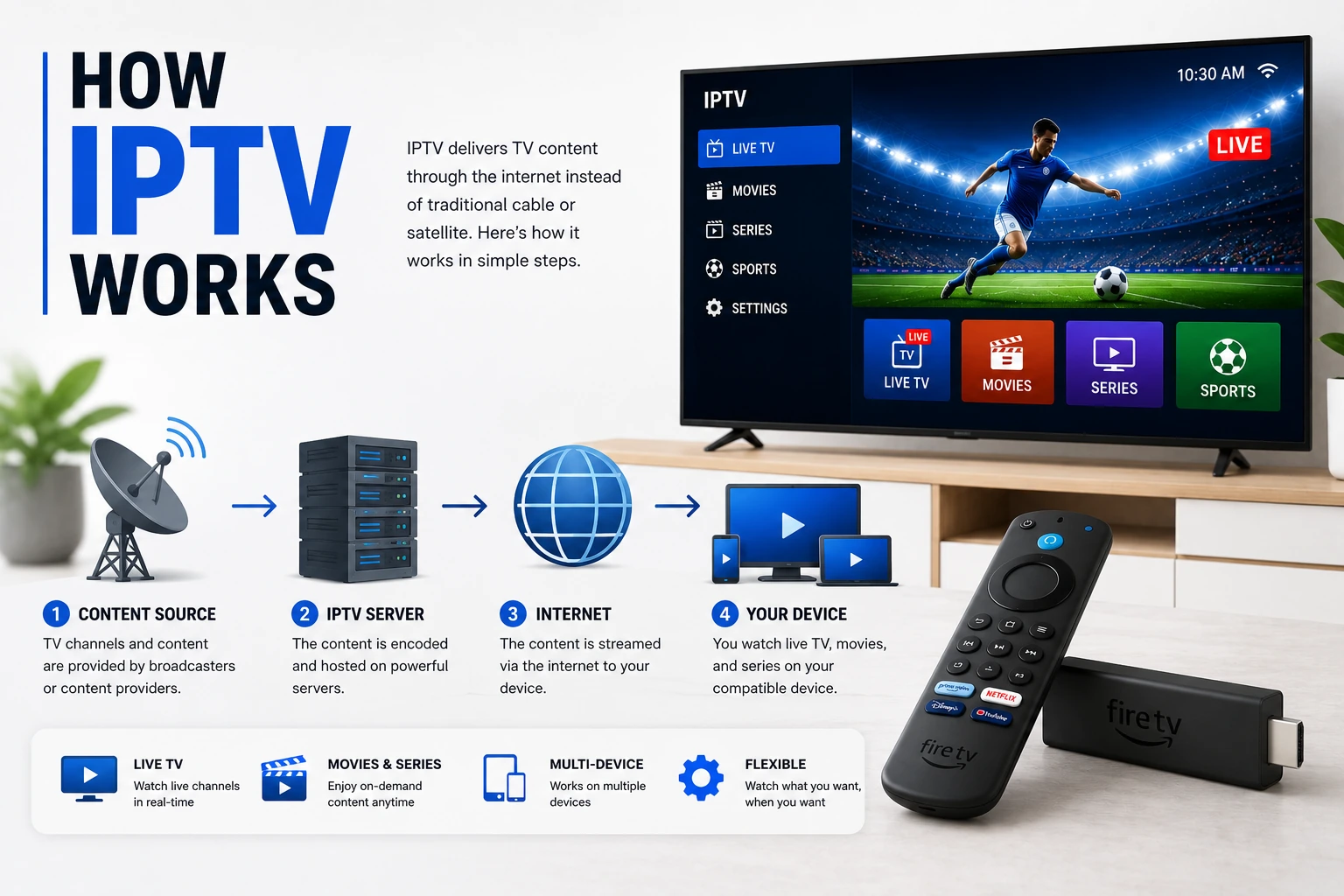
How IPTV Works
Technical deep-dive into IPTV technology
M3U Playlist Guide
Create and edit M3U playlists
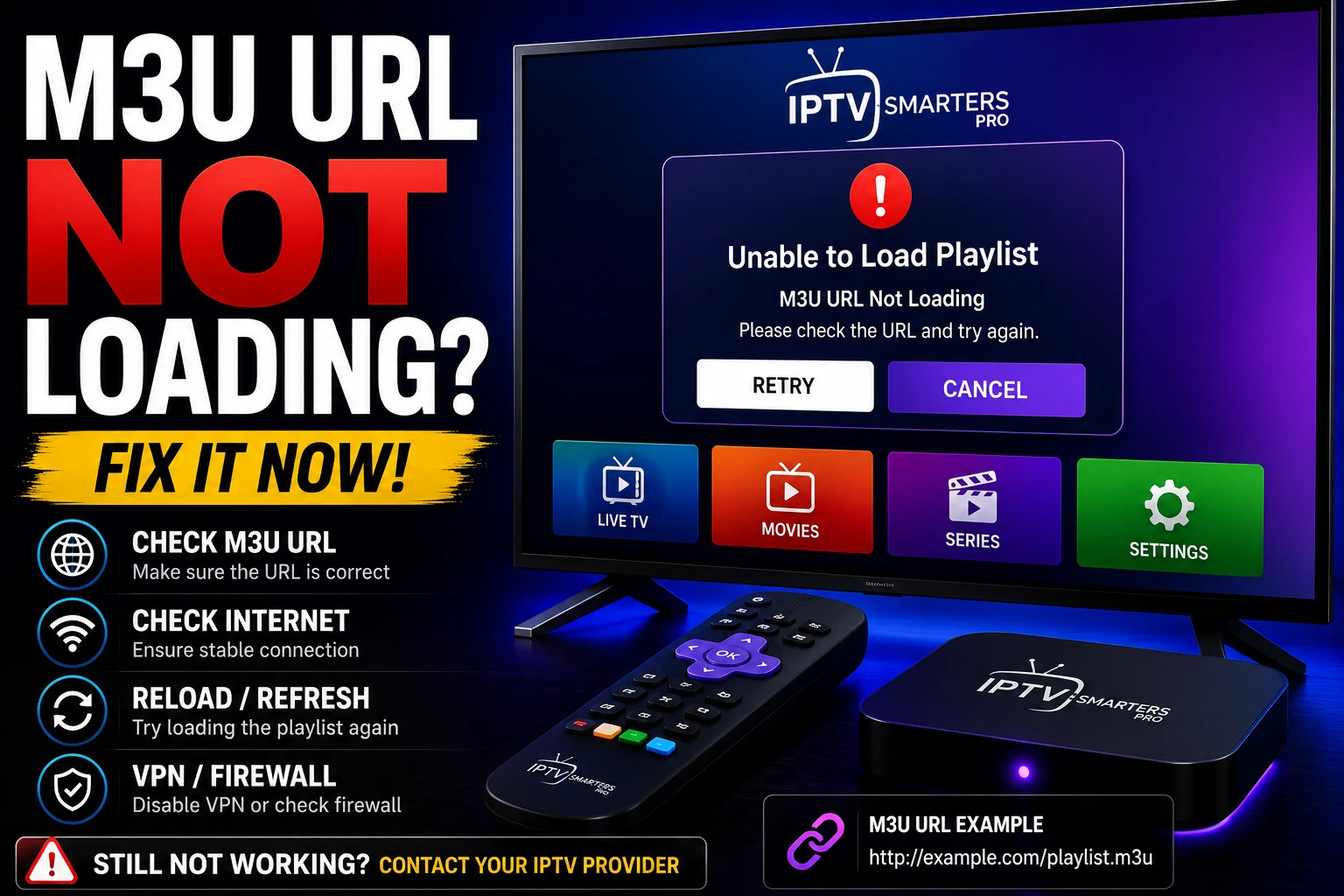
Fix M3U URL Issues
Troubleshoot M3U loading problems
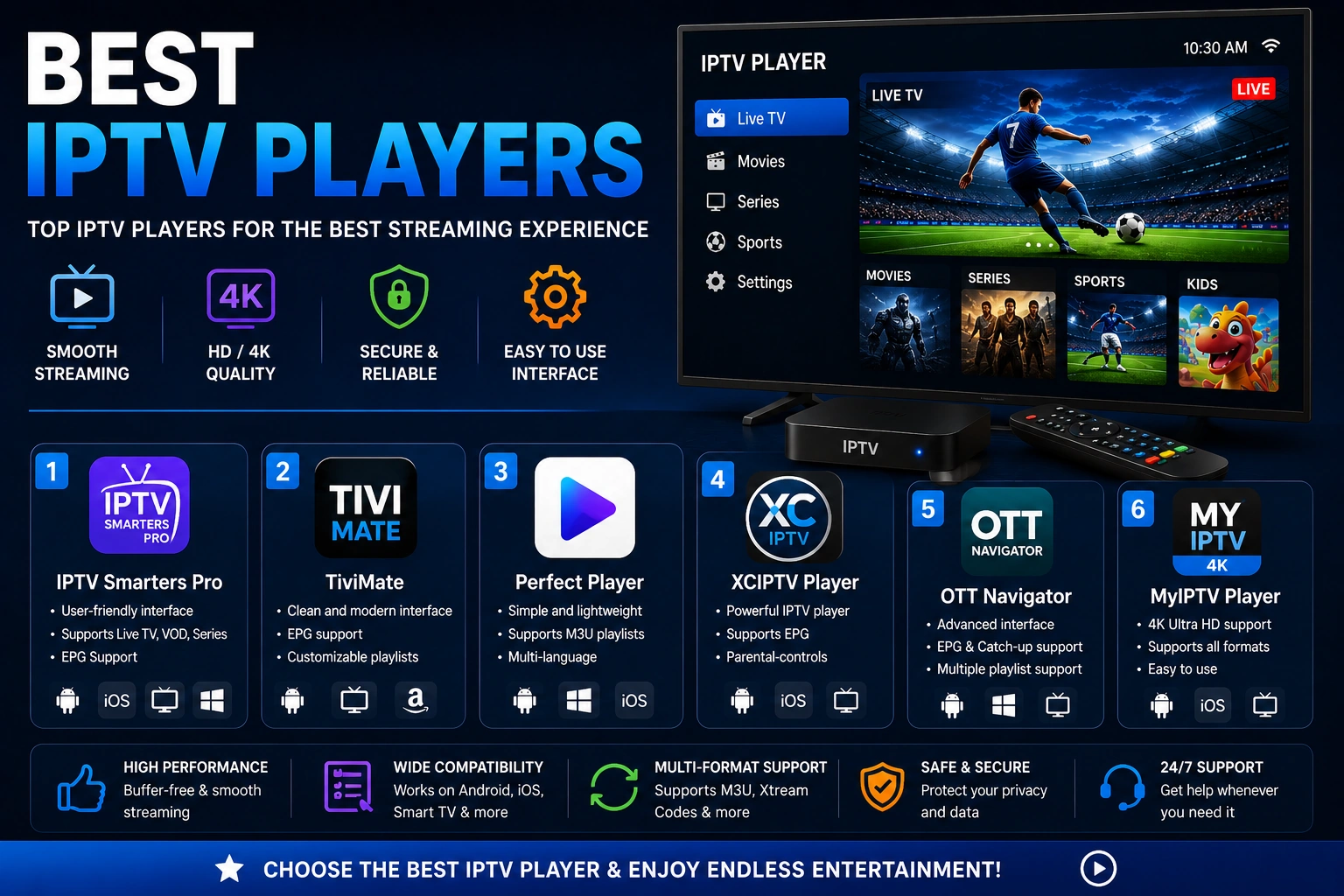
Best IPTV Players
Players supporting both formats