
XCIPTV Player - How to Install, Set Up & Use It in 2026
Learn how to install and use XCIPTV Player in 2026. Complete guide covering features, setup steps, and tips for smooth IPTV streaming.
Setup verified September 2026
M3U + Xtream login paths checked on Firestick and Android, EPG load confirmed. Validate any playlist yourself with our M3U checker.
What Is XCIPTV Player?
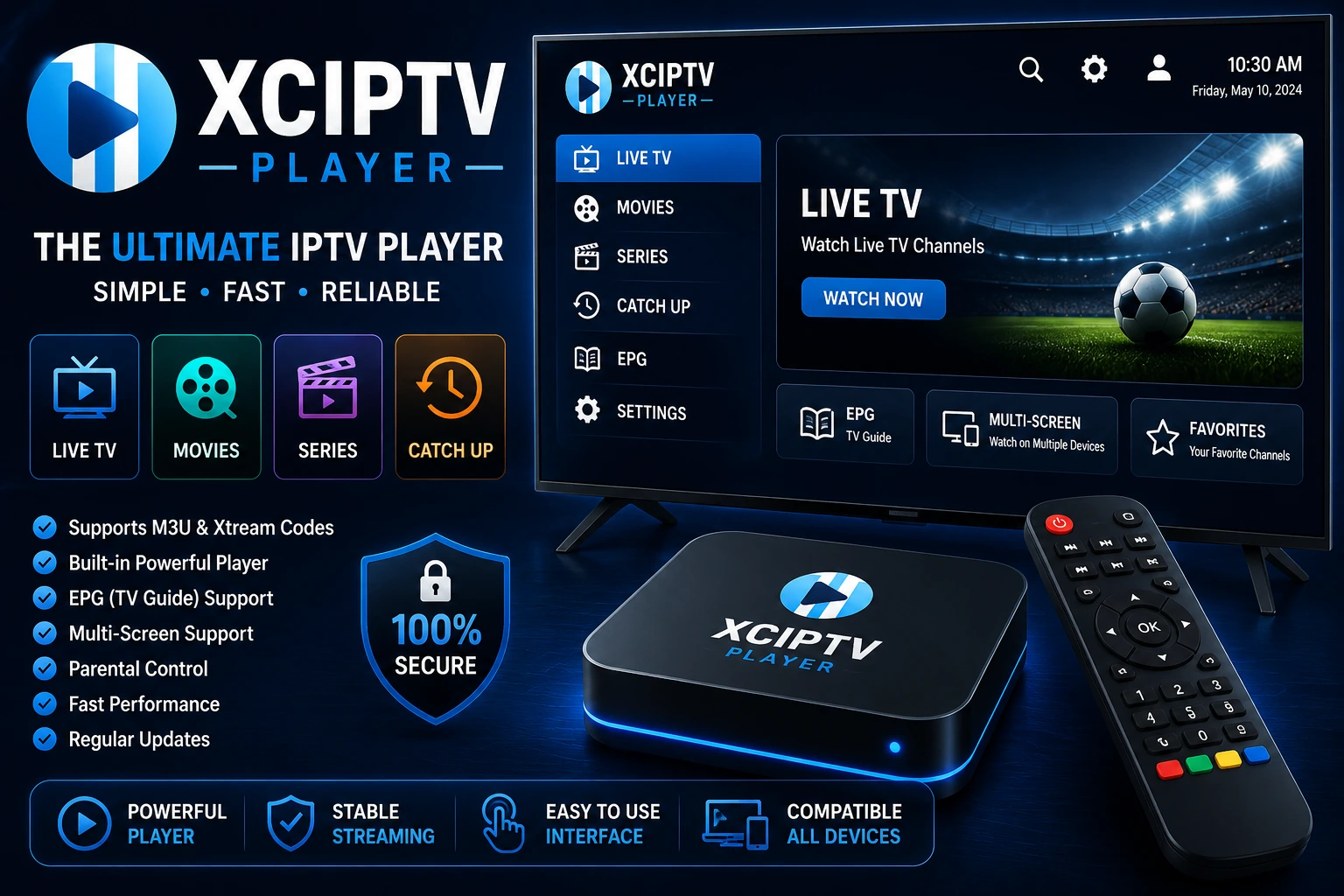
XCIPTV Player is a popular IPTV player app that allows you to stream live TV, movies, and series using an IPTV subscription.
It does not provide content itself - instead, it works as a media player where you add your IPTV login details.
arrow_forward It's known for its fast performance, clean interface, and built-in media players.
Why XCIPTV Player Is Popular in 2026
XCIPTV Player continues to grow in popularity because it offers a strong balance between simplicity and performance.
Main Advantages
- speed Fast and smooth streaming
- play_circle Built-in video players (no extra setup needed)
- touch_app Easy-to-use interface
- verified Stable performance on most devices
arrow_forward It's a great choice for users who want a simple but powerful IPTV experience.
Key Features of XCIPTV Player
Built-in Media Players
XCIPTV includes:
- - ExoPlayer
- - VLC Player
arrow_forward This gives you better playback flexibility and improved performance.
Clean and User-Friendly Interface
- - Simple navigation
- - Easy access to live TV and VOD
- - Organized layout
EPG (Electronic Program Guide)
- - View channel schedules
- - Browse upcoming programs
VOD and Catch-Up Support
- - Watch movies and series
- - Access previously aired content
Multi-Device Compatibility
XCIPTV Player works on:
- - Android devices
- - Firestick / Fire TV
- - Android TV boxes
How to Install XCIPTV Player
tv Install on Firestick / Android TV
Enable "Apps from Unknown Sources"
Go to Settings ? My Fire TV ? Developer Options
Download the XCIPTV APK from a trusted source
Use Downloader app or browser
Install the app
Follow on-screen prompts
Open it and proceed to login
Add your IPTV credentials
smartphone Install on Android Devices
Download the APK file
From official or trusted source
Install and launch the app
Allow installation from unknown sources if prompted
How to Set Up XCIPTV Player
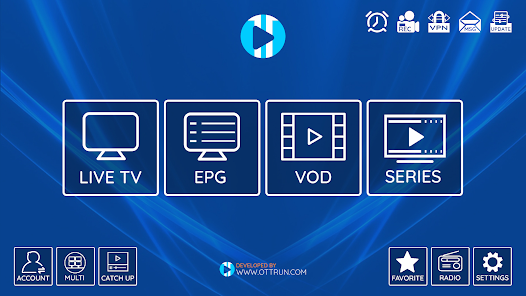
Step 3: Load Content
The app will automatically load:
- • Live TV channels
- • Movies
- • Series
Step 4: Start Streaming
You're now ready to watch your IPTV content.
Best Settings for XCIPTV Player
To improve your experience:
- wifi Use a stable internet connection
- swap_horiz Switch between ExoPlayer and VLC if needed
- update Keep the app updated
- cable Use a wired connection when possible
arrow_forward These settings help reduce buffering and improve playback.
XCIPTV Player vs IPTV Smarters Pro
| Feature | XCIPTV Player | IPTV Smarters Pro |
|---|---|---|
| Interface | Simple | More polished |
| Built-in Players | Yes | Limited |
| Ease of Use | Easy | Very easy |
| Compatibility | Android-focused | Multi-platform |
| Performance | Fast | Stable |
arrow_forward XCIPTV is great for performance, while IPTV Smarters Pro is more beginner-friendly.
Common Issues and Fixes
warning Buffering Issues
- - Check your internet speed
- - Switch media player
- - Restart the app
error Login Not Working
- - Verify your login details
- - Check server URL
- - Contact your IPTV provider
report App Crashing
- - Clear cache
- - Update the app
- - Reinstall if needed
Is XCIPTV Player Safe?
Yes, XCIPTV Player itself is safe to use.
However:
- info It does not provide content
- info Your experience depends on your IPTV provider
arrow_forward Always use a reliable and trusted IPTV service.
Best IPTV Services to Use With XCIPTV Player
To get the best performance:
- check_circle Use a stable IPTV provider
- check_circle Choose high-quality subscriptions
- check_circle Test with an IPTV free trial first
arrow_forward The app is only as good as the service you use with it.
FAQs (Voice Search Optimized)
Is XCIPTV Player free?
Yes, the app is free, but you need an IPTV subscription to access content.
Does XCIPTV Player include channels?
No, you must add your own IPTV subscription.
Can I use XCIPTV on Firestick?
Yes, it works well on Firestick and Android TV devices.
Which is better: XCIPTV or IPTV Smarters Pro?
Both are excellent - XCIPTV is faster, while IPTV Smarters Pro is easier to use.
Conclusion
XCIPTV Player is one of the best IPTV players in 2026 for users who want fast performance and a simple interface.
It's ideal for:
- check_circle Smooth streaming
- check_circle Easy setup
- check_circle Reliable playback
arrow_forward Combine XCIPTV Player with a good IPTV provider to get the best streaming experience possible.
link Related Articles
IPTV Smarters Pro Guide
Complete setup guide for IPTV Smarters Pro
Best IPTV Players 2026
Compare top IPTV players and find the best one
IPTV Provider Guide
How to choose a reliable IPTV provider
IPTV Subscription Plans
Complete guide to IPTV subscriptions
IPTV Free Trial Guide
Test IPTV services safely before subscribing
Free Xtream Codes Guide
How to get IPTV access safely