
IPTV Smarters Pro Review (2026) - Best Cross-Platform Player?
IPTV Smarters Pro has become one of the most popular IPTV players thanks to its cross-platform support and user-friendly interface. Available on iOS, Android, Windows, and more, it's the go-to choice for users who want one app across all their devices. This comprehensive review covers everything you need to know.
star Quick Verdict
IPTV Smarters Pro is an excellent free IPTV player that works across virtually every platform. While it doesn't have the polish of TiviMate or the iOS optimization of GSE Smart IPTV, its universal compatibility and beginner-friendly interface make it a solid choice for most users.
What is IPTV Smarters Pro?
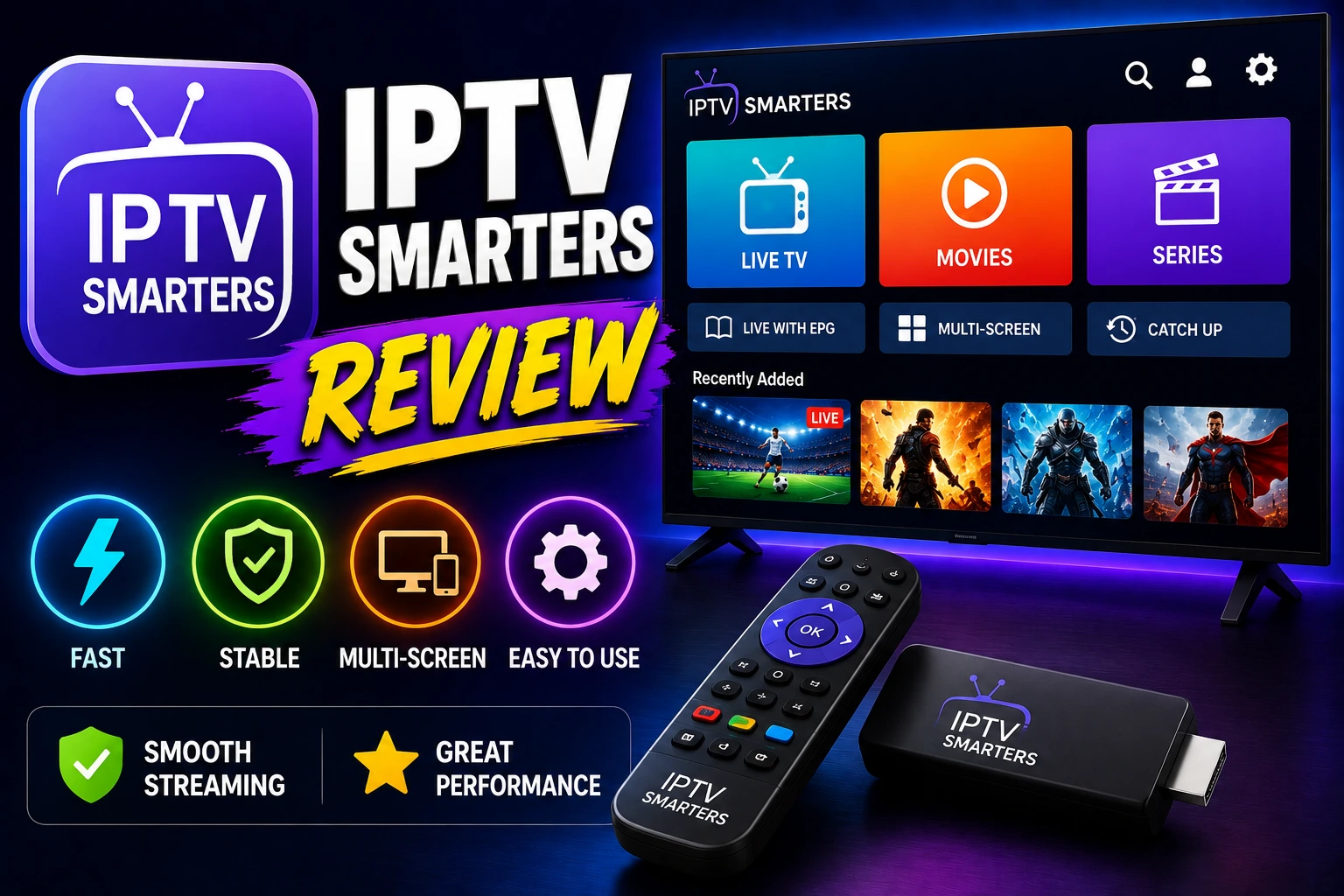
IPTV Smarters Pro is a free, cross-platform IPTV player developed by WHMCS SMARTERS. It's designed to work with Xtream Codes API and M3U playlists, offering a consistent experience across all major operating systems.
The app supports live TV, VOD (Video on Demand), series, catch-up TV, and EPG (Electronic Program Guide). It's particularly popular among users who switch between devices frequently, as your playlists and settings sync across platforms.
Important: IPTV Smarters Pro is just a player - it doesn't include any IPTV content. You need to provide your own IPTV subscription with Xtream Codes credentials or M3U playlist URL.
Compatible Platforms:
- check_circle Android Phones & Tablets
- check_circle iPhone & iPad (iOS)
- check_circle Windows PC
- check_circle macOS (Mac computers)
- check_circle Amazon Fire TV / Firestick
- check_circle Android TV & Smart TVs
Key Features That Matter
devices Universal Cross-Platform Support
IPTV Smarters Pro works on virtually every platform - Android, iOS, Windows, macOS, Firestick, and Smart TVs. This makes it perfect for households with mixed devices or users who want the same experience everywhere. Your playlists and favorites sync automatically when using Xtream Codes.
api Xtream Codes API Integration
Full support for Xtream Codes API makes setup incredibly easy. Just enter your server URL, username, and password, and the app automatically loads your channels, VOD, series, and EPG. No manual playlist management needed.
tv EPG & Catch-Up TV
The built-in EPG displays program information clearly with a TV guide interface. Catch-up TV lets you watch shows from the past week when your provider supports it. The EPG updates automatically and shows what's currently playing and upcoming programs.
video_library VOD & Series Support
Access your provider's movie and TV series libraries with a Netflix-like interface. Browse by category, search by title, and track your watching progress. The app remembers where you left off in series and movies.
child_care Parental Controls
Lock specific channels or entire categories with a PIN code. Create kid-friendly profiles that only show appropriate content. The parental controls are easy to set up and work reliably across all devices.
Pricing: Completely Free
Forever Free
IPTV Smarters Pro is completely free with occasional non-intrusive ads. No features are locked behind paywalls.
How to Set Up IPTV Smarters Pro
Download and Install
Download IPTV Smarters Pro from the App Store (iOS), Google Play Store (Android), Amazon Appstore (Firestick), or the official website (Windows/Mac). The app is free to download.
Choose Login Method
Open the app and select your login method: "Login with Xtream Codes API" (recommended) or "Add Playlist" for M3U URLs. Most users will use Xtream Codes.
Enter Your Credentials
Enter your IPTV provider's server URL, username, and password. These are provided by your IPTV service. Tap "Add User" to load your channels.
Customize Settings
Adjust player settings, enable hardware acceleration, set up parental controls, and customize the interface. The app will remember your preferences across devices.
Pros and Cons
thumb_up Pros
- check Works on all major platforms
- check Completely free with all features
- check Easy Xtream Codes integration
- check User-friendly interface
- check VOD and series support
- check Parental controls included
- check Regular updates and support
thumb_down Cons
- close Interface not as polished as TiviMate
- close Occasional ads (though minimal)
- close Authorization errors can be confusing
- close EPG can be slow to load
- close No recording feature
- close Limited customization options
Performance Review
IPTV Smarters Pro delivers solid performance across all platforms. Playback is smooth with minimal buffering when you have a stable internet connection. The app handles large channel lists efficiently, though initial loading can take a moment with thousands of channels.
Channel switching is reasonably fast - typically 2-3 seconds on most devices. The VOD and series sections load quickly, and video playback starts almost instantly. EPG loading can be slow with large guides, especially on older devices.
The app is stable and rarely crashes. Battery usage on mobile devices is moderate - not the most efficient, but acceptable for occasional viewing. On Firestick and Android TV, performance is good with smooth remote control navigation.
IPTV Smarters Pro vs Competitors
| Feature | IPTV Smarters | TiviMate | GSE Smart IPTV |
|---|---|---|---|
| Price | Free | $5.49/year | Free |
| iOS Support | ? | ? | ? |
| Windows/Mac | ? | ? | ? (Mac only) |
| Interface | ???? | ????? | ???? |
| Xtream Codes | ? | ? | ? |
| EPG Support | ???? | ????? | ???? |
| Ease of Use | ????? | ????? | ???? |
| Recording | ? | ? (Premium) | ? |
Pro Tips for IPTV Smarters Pro
tips_and_updates Use Xtream Codes
Always use Xtream Codes API instead of M3U URLs when possible. It's faster, more reliable, and automatically syncs EPG and VOD.
tips_and_updates Enable Hardware Acceleration
Turn on hardware acceleration in player settings for smoother playback and better battery life on mobile devices.
tips_and_updates Create Favorites
Add your most-watched channels to favorites for quick access. Long-press a channel and select "Add to Favorites."
tips_and_updates Clear Cache Regularly
If you experience issues, clear the app cache in settings. This often fixes authorization errors and loading problems.
tips_and_updates Use External Player
For better playback quality, set an external player like VLC or MX Player in settings. This can improve performance on some devices.
Frequently Asked Questions
Is IPTV Smarters Pro free? expand_more
What devices support IPTV Smarters Pro? expand_more
How do I fix IPTV Smarters failed to authorize error? expand_more
Does IPTV Smarters Pro support Xtream Codes? expand_more
Can I use IPTV Smarters Pro on multiple devices? expand_more
Is IPTV Smarters Pro better than TiviMate? expand_more
Final Verdict
Features
Ease of Use
Performance
Value
Overall Rating
IPTV Smarters Pro is an excellent choice for users who need a reliable IPTV player that works across all their devices. While it doesn't have the polish of TiviMate or the iOS optimization of GSE Smart IPTV, its universal compatibility, ease of use, and completely free pricing make it a solid option for most users.
If you use multiple platforms (iOS, Android, Windows) or want a beginner-friendly app with good Xtream Codes support, IPTV Smarters Pro is perfect. For Android TV users who want the absolute best interface, consider TiviMate instead. For iOS-only users, GSE Smart IPTV might be slightly better optimized.
link Related Articles
TiviMate Review
Premium IPTV player for Android TV with advanced features
Best IPTV Players
Compare top 10 IPTV players to find your perfect match
Fix Authorization Errors
Troubleshoot IPTV Smarters login and authorization issues