
GSE Smart IPTV Review (2026) - Best for iOS?
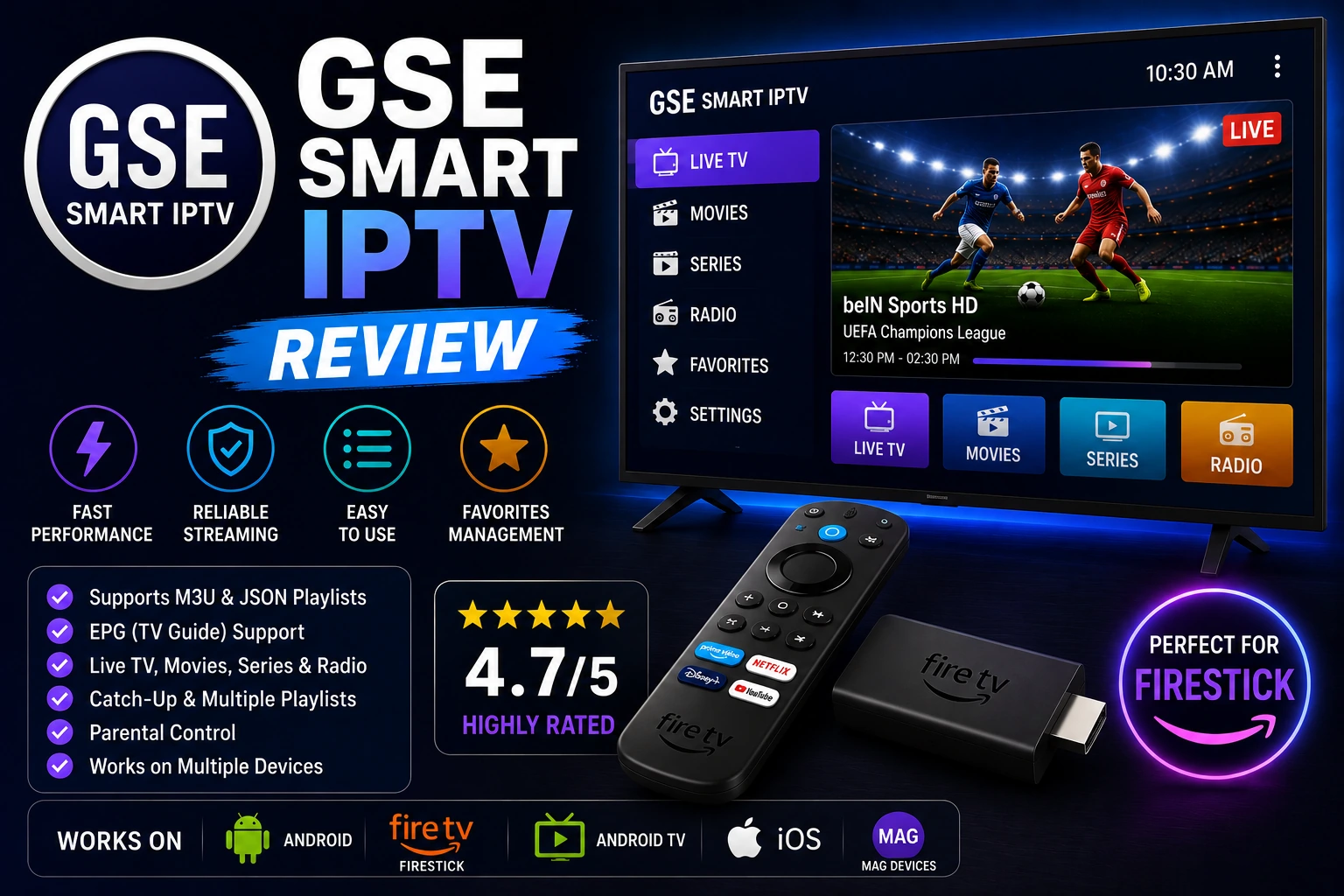
GSE Smart IPTV stands out as the go-to IPTV player for Apple users. With support for iPhone, iPad, Apple TV, and even Android devices, it's one of the most versatile players available. Best of all? It's completely free. This comprehensive review covers everything you need to know about GSE Smart IPTV.
star Quick Verdict
GSE Smart IPTV is the best free IPTV player for iOS users, period. It's feature-rich, reliable, and works across all Apple devices. While the interface isn't as polished as TiviMate, the fact that it's free and available on iOS makes it an unbeatable choice for iPhone and iPad users.
What is GSE Smart IPTV?
GSE Smart IPTV is a free, feature-packed IPTV player that works across multiple platforms. Originally developed for iOS, it's become one of the most popular IPTV players for Apple users who have limited options compared to Android.
The app supports M3U, M3U8, and JSON playlists, offers EPG integration, parental controls, and even Chromecast support. Unlike many iOS apps that charge for basic features, GSE Smart IPTV gives you everything for free.
Important: GSE Smart IPTV is just a player - it doesn't include any IPTV content. You need to provide your own IPTV subscription with playlist URLs or Xtream Codes credentials.
Compatible Devices:
- check_circle iPhone & iPad (iOS 12+)
- check_circle Apple TV (tvOS)
- check_circle Android Phones & Tablets
- check_circle Android TV & Fire TV
- check_circle macOS (Mac computers)
- check_circle Chromecast Support
Key Features That Matter
devices Cross-Platform Support
GSE Smart IPTV works on iOS, Android, Apple TV, Android TV, and macOS. This makes it perfect for users with multiple devices or those who want to switch between platforms. Your playlists sync across devices using iCloud or Google Drive, so you only need to set up once.
tv EPG & Program Guide
The EPG in GSE Smart IPTV is clean and functional. It supports multiple EPG sources, automatic updates, and displays program information in an easy-to-read format. You can see what's currently playing, upcoming shows, and even set reminders. The catch-up feature works when your provider supports it.
playlist_add Multiple Playlist Formats
GSE supports M3U, M3U8, JSON, and Xtream Codes API. You can add playlists via URL, local files, or by scanning QR codes. The app handles large playlists efficiently and lets you organize channels into custom groups. You can even import playlists from cloud storage.
cast Chromecast & AirPlay
Stream to your TV using Chromecast or AirPlay. This is perfect when you want to watch on a bigger screen but don't have a smart TV app. The casting works smoothly with minimal lag, and you can control playback from your phone.
child_care Parental Controls
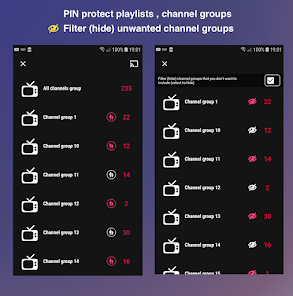
Lock specific channels or categories with a PIN code. You can hide adult content, restrict access to certain playlists, and create kid-friendly profiles. The parental controls are easy to set up and work reliably across all devices.
Pricing: Completely Free
Forever Free
GSE Smart IPTV is completely free with occasional non-intrusive ads. No features are locked behind paywalls.
How to Set Up GSE Smart IPTV
Download and Install
Download GSE Smart IPTV from the App Store (iOS), Google Play Store (Android), or Amazon Appstore (Firestick). The app is free to download and install.
Add Your Playlist
Open the app, tap the "+" button, select "Add M3U URL" or "Xtream Codes API." Enter your playlist URL or credentials, give it a name, and tap "Add." The app will load your channels.
Configure EPG
Tap Settings > EPG, add your EPG URL (provided by your IPTV service), and enable automatic updates. The EPG will download and display program information for your channels.
Customize Settings
Adjust playback settings, enable hardware acceleration, set up parental controls, and customize the interface. You can also enable cloud sync to access your playlists on other devices.
Pros and Cons
thumb_up Pros
- check Available on iOS (rare for IPTV players)
- check Completely free with all features
- check Cross-platform support (iOS, Android, Apple TV)
- check Cloud sync across devices
- check Chromecast and AirPlay support
- check Multiple playlist formats
- check Regular updates and active development
thumb_down Cons
- close Interface not as polished as TiviMate
- close Occasional ads (though minimal)
- close EPG can be slow to load
- close Settings menu can be confusing
- close No recording feature
- close Limited customization options
Performance Review
GSE Smart IPTV performs well across all platforms. On iOS devices, playback is smooth with minimal buffering when you have a stable internet connection. The app handles large playlists (3,000+ channels) without significant slowdown.
Channel switching is reasonably fast - typically 2-3 seconds on most devices. EPG loading can be slow with large guides, especially on older devices. The app is stable and rarely crashes, even during extended viewing sessions.
Battery usage on mobile devices is moderate. It's not the most efficient player, but it won't drain your battery excessively. On Apple TV and Android TV, performance is solid with smooth navigation using the remote control.
GSE Smart IPTV vs Competitors
| Feature | GSE Smart IPTV | TiviMate | Perfect Player |
|---|---|---|---|
| Price | Free | $5.49/year | Free |
| iOS Support | ? | ? | ? |
| Interface | ???? | ????? | ??? |
| Cross-Platform | ????? | ?? | ?? |
| EPG Support | ???? | ????? | ???? |
| Ease of Use | ???? | ????? | ??? |
| Recording | ? | ? (Premium) | ? |
Pro Tips for GSE Smart IPTV
tips_and_updates Enable Cloud Sync
Turn on iCloud or Google Drive sync to access your playlists on all devices. This saves time and keeps everything in sync automatically.
tips_and_updates Use Hardware Acceleration
Enable hardware acceleration in settings for smoother playback and better battery life. This is especially important on mobile devices.
tips_and_updates Create Custom Groups
Organize channels into custom groups for easier navigation. Long-press a channel and select "Add to Group" to create your own categories.
tips_and_updates Use QR Code Import
If your IPTV provider offers QR codes, use them for quick setup. Just scan the code and your playlist will be added automatically.
tips_and_updates Set Up Parental Controls
Lock adult channels with a PIN code to keep content family-friendly. Go to Settings > Parental Control to set it up.
Frequently Asked Questions
Is GSE Smart IPTV free? expand_more
Does GSE Smart IPTV work on iPhone and iPad? expand_more
Can GSE Smart IPTV play M3U playlists? expand_more
What devices support GSE Smart IPTV? expand_more
Does GSE Smart IPTV support EPG? expand_more
Is GSE Smart IPTV better than TiviMate? expand_more
Final Verdict
Features
Ease of Use
Performance
Value
Overall Rating
GSE Smart IPTV is the best free IPTV player for iOS users and anyone who needs cross-platform support. While it doesn't have the polish of TiviMate or the customization of Perfect Player, its availability on iOS and completely free pricing make it an unbeatable choice for Apple users.
If you're an iPhone, iPad, or Apple TV user, GSE Smart IPTV is your best option. For Android TV users who want the absolute best interface, consider TiviMate instead. But for everyone else, especially those with multiple devices, GSE Smart IPTV delivers excellent value at zero cost.
link Related Articles
TiviMate Review
Complete review of the premium IPTV player for Android TV
Best IPTV Players
Compare top 10 IPTV players to find your perfect match
Perfect Player Review
Free Android IPTV player with advanced features