
Perfect Player Review (2026) - Free IPTV Player Worth It?
Looking for a free IPTV player that doesn't compromise on features? Perfect Player has been around since the early days of IPTV streaming, building a loyal following among users who value functionality over flashy interfaces. But is it worth your time in 2026? This comprehensive review covers everything you need to know.
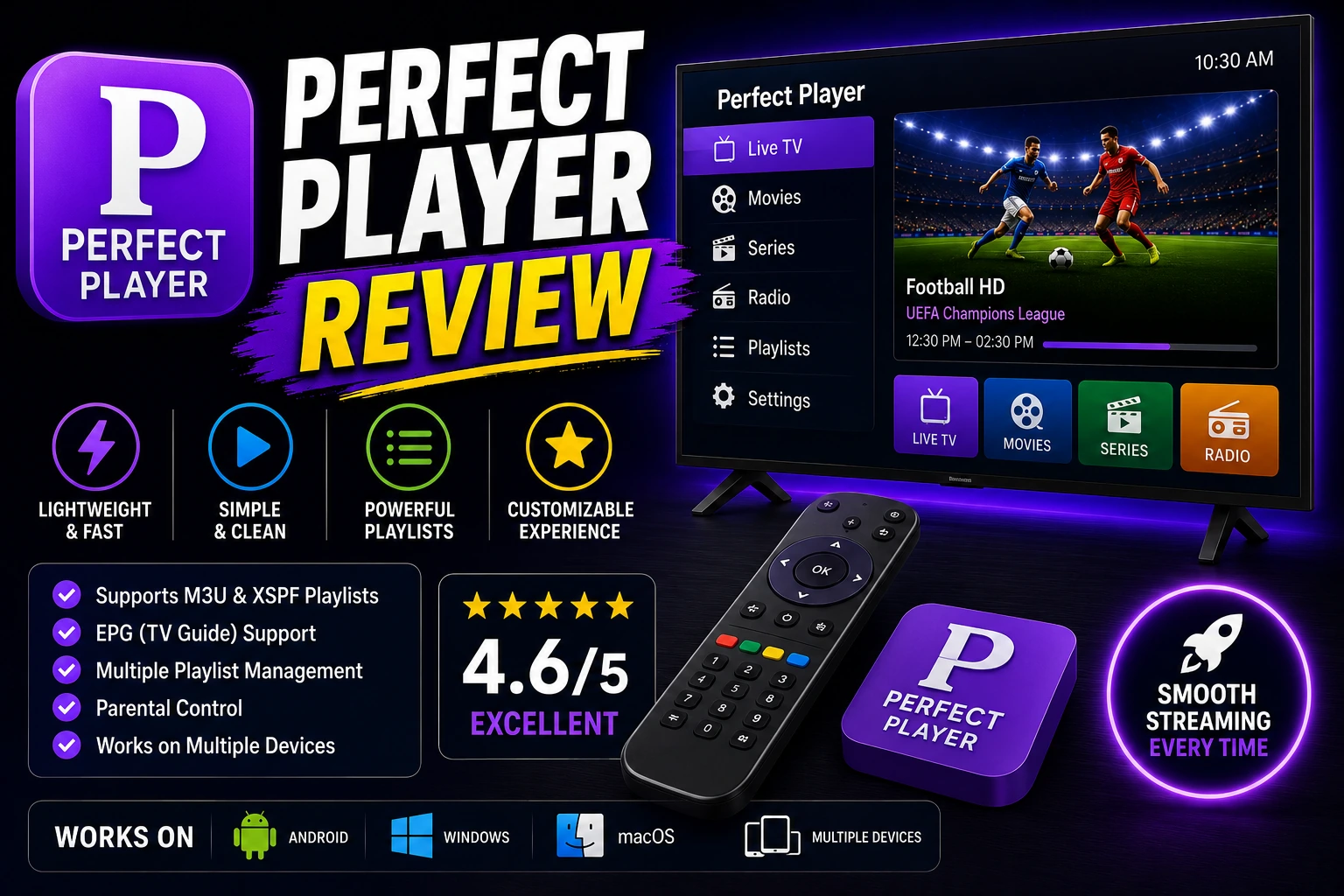
star Quick Verdict
Perfect Player is a solid free IPTV player that delivers on functionality but requires patience to master. It's feature-rich and completely free, making it excellent value for users willing to navigate its dated interface. Best suited for Android users who prioritize customization over polish and don't mind a learning curve.
What is Perfect Player?
Perfect Player is a free IPTV player for Android devices that's been serving the streaming community since 2014. Unlike newer players with modern interfaces, Perfect Player focuses on raw functionality and customization options.
The app supports M3U and XSPF playlists, offers full EPG integration, and includes features like parental controls, catch-up TV, and multi-playlist management. It's completely free with no ads, subscriptions, or feature limitations.
Think of it as the Swiss Army knife of IPTV players - it has every tool you need, but you'll need to learn how to use each one. The developer maintains it as a passion project, accepting donations but never charging for features.
Compatible Devices:
- check_circle Android Phones & Tablets
- check_circle Amazon Fire TV / Firestick
- check_circle Android TV Boxes
- check_circle NVIDIA Shield TV
Key Features That Matter
playlist_play Multi-Playlist Support
Perfect Player lets you load multiple playlists simultaneously and switch between them instantly. You can organize channels from different providers, create custom groups, and even merge playlists. The playlist editor is surprisingly powerful, letting you rename channels, change logos, and reorganize everything to your liking.
tv EPG Integration
The EPG (Electronic Program Guide) in Perfect Player is comprehensive and reliable. It supports multiple EPG sources, automatic updates, and displays program information clearly. You can see what's playing now, what's coming up, and even set reminders for shows. The catch-up feature works seamlessly when your provider supports it.
tune Deep Customization
This is where Perfect Player truly shines. You can customize almost everything: interface colors, channel logos, EPG layout, playback settings, and more. Want to change the decoder? Adjust buffer sizes? Modify subtitle rendering? It's all there. Power users will love the granular control, though beginners might feel overwhelmed.
child_care Parental Controls
Perfect Player includes robust parental controls that let you lock specific channels or entire categories with a PIN code. You can hide adult content, restrict access to certain playlists, and even set time-based restrictions. It's more comprehensive than what most paid players offer.
history Catch-Up TV & Recording
When your IPTV provider supports it, Perfect Player handles catch-up TV beautifully. You can go back in the EPG and watch shows from the past week. The recording feature lets you save streams locally, though this depends on your provider's capabilities and your device storage.
Pricing: Completely Free
Forever Free
Perfect Player is genuinely free with no catches. The developer accepts donations but never locks features behind paywalls.
How to Set Up Perfect Player
Download and Install
Download Perfect Player from Google Play Store or the official website. Install it on your Android device, Firestick, or Android TV box.
Add Your Playlist
Open the app, tap the menu icon (three lines), select "Settings," then "General." Tap "Playlists" and add your M3U URL or local file. Give it a name and save.
Configure EPG
Go to Settings > EPG, enter your EPG URL (provided by your IPTV service), set the update interval to 12 or 24 hours, and tap "Update EPG" to download program data.
Optimize Settings
Adjust decoder settings (try HW+ for best performance), set buffer size to 5-10 seconds, enable hardware acceleration, and customize the interface to your preference.
Pros and Cons
thumb_up Pros
- check Completely free with all features unlocked
- check Extensive customization options
- check Reliable EPG and catch-up support
- check Multi-playlist management
- check Strong parental controls
- check No ads or watermarks
- check Stable and reliable performance
thumb_down Cons
- close Outdated interface design
- close Steep learning curve for beginners
- close Not optimized for TV remotes
- close Android only (no iOS or desktop)
- close Settings menu can be overwhelming
- close Limited documentation
- close Companion app needed for Firestick
Performance Review
Perfect Player delivers solid performance once properly configured. Playback is smooth with minimal buffering when using the right decoder settings. The app handles large playlists (5,000+ channels) without significant slowdown, though initial loading takes a moment.
Channel switching is fast - usually under 2 seconds on decent hardware. EPG loading can be slow with large guides, but this is a one-time process. The app rarely crashes and maintains stability even during extended viewing sessions.
Resource usage is reasonable. It's not the lightest player available, but it won't drain your battery excessively or overheat your device. On Firestick, performance is acceptable but not as smooth as on native Android TV devices.
Perfect Player vs Competitors
| Feature | Perfect Player | TiviMate | IPTV Smarters |
|---|---|---|---|
| Price | Free | $5.49/year | Free |
| Interface | ??? | ????? | ???? |
| Customization | ????? | ???? | ??? |
| EPG Support | ???? | ????? | ???? |
| Ease of Use | ??? | ????? | ???? |
| Multi-Playlist | ? | ? | ? |
| Recording | ? | ? (Premium) | ? |
Pro Tips for Perfect Player
tips_and_updates Use HW+ Decoder
Switch to HW+ decoder in settings for best performance and battery life. It uses hardware acceleration for smooth playback.
tips_and_updates Install Companion App
For Firestick users, install Perfect Player Remote on your phone. It makes navigation much easier than using the TV remote.
tips_and_updates Organize with Groups
Create custom channel groups to organize your favorites. Long-press a channel and select "Add to group" for quick access.
tips_and_updates Backup Your Settings
Export your settings regularly from the menu. This saves your playlists, EPG config, and customizations for easy restoration.
tips_and_updates Adjust Buffer Size
If you experience buffering, increase buffer size to 10-15 seconds in decoder settings. This helps with unstable connections.
Frequently Asked Questions
Is Perfect Player completely free? expand_more
Does Perfect Player work on Firestick? expand_more
Can Perfect Player play M3U playlists? expand_more
What devices support Perfect Player? expand_more
How do I add EPG to Perfect Player? expand_more
Is Perfect Player better than TiviMate? expand_more
Final Verdict
Features
Ease of Use
Performance
Value
Overall Rating
Perfect Player is a capable IPTV player that delivers impressive functionality without costing a dime. It's feature-rich, stable, and offers customization options that rival paid alternatives. However, its outdated interface and steep learning curve make it better suited for tech-savvy users willing to invest time in setup.
If you're on a budget and don't mind navigating a less polished interface, Perfect Player is an excellent choice. But if you value user experience and modern design, consider investing in TiviMate instead. For most users, the free price tag makes Perfect Player worth trying - you can always switch if it doesn't meet your needs.
link Related Articles
TiviMate Review
Complete review of the premium IPTV player with modern interface
Best IPTV Players
Compare top 10 IPTV players to find your perfect match
Fix IPTV Buffering
Stop buffering issues with proven troubleshooting steps