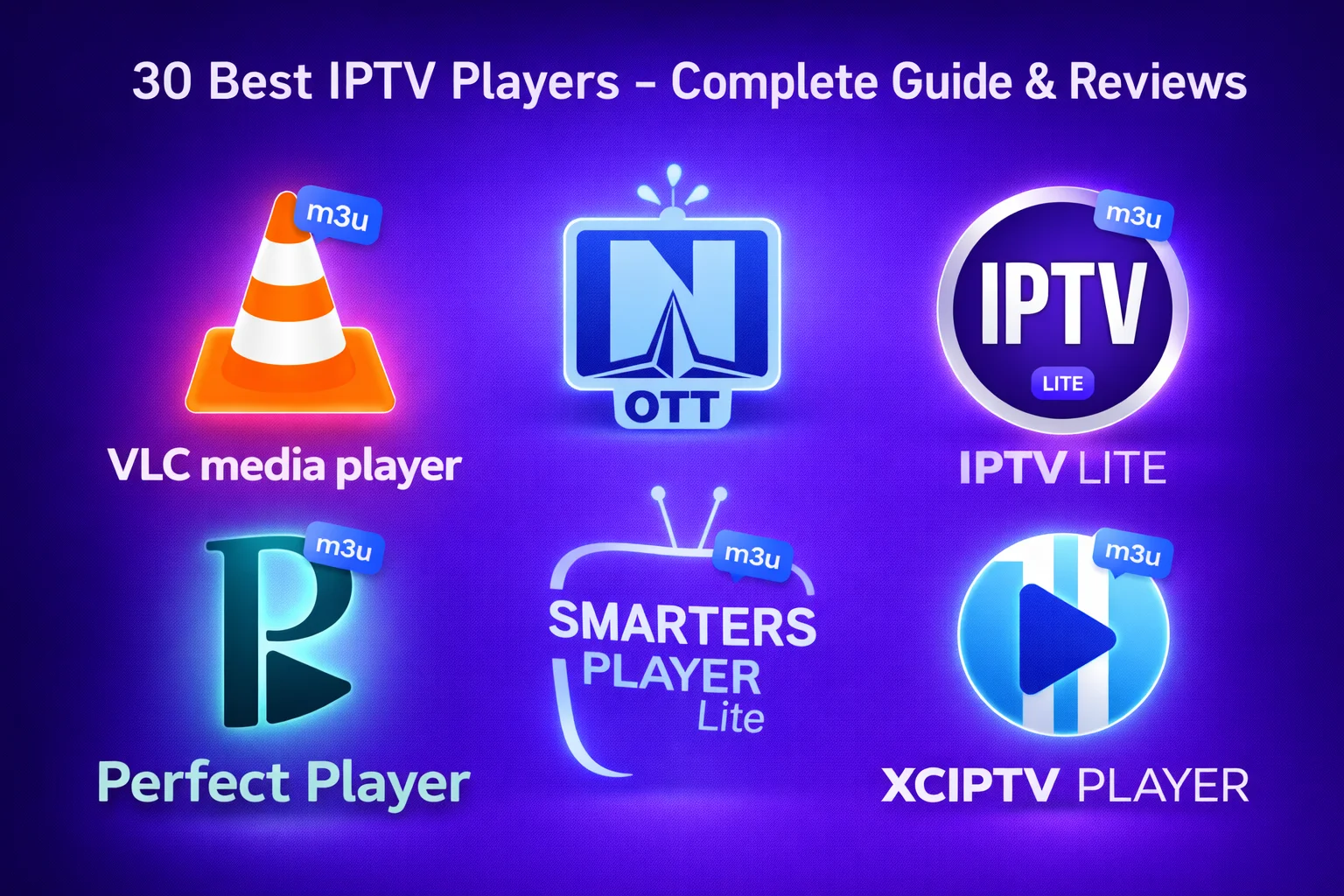
Quick Summary
- Best Overall: TiviMate Premium - Feature-rich with excellent EPG
- Best Free: VLC Media Player - Universal compatibility
- Best for Android: XCIPTV Player - Multi-screen support
- Best for iOS: GSE Smart IPTV - Cloud sync and Chromecast
- Best for Smart TV: SmartOne Player - Web-based activation
- Best for Beginners: IPTV Smarters Pro - User-friendly interface
What is an IPTV Player?
An IPTV player is a software application that allows you to stream live TV channels, movies, and on-demand content over the internet using IPTV protocols. Unlike traditional cable or satellite TV, IPTV delivers content through your internet connection using M3U playlists or Xtream Codes API.
The right IPTV player can transform your streaming experience with features like electronic program guides (EPG), recording capabilities, multi-screen viewing, catch-up TV, and parental controls. In 2026, IPTV players have evolved to offer sophisticated features that rival traditional cable TV services.
How We Tested and Ranked These Players
We evaluated each IPTV player based on the following criteria:
- User Interface: Ease of navigation and visual appeal
- Features: EPG, recording, multi-view, catch-up TV
- Compatibility: Supported devices and platforms
- Performance: Streaming quality and buffering
- Price: Value for money and free alternatives
- Support: Documentation and customer service
Top IPTV Players Compared
Choosing the right IPTV player can make or break your streaming experience. We've tested over 30 IPTV players and compiled this comprehensive comparison of the best options available in 2026.
1. TiviMate IPTV Player ⭐⭐⭐⭐⭐
TiviMate is widely considered the best IPTV player for Android TV and Firestick devices. With its beautiful interface, comprehensive EPG, and advanced features like recording and multi-view, it's the gold standard for IPTV streaming.
Key Features:
- Beautiful, intuitive interface with multiple themes
- Excellent EPG with 7-day program guide
- Recording and timeshift capabilities (Premium)
- Multi-view support (up to 4 screens)
- Catch-up TV support
- Multiple playlist support
- Parental controls with PIN protection
Pros:
- Best-in-class user interface
- Smooth performance even with large playlists
- Regular updates and improvements
- Excellent EPG integration
- Affordable premium version ($5/year)
Cons:
- Android only (no iOS version)
- Best features require premium subscription
- Limited to 5 playlists in free version
Price: Free (Premium: $5/year) | Platforms: Android TV, Fire TV, Android phones/tablets
→ Read our complete TiviMate setup guide
2. XCIPTV Player ⭐⭐⭐⭐⭐
XCIPTV is a feature-packed IPTV player for Android and Firestick that offers multi-screen viewing, recording, and an intuitive interface at an affordable price.
Key Features:
- Multi-screen support (up to 4 channels simultaneously)
- Built-in recording functionality
- EPG with multiple sources
- Catch-up TV and VOD support
- Parental controls
- External player support
Pros:
- Excellent multi-screen implementation
- One-time payment (no subscription)
- Regular updates
- Good performance with large playlists
Cons:
- Interface not as polished as TiviMate
- Android only
- Some features require activation
Price: Free trial (Full version: ~$15 one-time) | Platforms: Android TV, Fire TV, Android
→ Read our complete XCIPTV setup guide
3. GSE Smart IPTV ⭐⭐⭐⭐⭐
GSE Smart IPTV is the best IPTV player for iOS devices, offering automatic EPG matching, cloud sync, and Chromecast support.
Key Features:
- Automatic EPG matching
- iCloud sync across devices
- Chromecast and AirPlay support
- Parental controls
- Multiple playlist support
- Picture-in-picture mode
Pros:
- Best iOS IPTV player
- Excellent Apple ecosystem integration
- Clean, native iOS interface
- Regular updates
Cons:
- iOS/macOS only
- No recording feature
- Premium features require subscription
Price: Free (Premium: $9.99/year) | Platforms: iOS, iPadOS, macOS, Apple TV
→ Read our complete GSE Smart setup guide
4. VLC Media Player ⭐⭐⭐⭐
VLC is a free, open-source media player that supports virtually every video format and streaming protocol, including M3U playlists.
Key Features:
- Universal format support
- Cross-platform compatibility
- Hardware acceleration
- Network streaming
- Subtitle support
- Audio/video filters
Pros:
- Completely free and open-source
- Available on all major platforms
- Excellent codec support
- No ads or spyware
- Lightweight and fast
Cons:
- Basic interface for IPTV
- Limited EPG support
- Not optimized specifically for IPTV
- No recording feature
Price: Free | Platforms: Windows, Mac, Linux, Android, iOS
→ Read our complete VLC setup guide
5. IPTV Smarters Pro ⭐⭐⭐⭐
IPTV Smarters Pro is a popular choice for IPTV enthusiasts, offering a modern interface and extensive features across multiple platforms.
Key Features:
- Modern, user-friendly interface
- Multi-screen support
- EPG with multiple sources
- Parental controls
- Catch-up TV support
- VOD and series support
Pros:
- Available on multiple platforms
- Easy to use for beginners
- Good Xtream Codes support
- Regular updates
Cons:
- Contains ads in free version
- Some stability issues reported
- Premium features require subscription
Price: Free (Premium available) | Platforms: Android, iOS, Fire TV, Smart TV
→ Read our complete IPTV Smarters Pro setup guide
6. OTT Navigator ⭐⭐⭐⭐⭐
OTT Navigator is an advanced IPTV player for Android that offers professional-grade features including recording, catch-up TV, and multiple user profiles.
Key Features:
- Recording and timeshift
- Catch-up TV support
- Multiple user profiles
- Multi-view (up to 4 screens)
- Comprehensive EPG
- Parental controls
Pros:
- Professional-grade features
- Beautiful interface
- Excellent EPG implementation
- User profiles for family sharing
Cons:
- Android only
- Premium features require subscription
- Steeper learning curve
Price: Free (Premium available) | Platforms: Android TV, Fire TV, Android
→ Read our complete OTT Navigator setup guide
7. Perfect Player IPTV ⭐⭐⭐⭐
Perfect Player is designed specifically for IPTV streaming with a focus on simplicity, performance, and traditional TV-style interface.
Key Features:
- Traditional TV interface
- Excellent EPG support
- Low resource usage
- External player support
- Customizable interface
- Channel groups
Pros:
- Built specifically for IPTV
- Excellent EPG implementation
- Very lightweight
- Clean, intuitive interface
- Free with all features
Cons:
- Primarily for Android
- Limited customization
- No recording feature
Price: Free | Platforms: Android TV, Fire TV, Android
→ Read our complete Perfect Player setup guide
8. Bob Player ⭐⭐⭐⭐
Bob Player is a straightforward IPTV streaming app that works on select smart TVs, Android devices, and TV boxes.
Key Features:
- Simple, clean interface
- EPG support
- VOD and series support
- Parental controls
- Multiple playlist support
Pros:
- Very easy to use
- Works on Smart TVs
- Reliable performance
- No ads
Cons:
- Limited advanced features
- Requires activation
- Limited device support
Price: Subscription required | Platforms: Smart TV, Android TV, Android
→ Read our complete Bob Player activation guide
9. IBO Player ⭐⭐⭐⭐
IBO Player is a popular IPTV player for Smart TVs and Android devices with a focus on simplicity and reliability.
Key Features:
- Smart TV compatibility
- EPG support
- VOD and series
- Parental controls
- Multiple playlists
Pros:
- Works on many Smart TV brands
- Simple activation process
- Good performance
- Regular updates
Cons:
- Requires subscription
- Limited advanced features
- Interface could be more modern
Price: Subscription required | Platforms: Smart TV, Android TV, Fire TV, Android
→ Read our complete IBO Player setup guide
10. SmartOne Player ⭐⭐⭐⭐
SmartOne Player is designed for Smart TVs with web-based activation and support for Samsung, LG, and Android TV.
Key Features:
- Web-based activation
- Smart TV optimized
- EPG support
- VOD and series
- Multiple playlists
Pros:
- Easy web-based setup
- Works on Samsung and LG TVs
- Good performance
- Clean interface
Cons:
- Requires subscription
- Limited to Smart TVs
- Fewer features than competitors
Price: Subscription required | Platforms: Samsung TV, LG TV, Android TV
→ Read our complete SmartOne Player setup guide
More Excellent IPTV Players Worth Considering
11. Xtream Player
Xtream Player offers straightforward IPTV streaming with reliable performance and essential features.
Best for: Simple, no-frills streaming | Price: Free | Platforms: Android, Fire TV
12. Kodi with PVR IPTV Simple Client
Kodi is a powerful media center that becomes an excellent IPTV player with the right add-ons.
Best for: Customization enthusiasts | Price: Free | Platforms: All major platforms
13. MyIPTV Player
A lightweight IPTV player for Android with a clean interface and good performance.
Best for: Android users seeking simplicity | Price: Free | Platforms: Android
14. IPTV Extreme
Feature-rich IPTV player with EPG, recording, and parental controls.
Best for: Advanced features on Android | Price: Free (Pro version available) | Platforms: Android
15. Lazy IPTV
Simple and efficient IPTV player with UDP proxy support.
Best for: Users needing UDP support | Price: Free | Platforms: Android
16. OttPlayer
Cross-platform IPTV player with good Smart TV support.
Best for: Smart TV users | Price: Free | Platforms: Smart TV, Android, iOS
17. Televizo
Modern IPTV player with Material Design interface.
Best for: Android users who love Material Design | Price: Free (Premium available) | Platforms: Android
18. IPTV Pro
Professional IPTV player with advanced features and customization.
Best for: Power users | Price: Paid | Platforms: Android
19. Flex IPTV
Flexible IPTV player with good EPG support and customization options.
Best for: Users wanting flexibility | Price: Free | Platforms: Android
20. Purple IPTV Player
Simple IPTV player with a purple-themed interface.
Best for: Basic streaming needs | Price: Free | Platforms: Android
Platform-Specific Recommendations
Best IPTV Players for Android TV & Fire TV
- TiviMate - Best overall with premium features
- XCIPTV - Excellent multi-screen support
- OTT Navigator - Professional-grade features
- Perfect Player - Best free option
- IPTV Smarters Pro - Most user-friendly
Best IPTV Players for iOS & Apple TV
- GSE Smart IPTV - Best overall for iOS
- IPTV Smarters Pro - Good cross-platform option
- VLC - Best free option
Best IPTV Players for Smart TVs
- SmartOne Player - Best for Samsung & LG
- Bob Player - Simple and reliable
- IBO Player - Wide Smart TV compatibility
- OttPlayer - Good free option
Best IPTV Players for Windows & Mac
- VLC Media Player - Best free option
- Kodi - Best for customization
- GSE Smart IPTV - Best for Mac users
Detailed Feature Comparison Table
| Player | EPG | Recording | Multi-View | Catch-Up | Price | Rating |
|---|---|---|---|---|---|---|
| TiviMate | ✅ Excellent | ✅ Yes | ✅ 4 screens | ✅ Yes | $5/year | ⭐⭐⭐⭐⭐ |
| XCIPTV | ✅ Good | ✅ Yes | ✅ 4 screens | ✅ Yes | $15 one-time | ⭐⭐⭐⭐⭐ |
| GSE Smart | ✅ Excellent | ❌ No | ❌ No | ✅ Yes | $9.99/year | ⭐⭐⭐⭐⭐ |
| VLC | ❌ Limited | ❌ No | ❌ No | ❌ No | Free | ⭐⭐⭐⭐ |
| IPTV Smarters Pro | ✅ Good | ❌ No | ✅ Yes | ✅ Yes | Free | ⭐⭐⭐⭐ |
| OTT Navigator | ✅ Excellent | ✅ Yes | ✅ 4 screens | ✅ Yes | Free/Premium | ⭐⭐⭐⭐⭐ |
| Perfect Player | ✅ Excellent | ❌ No | ❌ No | ✅ Yes | Free | ⭐⭐⭐⭐ |
| Bob Player | ✅ Good | ❌ No | ❌ No | ✅ Yes | Subscription | ⭐⭐⭐⭐ |
Which IPTV Player Should You Choose?
The best IPTV player depends on your specific needs, device, and budget:
- For the best overall experience: TiviMate Premium ($5/year) - Worth every penny
- For beginners: IPTV Smarters Pro or VLC Media Player
- For iOS users: GSE Smart IPTV - No competition on Apple devices
- For customization: Kodi with PVR IPTV Simple Client
- For Android devices: TiviMate, XCIPTV, or OTT Navigator
- For Smart TVs: SmartOne Player, Bob Player, or IBO Player
- For free option: VLC Media Player or Perfect Player
- For recording: TiviMate, XCIPTV, or OTT Navigator
- For multi-view: TiviMate, XCIPTV, or OTT Navigator
- For simplicity: Perfect Player or Bob Player
Key Features to Look For
Electronic Program Guide (EPG)
A good EPG is essential for a cable-like experience. Look for players that support automatic EPG updates, multiple EPG sources, and display program information clearly. TiviMate, GSE Smart, and Perfect Player excel in this area.
Recording and Timeshift
If you want to record live TV or pause/rewind live streams, choose players like TiviMate, XCIPTV, or OTT Navigator that offer these features. Note that recording requires adequate storage space on your device.
Multi-View Support
Watch multiple channels simultaneously - perfect for sports fans. TiviMate, XCIPTV, and OTT Navigator support up to 4 screens at once.
Catch-Up TV
If your IPTV provider supports catch-up TV, make sure your player does too. Most modern players like TiviMate, IPTV Smarters Pro, and OTT Navigator support this feature.
Parental Controls
Essential for family use. Look for PIN protection and content filtering. Most premium players include robust parental control features.
Tips for Choosing the Right IPTV Player
- Check device compatibility: Not all players work on all devices
- Consider your IPTV service: Ensure the player supports your provider's format (M3U or Xtream Codes)
- Test free versions first: Most players offer free trials or versions
- Read user reviews: Check recent reviews for stability and performance
- Consider your internet speed: Some players handle buffering better than others
- Think about features you need: Don't pay for features you won't use
- Check update frequency: Regular updates mean better support and bug fixes
Common IPTV Player Issues and Solutions
Buffering Problems
- Increase buffer size in player settings
- Use hardware acceleration if available
- Check your internet speed (minimum 15 Mbps for HD)
- Use wired Ethernet instead of WiFi
- Close other apps using bandwidth
EPG Not Loading
- Verify EPG URL is correct
- Enable auto-update in settings
- Check timezone settings
- Wait 10-15 minutes after adding playlist
- Try alternative EPG sources
Channels Not Playing
- Verify M3U URL is active
- Check your IPTV subscription status
- Try different video decoder (hardware/software)
- Update the player to latest version
- Clear app cache and data
Frequently Asked Questions
What is the best free IPTV player?
VLC Media Player is the best completely free option, working on all platforms with excellent codec support. For Android-specific use, Perfect Player offers more IPTV-focused features while remaining free.
Do I need to pay for an IPTV player?
No, there are excellent free options like VLC, Perfect Player, and IPTV Smarters Pro. However, premium players like TiviMate ($5/year) offer significantly better features and user experience for a small investment.
Can I use multiple IPTV players?
Yes, you can install and use multiple IPTV players on the same device. This is actually recommended for testing which player works best with your IPTV service.
Which IPTV player works on Firestick?
TiviMate, XCIPTV, IPTV Smarters Pro, Perfect Player, and OTT Navigator all work excellently on Amazon Firestick. TiviMate is generally considered the best option for Firestick users.
Do IPTV players include content?
No, IPTV players are just applications for playing content. You need to provide your own IPTV service subscription with M3U playlist URL or Xtream Codes credentials.
Can I record with IPTV players?
Some players like TiviMate (Premium), XCIPTV, and OTT Navigator offer recording functionality. You'll need adequate storage space on your device for recordings.
What's the difference between M3U and Xtream Codes?
M3U is a playlist file format containing stream URLs, while Xtream Codes is an API that provides better organization, automatic EPG, and VOD support. Most modern players support both formats.
Are IPTV players legal?
Yes, IPTV players themselves are completely legal. They're just media player applications. However, the legality of the content you stream depends on your IPTV service provider and whether they have proper licensing.
Which player has the best EPG?
TiviMate, GSE Smart IPTV, and Perfect Player are known for having the best EPG implementations with excellent program guide displays and automatic updates.
Can I use IPTV players on Smart TV?
Yes, players like SmartOne Player, Bob Player, IBO Player, and OttPlayer are designed specifically for Smart TVs. Some Android TV players also work on Android-based Smart TVs.
Conclusion
Choosing the right IPTV player in 2026 comes down to your specific needs, device compatibility, and budget. For most users, we recommend starting with TiviMate if you're on Android TV or Firestick - the $5/year premium subscription is worth every penny for the features and user experience it provides.
iOS users should look no further than GSE Smart IPTV, which offers the best Apple ecosystem integration and features. If you're looking for a completely free option that works everywhere, VLC Media Player remains a solid choice, though it lacks IPTV-specific features.
Smart TV users have excellent options with SmartOne Player, Bob Player, and IBO Player, each offering easy activation and reliable performance. For power users who want recording, multi-view, and advanced features, XCIPTV and OTT Navigator are excellent alternatives to TiviMate.
Remember that the best IPTV player is the one that works reliably with your IPTV service and meets your specific needs. We recommend trying a few options to find your perfect match. Most players offer free trials or versions, so you can test before committing to any paid subscriptions.
Whichever player you choose, make sure your IPTV service is from a legitimate provider with proper licensing. The players themselves are just tools - the legality and quality of your streaming experience depends entirely on your IPTV service provider.
Ready to Start Streaming?
Try our free web-based M3U player to test your IPTV playlist before choosing a dedicated player app.