
Best IPTV for Sports Complete Guide 2026
IPTV has revolutionized sports streaming, offering access to live games, events, and sports channels worldwide. This comprehensive guide covers the best IPTV providers for sports, what to look for, optimization tips, and how to ensure buffer-free streaming during crucial moments.
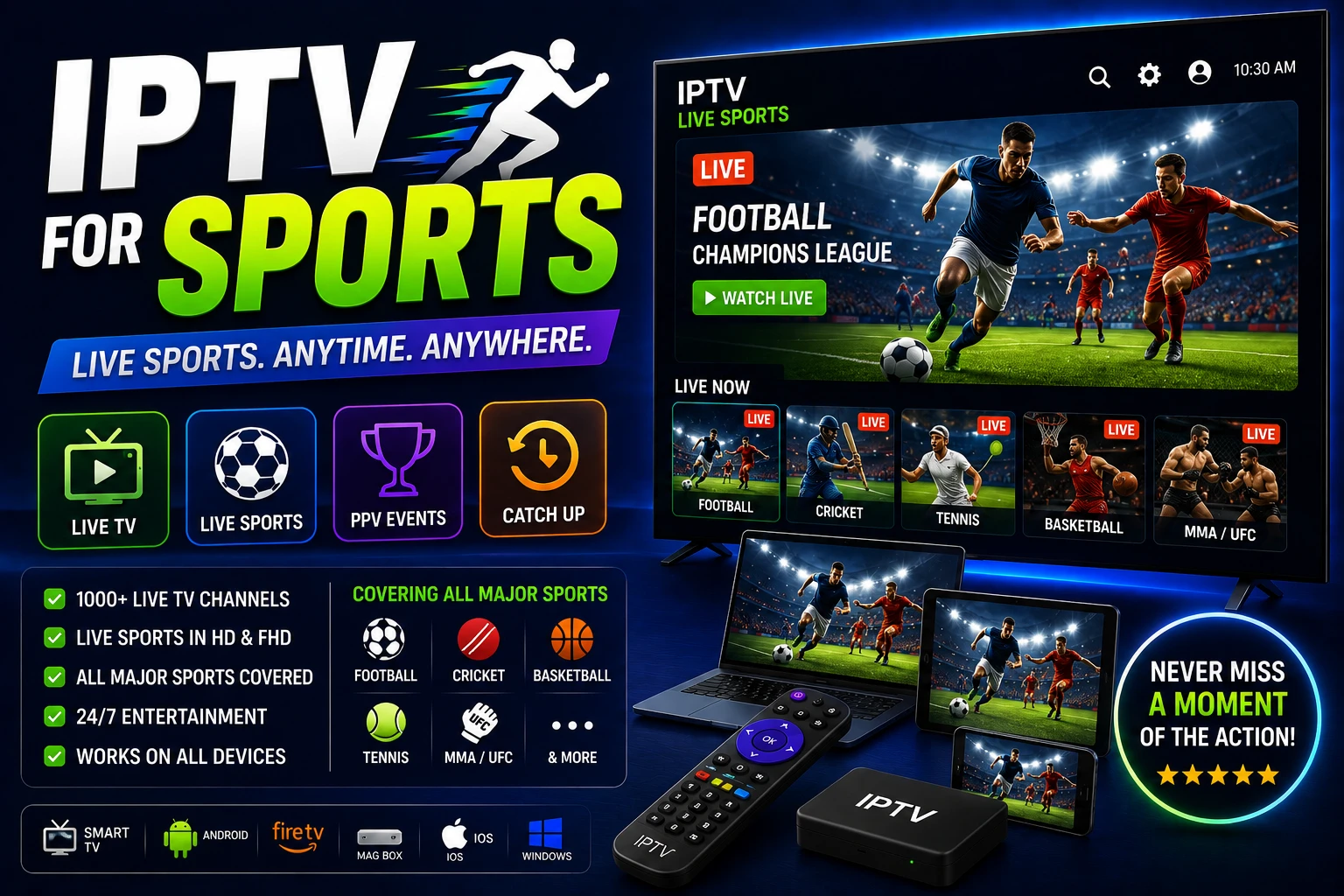
sports_soccer Sports IPTV Requirements
Essential Features:
- ? Dedicated sports servers
- ? Low latency (under 10 seconds)
- ? HD/4K quality streams
- ? Reliable uptime during events
Nice to Have:
- ? Catch-up for missed games
- ? Multiple camera angles
- ? DVR/recording capability
- ? Multi-screen viewing
What Makes Great Sports IPTV
speed 1. Low Latency
Latency (delay) is critical for sports. You don't want to hear your neighbor cheering before you see the goal.
Excellent
5-10 seconds delay
Acceptable
10-30 seconds delay
Poor
30+ seconds delay
hd 2. Stream Quality
Sports demand high quality to see fast action clearly. Look for:
- • Minimum 720p HD for acceptable viewing
- • 1080p Full HD for best experience
- • 4K for premium events (Super Bowl, World Cup)
- • 60fps for smooth motion (important for fast sports)
- • Bitrate of 5-8 Mbps for HD, 15-25 Mbps for 4K
dns 3. Dedicated Sports Servers
Premium providers use separate servers for sports to handle high traffic during major events.
Benefits:
- • No buffering during peak times
- • Better quality during live events
- • Faster channel switching
- • Redundancy if main server fails
sports 4. Comprehensive Coverage
Verify the provider covers your favorite sports and leagues:
US Sports:
- • NFL (all games + RedZone)
- • NBA (League Pass)
- • MLB (all teams)
- • NHL (all games)
- • College sports
International:
- • Premier League
- • La Liga, Serie A, Bundesliga
- • Champions League
- • Cricket, Rugby, Tennis
- • F1, MotoGP
history 5. Catch-Up & DVR
Miss the game? Catch-up TV lets you watch recently aired events:
- • Replay games from past 24-72 hours
- • Cloud DVR for recording future games
- • Pause and rewind live sports
- • Start-over feature (restart from beginning)
Essential Sports Channels
US Sports Networks
Must-Have:
- • ESPN, ESPN2, ESPN3
- • Fox Sports 1, FS2
- • NBC Sports
- • CBS Sports
- • NFL Network, NFL RedZone
- • NBA TV
- • MLB Network
- • NHL Network
Regional:
- • Bally Sports (regional)
- • NBC Sports Regional
- • AT&T SportsNet
- • MSG Network
- • NESN
- • YES Network
International Sports
Soccer/Football:
- • Sky Sports (UK)
- • BT Sport (UK)
- • beIN Sports
- • DAZN
- • Eleven Sports
Other Sports:
- • Eurosport
- • Sky Sports F1
- • Tennis Channel
- • Golf Channel
- • WWE Network
PPV & Premium Events
Some providers include PPV events at no extra cost:
- • UFC PPV events
- • Boxing matches (Showtime, DAZN)
- • WWE premium events
- • Special sporting events
Optimizing IPTV for Sports
Network Setup
1. Use Wired Connection
Ethernet is essential for sports. WiFi can cause buffering during crucial moments. Use Cat6 cable for best results.
2. Ensure Sufficient Speed
- • HD sports: 10-15 Mbps minimum
- • 4K sports: 25-50 Mbps minimum
- • Test speed before big games
- • Close other apps using bandwidth
3. Enable QoS on Router
Prioritize streaming device traffic over other devices. This prevents buffering when others use the internet.
Player Settings
Buffer Settings
For sports, use moderate buffer (5-10 seconds):
- • Too small: Risk of buffering
- • Too large: Increased delay
- • 5-10 seconds: Best balance
Hardware Acceleration
Enable for smooth 60fps sports playback. Reduces CPU load and improves performance.
Select Best Server
If provider offers multiple servers, test before game day. Choose the one with lowest latency and best quality.
Pre-Game Checklist
Before Important Games:
- Test stream 30 minutes before kickoff
- Close all background apps and downloads
- Clear player cache
- Verify EPG shows correct game time
- Have backup stream/server ready
- Ensure device is plugged in (not on battery)
Multi-Screen Sports Viewing
Watch multiple games simultaneously - perfect for NFL Sunday or March Madness.
Players with Multi-View
- • TiviMate Premium: Up to 4 screens
- • OTT Navigator: Multi-screen support
- • IPTV Smarters Pro: Picture-in-picture
- • Perfect Player: Multi-window mode
Requirements
- • Multiply bandwidth by number of streams
- • 4 HD streams = 40-60 Mbps needed
- • Powerful device (Shield TV, high-end box)
- • Large screen (55"+ recommended)
Sports Streaming Issues
Buffering During Game
- • Switch to wired connection immediately
- • Close all other apps and devices
- • Try backup server if available
- • Lower quality to 720p temporarily
- • Restart router and device
High Latency (Too Much Delay)
- • Reduce buffer size to 5 seconds
- • Choose server closer to your location
- • Use VPN server near IPTV server
- • Some delay is unavoidable with IPTV
Stream Goes Down During Event
- • Have backup IPTV provider ready
- • Try different channel showing same game
- • Switch to backup server
- • Contact provider support
- • Use catch-up to watch missed portion
Poor Quality During Peak Times
- • Provider's servers may be overloaded
- • Try less popular channel showing same game
- • Switch to dedicated sports server
- • Consider upgrading to premium tier
Frequently Asked Questions
What is the best IPTV for sports?
The best IPTV for sports offers dedicated sports servers, low latency (under 10 seconds), 1080p/4K quality, comprehensive coverage (NFL, NBA, soccer, etc.), reliable uptime during events, and catch-up for missed games. Premium providers typically cost $25-50/month.
Can I watch live sports on IPTV?
Yes, IPTV services offer live sports streaming including NFL, NBA, MLB, NHL, soccer leagues, UFC, boxing, and more. Quality IPTV providers have dedicated sports servers with minimal delay and HD/4K streams for major events.
What internet speed do I need for sports IPTV?
For HD sports streaming, you need 10-15 Mbps. For 4K sports, you need 25-50 Mbps. Use wired Ethernet connection for best results as sports require consistent speeds to avoid buffering during crucial moments.
link Related Guides
Premium IPTV Services
Top providers with sports packages
Optimize IPTV Streaming
Eliminate buffering during games

4K IPTV Streaming
Watch sports in 4K Ultra HD
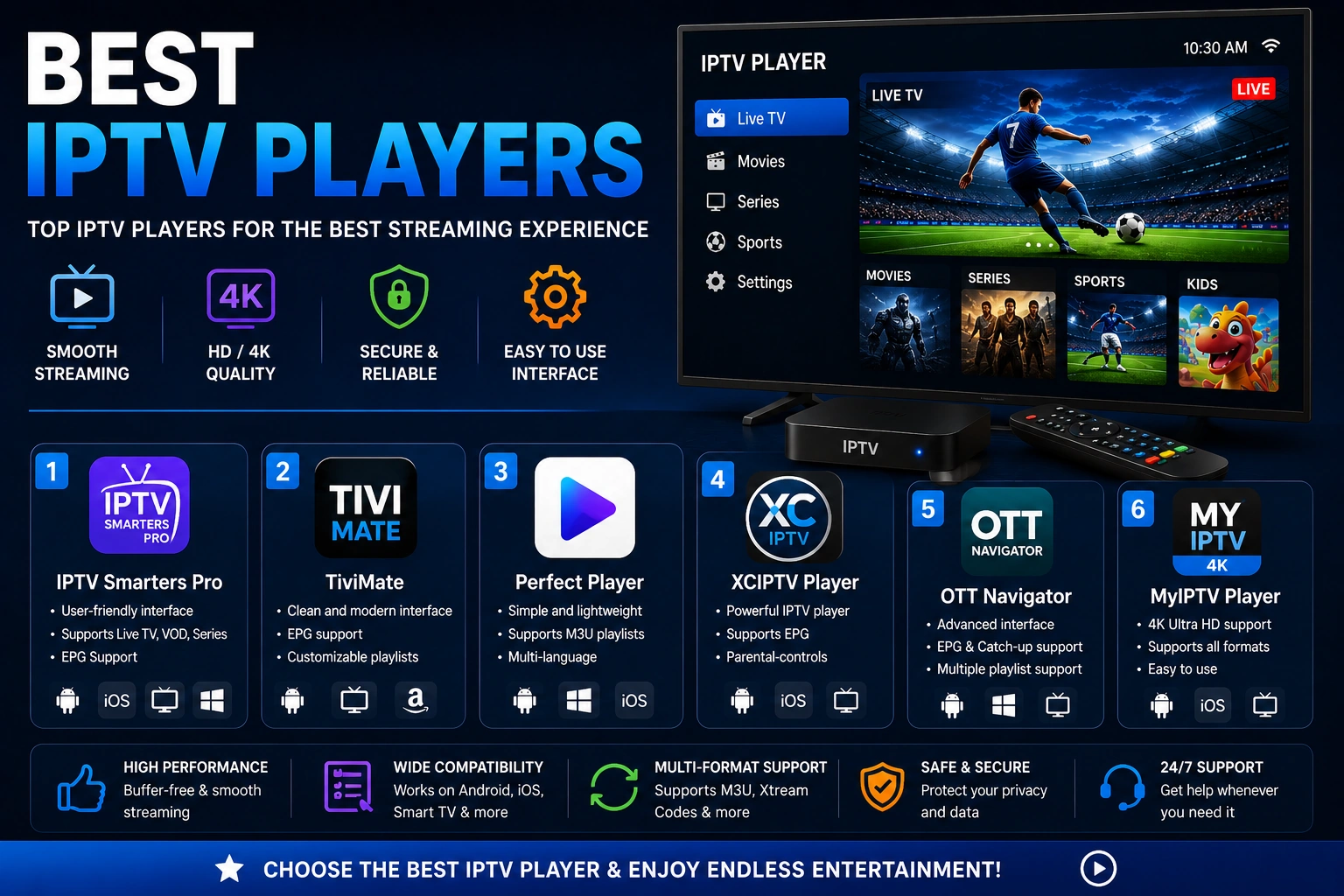
Best IPTV Players
Players with multi-screen support