
Optimize IPTV Streaming Performance Guide
Achieving perfect IPTV streaming requires optimizing multiple factors: network, hardware, player settings, and server selection. This comprehensive guide covers every optimization technique to eliminate buffering and maximize streaming quality.
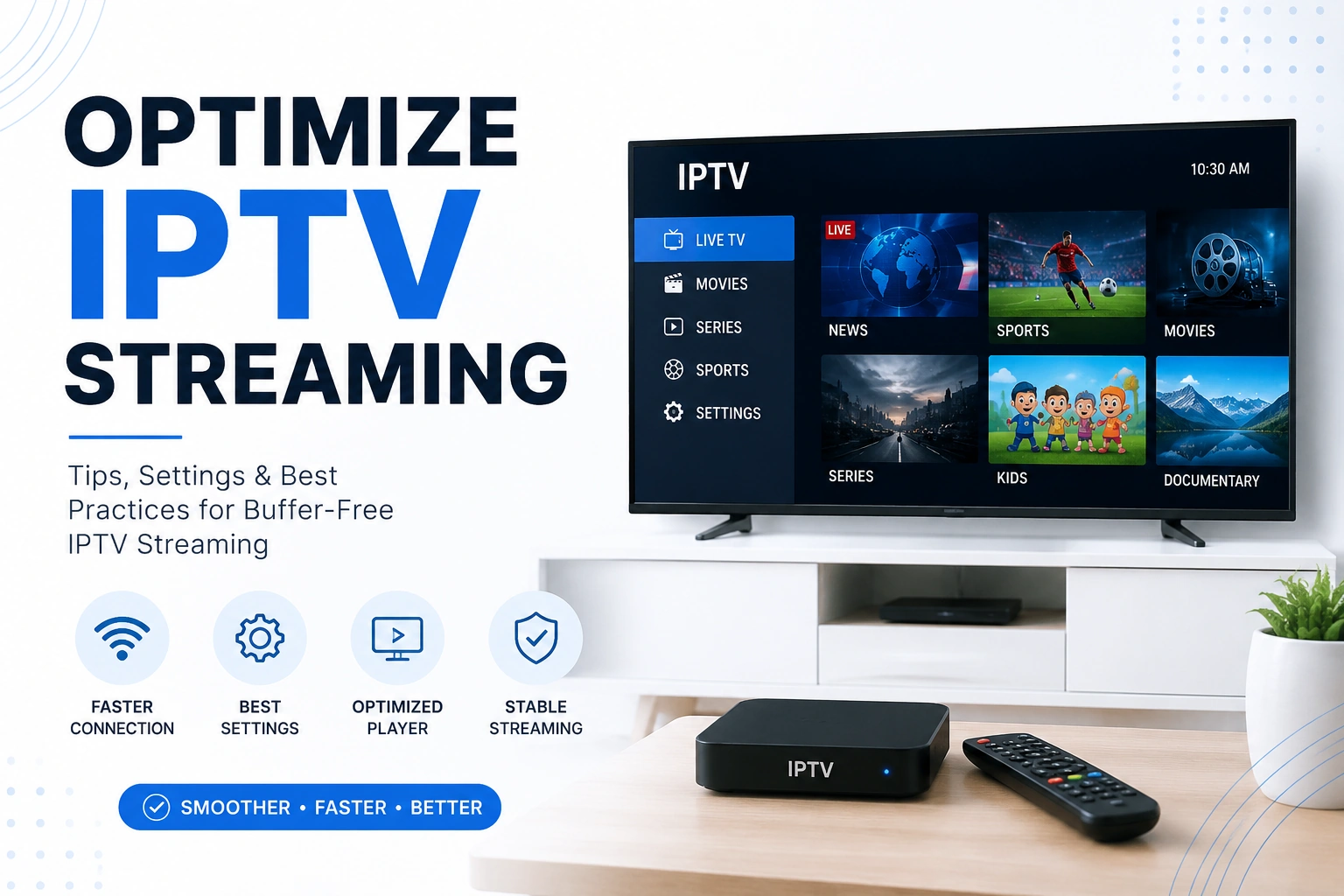
checklist Quick Optimization Checklist
- ? Use wired Ethernet connection
- ? Ensure 10+ Mbps internet speed
- ? Increase buffer size to 10-20 seconds
- ? Use quality DNS servers (1.1.1.1, 8.8.8.8)
- ? Enable hardware acceleration
- ? Close background applications
- ? Update player to latest version
- ? Use VPN to prevent ISP throttling
- ? Choose nearest server location
- ? Clear app cache regularly
Network Optimization
cable 1. Use Wired Connection
Ethernet provides stable, consistent speeds without WiFi interference. This is the single most effective optimization.
Ethernet Benefits:
- • Stable connection (no dropouts)
- • Lower latency
- • Full bandwidth utilization
- • No interference from other devices
WiFi Issues:
- • Signal interference
- • Distance-related drops
- • Bandwidth sharing
- • Inconsistent speeds
Tip: If WiFi is necessary, use 5GHz band, position router closer, or invest in a mesh WiFi system.
speed 2. Verify Internet Speed
Test your actual speeds using speedtest.net. Ensure you meet minimum requirements for your desired quality.
| Quality | Minimum Speed | Recommended |
|---|---|---|
| SD (480p) | 3-5 Mbps | 5-8 Mbps |
| HD (720p) | 5-10 Mbps | 10-15 Mbps |
| Full HD (1080p) | 10-20 Mbps | 20-30 Mbps |
| 4K UHD | 25-50 Mbps | 50-100 Mbps |
dns 3. Optimize DNS Settings
Using fast, reliable DNS servers can reduce buffering and improve stream loading times.
Cloudflare DNS
Primary: 1.1.1.1
Secondary: 1.0.0.1
Google DNS
Primary: 8.8.8.8
Secondary: 8.8.4.4
Quad9 DNS
Primary: 9.9.9.9
Secondary: 149.112.112.112
vpn_key 4. Use VPN to Prevent Throttling
ISPs often throttle streaming traffic. A quality VPN encrypts your traffic and prevents throttling.
VPN Benefits for IPTV:
- • Prevents ISP throttling
- • Bypasses geo-restrictions
- • Protects privacy
- • Can improve routing
Important: Choose VPN servers close to your location for minimal speed impact. Avoid free VPNs as they often slow down connections.
Player Configuration
Buffer Settings
Increasing buffer size allows more content to preload, reducing stuttering and freezing.
Recommended Buffer Sizes:
- • Fast connection (50+ Mbps): 5-10 seconds
- • Medium connection (20-50 Mbps): 10-15 seconds
- • Slow connection (10-20 Mbps): 15-20 seconds
- • Unstable connection: 20-30 seconds
Note: Larger buffers increase channel switching time. Find the balance between smooth playback and responsiveness.
Hardware Acceleration
Hardware acceleration uses your device's GPU to decode video, reducing CPU load and improving performance.
When to Enable:
- • 4K or high bitrate streams
- • Older/slower devices
- • Multiple simultaneous streams
- • CPU usage is high
When to Disable:
- • Black screen issues
- • Video artifacts/glitches
- • Audio sync problems
- • Playback stuttering
Video Decoder Settings
Choosing the right decoder can significantly impact playback quality and performance.
Decoder Options:
- • Hardware (recommended): Best performance, lower CPU usage
- • Software: Better compatibility, higher CPU usage
- • Auto: Player chooses automatically
Hardware & Device Optimization
memory Clear Cache & Free RAM
Regularly clear app cache and close background applications to free up memory for smooth streaming.
Android/Firestick:
Settings ? Applications ? Manage Installed Applications ? [App] ? Clear Cache
update Keep Software Updated
Update your IPTV player, device firmware, and router firmware regularly. Updates often include performance improvements and bug fixes.
router Optimize Router Settings
Configure your router for optimal IPTV performance.
- • Enable QoS (Quality of Service) for streaming priority
- • Use 5GHz WiFi band for less interference
- • Change WiFi channel to avoid congestion
- • Disable bandwidth-heavy features (torrents, downloads)
devices Choose the Right Device
Device capability matters for 4K and high-bitrate streams.
Best for 4K:
- • Fire TV Stick 4K Max
- • Nvidia Shield TV Pro
- • Apple TV 4K
- • High-end Android boxes
Good for HD:
- • Fire TV Stick (regular)
- • Chromecast with Google TV
- • Mid-range Android boxes
- • Smart TVs
Advanced Optimization Techniques
Server Selection
If your IPTV provider offers multiple servers, choose the one closest to your location for lowest latency.
Server Selection Tips:
- • Test different servers during peak hours
- • Choose servers in your country/region
- • Avoid overloaded servers (check provider status)
- • Use backup servers if primary is slow
Stream Quality Settings
Some players allow manual quality selection. Lower quality if buffering persists.
Auto Quality
Player adjusts based on connection speed
Manual Selection
Choose specific quality (720p, 1080p)
Adaptive Bitrate
Seamlessly switches quality during playback
Network Prioritization (QoS)
Configure router QoS to prioritize IPTV traffic over other internet activities.
QoS Priority Order:
- IPTV streaming (highest priority)
- Video calls
- Web browsing
- Downloads (lowest priority)
Performance Troubleshooting
Still Buffering After Optimization?
- • Test internet speed during streaming (may be ISP throttling)
- • Try different IPTV servers
- • Contact IPTV provider (server may be overloaded)
- • Test with different player app
- • Check if other devices stream fine (isolate device issue)
Video Quality Issues?
- • Verify source quality (provider may offer low-quality streams)
- • Check HDMI cable quality (for 4K, use HDMI 2.0+)
- • Disable hardware acceleration if seeing artifacts
- • Update graphics drivers
Audio Sync Problems?
- • Adjust audio delay in player settings
- • Disable audio passthrough
- • Try different audio output format
- • Update player to latest version
Frequently Asked Questions
How can I optimize IPTV streaming quality?
Optimize IPTV by: using wired Ethernet connection, ensuring sufficient bandwidth (10+ Mbps for HD), adjusting buffer settings, using quality DNS servers, enabling hardware acceleration, closing background apps, and using a VPN to prevent ISP throttling.
What internet speed do I need for buffer-free IPTV?
For SD quality: 5 Mbps, HD: 10 Mbps, Full HD: 20 Mbps, 4K: 50 Mbps. Add 20-30% overhead and multiply by number of simultaneous streams. A 50 Mbps connection supports 2-3 HD streams comfortably.
link Related Guides
Fix IPTV Buffering
Troubleshoot buffering issues
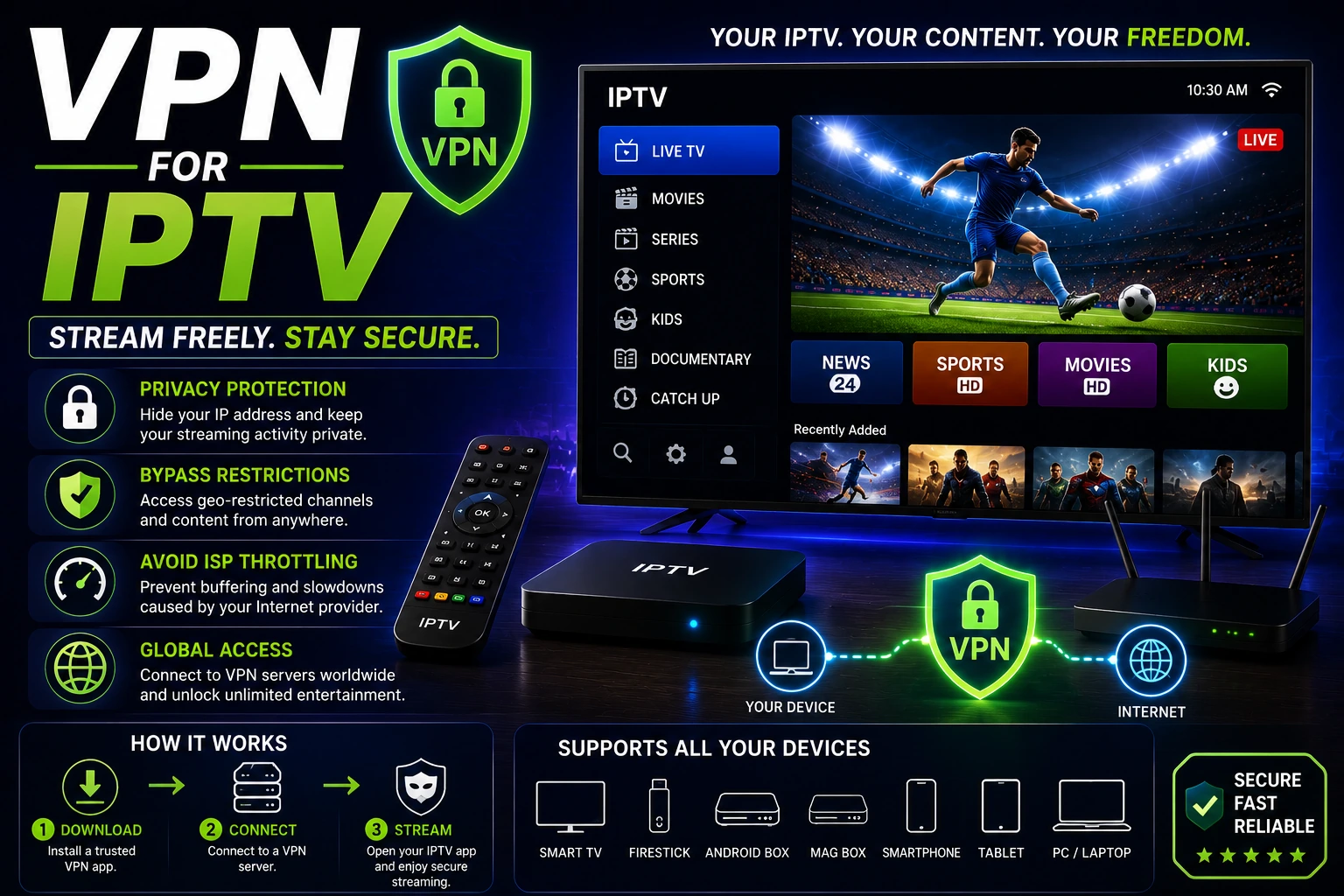
Best VPN for IPTV
Prevent ISP throttling with VPN

4K IPTV Streaming
Requirements for 4K streaming
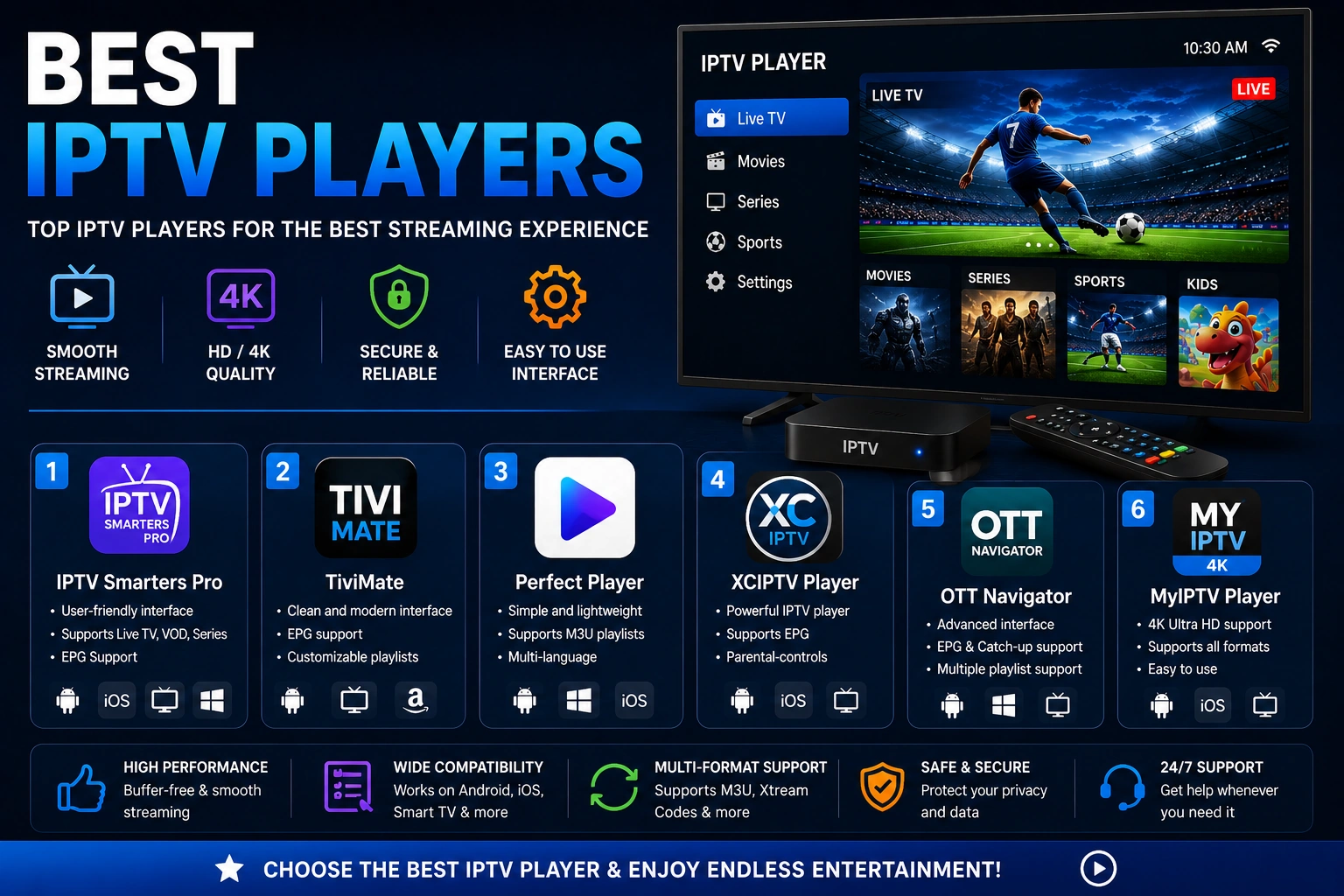
Best IPTV Players
Optimized players for best performance