
Bob Player – Complete Guide to Installation, Setup & Features (2026)
Learn how to install and use Bob Player in 2026. Complete guide covering setup, features, activation, and tips for smooth IPTV streaming.
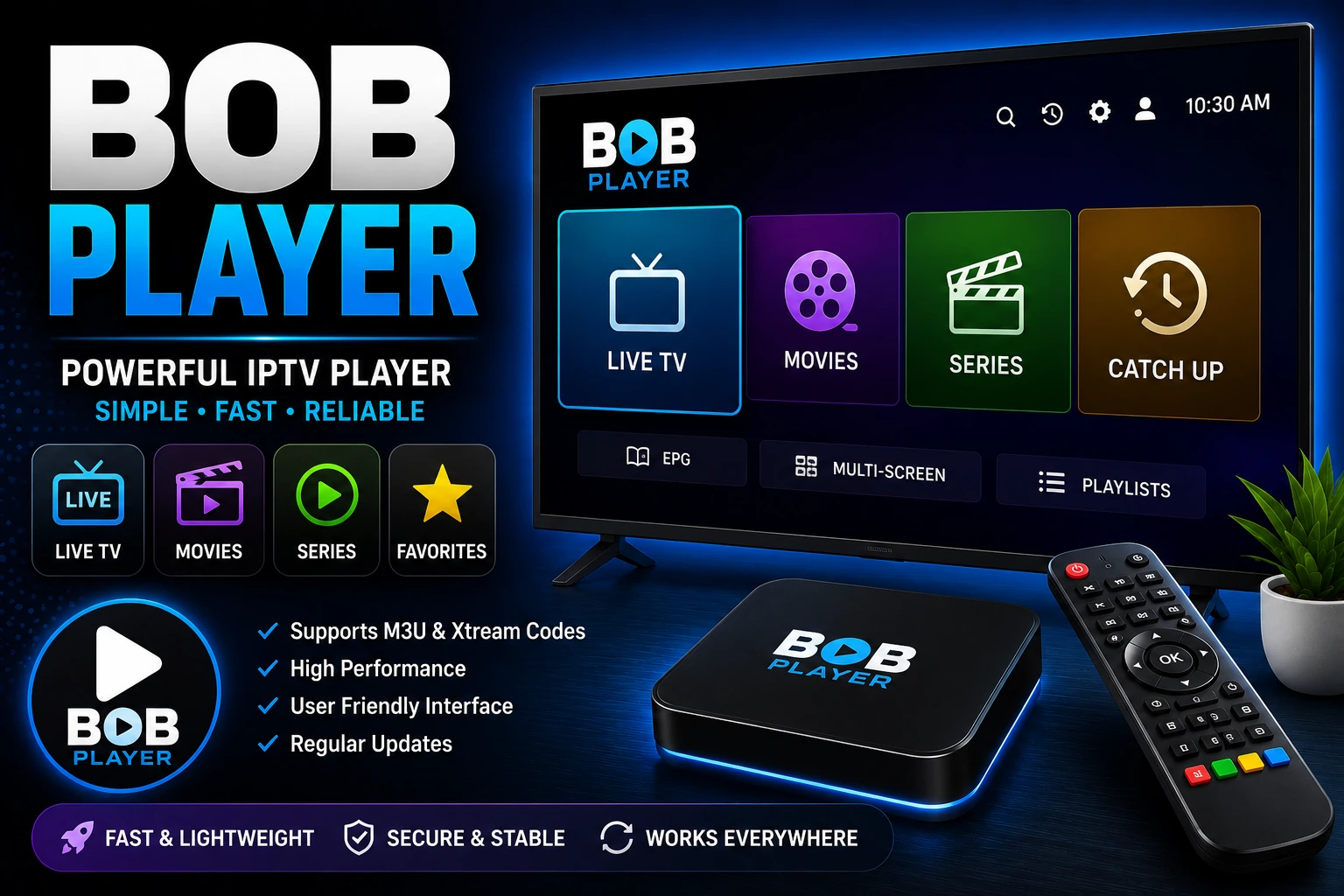
What Is Bob Player?
Bob Player is an IPTV player application that allows users to stream live TV, movies, and series using an IPTV subscription.
Like other IPTV apps, it does not include any content. Instead, it acts as a player where you upload your IPTV playlist or login credentials.
arrow_forward It's known for its simple setup, smooth performance, and Smart TV compatibility.
Why Bob Player Is Popular in 2026
Bob Player is gaining popularity because it offers a straightforward IPTV experience without unnecessary complexity.
Main Advantages
- check_circle Easy to set up
- dashboard Clean and simple interface
- tv Good performance on Smart TVs
- speed Fast channel loading
arrow_forward It's ideal for users who want a no-complication IPTV solution.
Key Features of Bob Player
Simple and Clean Interface
- • Easy navigation
- • Organized content categories
- • Beginner-friendly design
Playlist Upload Support
Bob Player supports:
- • M3U playlists
- • Xtream Codes API
arrow_forward This allows flexibility with different IPTV services.
Smart TV Compatibility
Bob Player works well on:
- • Samsung Smart TVs
- • LG Smart TVs
arrow_forward Great for users who prefer watching IPTV directly on TV.
Fast Streaming Performance
- • Quick channel loading
- • Smooth playback
- • Stable performance
Cloud-Based Playlist Management
- • Upload playlists online
- • Sync easily with your device
How to Install Bob Player
tv On Smart TVs (Samsung & LG)
Open your TV app store
Samsung App Store or LG Content Store
Search for Bob Player
Use the search function
Install the app
Download and install
Launch it
Open the app to begin setup
devices On Other Devices
Bob Player is mainly optimized for Smart TVs, and support on other devices may be limited.
How to Set Up Bob Player
Step 1: Open the App
You will see:
- • Device ID
- • Device Key
Step 2: Upload Your Playlist
Go to the official Bob Player website and:
- • Enter your Device ID and Key
- • Upload your M3U playlist or Xtream Codes
Get credentials from your IPTV provider
Step 3: Reload the App
Restart the app to sync your content.
Step 4: Start Streaming
Your channels and VOD content will appear.
Is Bob Player Free?
Bob Player usually offers:
- check_circle A free trial period
- payments A one-time activation fee after trial
arrow_forward This model is common for Smart TV IPTV apps.
Best Settings for Bob Player
To improve performance:
- wifi Use a stable internet connection
- update Keep your playlist updated
- refresh Restart the app occasionally
- cable Use Ethernet instead of Wi-Fi if possible
arrow_forward These tips help ensure smooth streaming.
Bob Player vs Other IPTV Players
| Feature | Bob Player | IBO Player | IPTV Smarters Pro |
|---|---|---|---|
| Best Device | Smart TVs | Smart TVs | All devices |
| Interface | Simple | Modern | Advanced |
| Setup | Web upload | Web upload | App login |
| Performance | Smooth | Smooth | Stable |
arrow_forward Bob Player is best for simplicity, while IBO Player and IPTV Smarters Pro offer more advanced features.
Common Issues & Fixes
warning Playlist Not Loading
- • Check playlist URL
- • Re-upload playlist
- • Restart the app
error Buffering Issues
- • Check internet speed
- • Reduce streaming quality
- • Use wired connection
report Activation Problems
- • Verify Device ID and Key
- • Confirm activation status
- • Restart the app
Is Bob Player Safe to Use?
Yes, Bob Player is safe as an application.
However:
- info It does not provide content
- info Safety depends on your IPTV provider
arrow_forward Always use a reliable IPTV service.
Best IPTV Services to Use With Bob Player
For the best experience:
- check_circle Choose a stable IPTV provider
- check_circle Use high-quality subscriptions
- check_circle Test services with free trials
arrow_forward The player's performance depends on your provider.
FAQs (Voice Search Optimized)
Is Bob Player free?
It usually offers a free trial, followed by a one-time activation fee.
Does Bob Player provide channels?
No, you must upload your own IPTV playlist or credentials.
Can I use Bob Player on Firestick?
It is mainly designed for Smart TVs and may not be fully supported on Firestick.
How do I activate Bob Player?
You activate it by uploading your playlist using your Device ID and Key on the official website.
Conclusion
Bob Player is a great IPTV player in 2026 for users who want a simple, reliable, and easy-to-use app, especially on Smart TVs.
It's ideal for:
- check_circle Quick setup
- check_circle Smooth streaming
- check_circle Minimal complexity
arrow_forward Combine Bob Player with a reliable IPTV provider to get the best streaming experience.
link Related Articles
IBO Player Guide
Complete guide to IBO Player for Smart TVs
XCIPTV Player Guide
How to install and use XCIPTV Player
IPTV Smarters Pro Guide
Complete setup guide for IPTV Smarters Pro
Best IPTV Players 2026
Compare top IPTV players and find the best one
IPTV Provider Guide
How to choose a reliable IPTV provider
IPTV Subscription Plans
Complete guide to IPTV subscriptions