
Televizo Review (2026) – Free Android IPTV Player
Televizo has quietly become one of the most-liked IPTV players on Android. It is free, works on phones and Android TV, and handles M3U and Xtream Codes with a clean, remote-friendly interface. This review covers what it does, how to install it, how to add a playlist, the EPG, the premium upgrade, and how it stacks up against TiviMate.
star Quick Verdict
Televizo is a great choice if you want one app that feels right on a phone and a TV. Setup takes minutes, it handles multiple playlists and a proper EPG, and the free version covers the essentials. It will not replace TiviMate for power users on Android TV, and it has no iOS or Windows version, but as a flexible Android player it is one of the best on the Play Store.
What is Televizo?
Televizo is an IPTV player for Android devices — phones, tablets, Android TV and Google TV, plus Firestick via sideloading. It is published on the Google Play Store and supports the two formats most IPTV subscriptions use: plain M3U playlists and the Xtream Codes API. Like every player in this category, it ships with no channels of its own. You bring a playlist from a provider or from a free public playlist.
Its selling point is balance. It is simpler than TiviMate to set up, but more capable than most free players, and it scales well between a phone in your hand and a TV with a remote. If you are comparing options, start with our best IPTV players roundup.
Televizo does not support the older MAC-address / Stalker Portal protocol, so it will not work with providers that only offer a portal. Ask your provider for an M3U link or Xtream Codes credentials instead.
Televizo Key Features
playlist_play M3U & Xtream Codes
Add multiple playlists using either format, side by side.
tv_guide EPG support
Electronic programme guide with XMLTV, including compressed .gz guides.
replay Catch-up
Rewind to earlier programmes where your provider and the channel support it.
cast Chromecast
Cast from your phone to a TV with a Chromecast or Google TV device.
search Sorting, search & favourites
Search channels and VOD, arrange the list and save favourites.
block Parental controls
Block channels or whole groups, with a playlist editor (premium).
subtitles Track selection
Choose video tracks, audio tracks and subtitles where the stream provides them.
timer Sleep timer & compact mode
Stop playback automatically, and switch to a compact full-screen layout.
Download & Install Televizo
| Device | How to install |
|---|---|
| Android phone / tablet | Install free from the Google Play Store (package com.ottplay.ottplay). |
| Android TV / Google TV | Search "Televizo" on the Play Store on the TV itself, or use the Play Store website to push it to your device. |
| Fire TV / Firestick | Not in the Amazon Appstore — install the Play Store or download the APK and sideload it. See our Firestick setup guide. |
Televizo is Android only — there is no iOS, Apple TV or Windows version.
How to Add a Playlist to Televizo
M3U playlist
Open Televizo, tap Create Playlist, choose New M3U Playlist, enter a name and paste your M3U URL, then confirm with the tick icon.
Xtream Codes
Tap Create Playlist and choose New Xtream Codes Playlist, then enter the name, username, password and server address from your provider and confirm.
Wait for the content to load
Televizo imports channels and VOD automatically. Once finished, open the playlist to browse categories and start watching.
New to playlists? Start with the free iptv-org GitHub playlist, or read our M3U playlist guide.
Free vs Premium
| Feature | Free | Premium |
|---|---|---|
| Live TV, VOD, EPG | ✓ | ✓ |
| Multiple playlists | ✓ | ✓ |
| Ad-free | ✗ | ✓ |
| Parental controls | ✗ | ✓ |
| Backup & restore | ✗ | ✓ |
| Auto full-screen & auto frame rate | ✗ | ✓ |
Premium is unlocked with an in-app purchase. The free version covers watching and the EPG, so it is worth trying first.
Televizo vs TiviMate
Both are Android players, but they aim at slightly different users.
| Televizo | TiviMate | |
|---|---|---|
| Best on | Phone, tablet and TV | Android TV / Firestick |
| Setup ease | Very simple | More options, steeper |
| TV interface | Good | Best in class |
| Price | Free + optional premium | Free version + premium (yearly / lifetime) |
See our full TiviMate review for the TV-first alternative.
Pros & Cons
thumb_up Pros
- check_circleFree to use with a generous feature set
- check_circleClean interface that suits phones and TVs alike
- check_circleM3U and Xtream Codes in one app
- check_circleSolid EPG, catch-up and Chromecast support
- check_circleQuick, beginner-friendly setup
thumb_down Cons
- cancelNo iOS, Apple TV or Windows version
- cancelNo MAC-address / Stalker Portal support
- cancelAds and some features locked behind premium
- cancelTV interface trails TiviMate for power users
IPTV provider we recommend
A player is only as good as the playlist behind it. What matters is that the provider hands your player a working M3U URL or Xtream Codes login, and that the streams hold up on the device you are using.
starStrongIPTV — best for channel breadth, US local networks and PPV
- check50,000+ live channels, including US local networks (ABC, CBS, NBC, FOX)
- check190,000+ VOD titles and a large PPV library
- check4K streams with multi-device support
- checkM3U URL and Xtream Codes login — works with TiviMate, IPTV Smarters, VLC, Kodi and GSE
Also worth testing: FavIPTV — the alternative if server stability during live sport matters more to you than channel count. Both offer a 24-hour free trial, so the two can be tested side by side before you commit.
Affiliate disclosure: both providers above are affiliate partners — we may earn a commission if you subscribe through these links, at no extra cost to you. We do not sell IPTV subscriptions ourselves, and the trial terms are the providers’ own.
Frequently Asked Questions
What is Televizo?
Televizo is a free IPTV player for Android phones, tablets, Android TV and Firestick. It supports M3U playlists and Xtream Codes, includes an EPG, catch-up, Chromecast and parental controls, and does not include any channels — you add your own playlist.
Is Televizo free?
The basic version of Televizo is free and supports live TV, VOD, EPG and multiple playlists. A premium upgrade (an in-app purchase) removes ads and unlocks parental controls, backup and restore, auto full-screen and auto frame rate.
What devices does Televizo support?
Televizo runs on Android phones and tablets, Android TV and Google TV devices, and Amazon Fire TV / Firestick (sideloaded, since it is not in the Amazon Appstore). It is not available for iOS, Apple TV or Windows.
Does Televizo support Xtream Codes and M3U?
Yes. Televizo supports both M3U playlists and the Xtream Codes API. It does not support the older MAC-address / Stalker Portal protocol, so it will not work with providers that only offer a portal. Ask your provider for an M3U or Xtream Codes login.
How do I add a playlist to Televizo?
Open Televizo, tap Create Playlist on the home screen, then choose New M3U Playlist (enter a name and the M3U URL) or New Xtream Codes Playlist (enter the name, username, password and server address). Confirm with the tick icon and the content loads automatically.
Is Televizo better than TiviMate?
Both are strong Android IPTV players. TiviMate has the most polished TV interface and EPG, while Televizo is a good all-round option that works equally well on phones and TVs and is simple to set up. On Firestick, either works, though TiviMate is more commonly recommended for the big screen.
Does Televizo support catch-up TV?
Televizo lists catch-up support, but it depends on your provider and the individual channels. If your IPTV provider offers catch-up (timeshift) and the channel supports it, you can rewind to earlier programmes from the EPG.
link Related Guides
TiviMate Review
Best IPTV player for Android TV
IPTV Smarters Pro Review
Cross-platform IPTV player
Firestick Setup Guide
Install IPTV apps on Fire TV
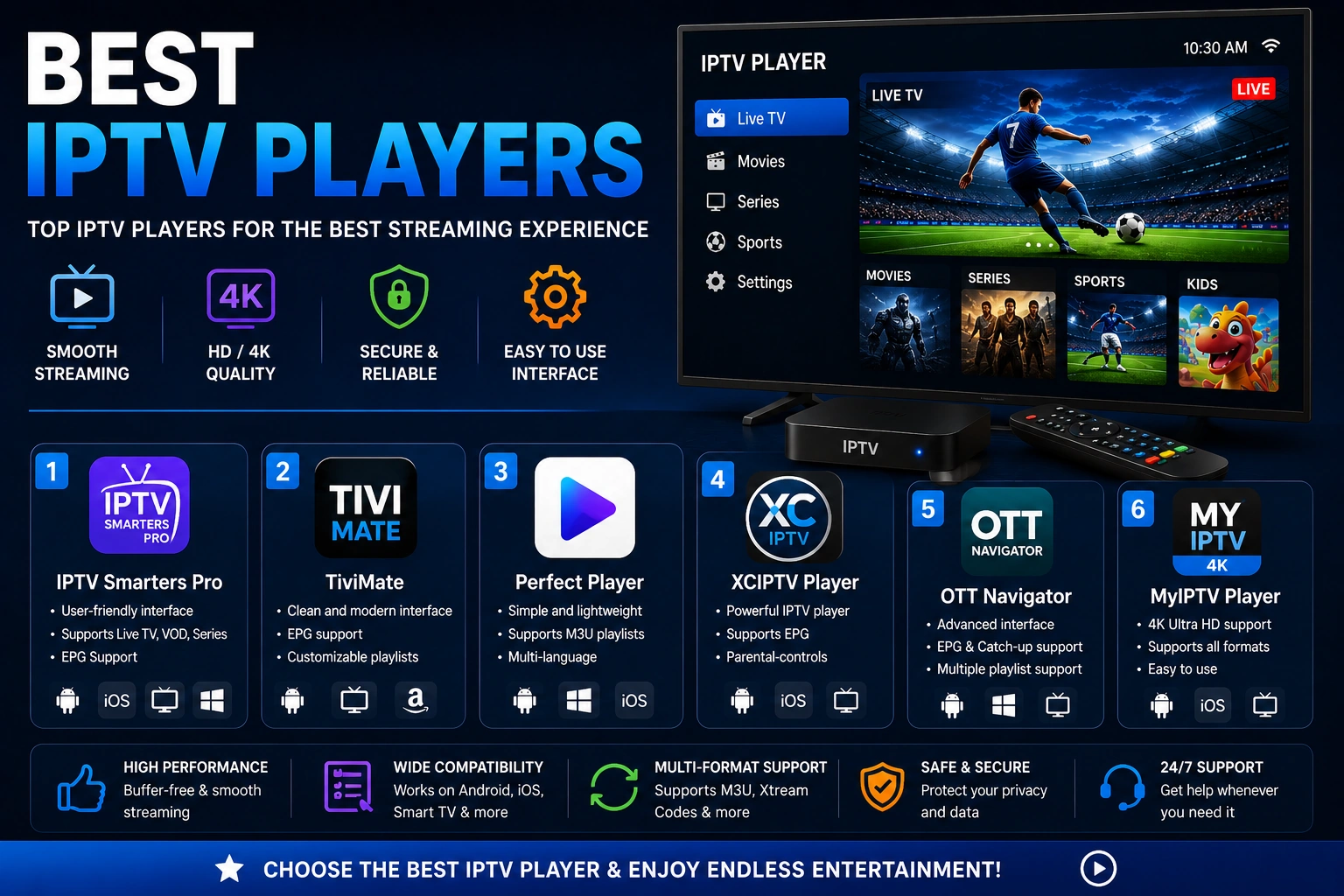
Best IPTV Players
Compare all major players