
What is IPTV? Complete Beginner's Guide (2026)
IPTV is revolutionizing how we watch television. If you're tired of expensive cable bills and limited channel options, IPTV might be exactly what you need. This comprehensive guide explains everything about IPTV in simple terms - no technical jargon required.
lightbulb Quick Answer
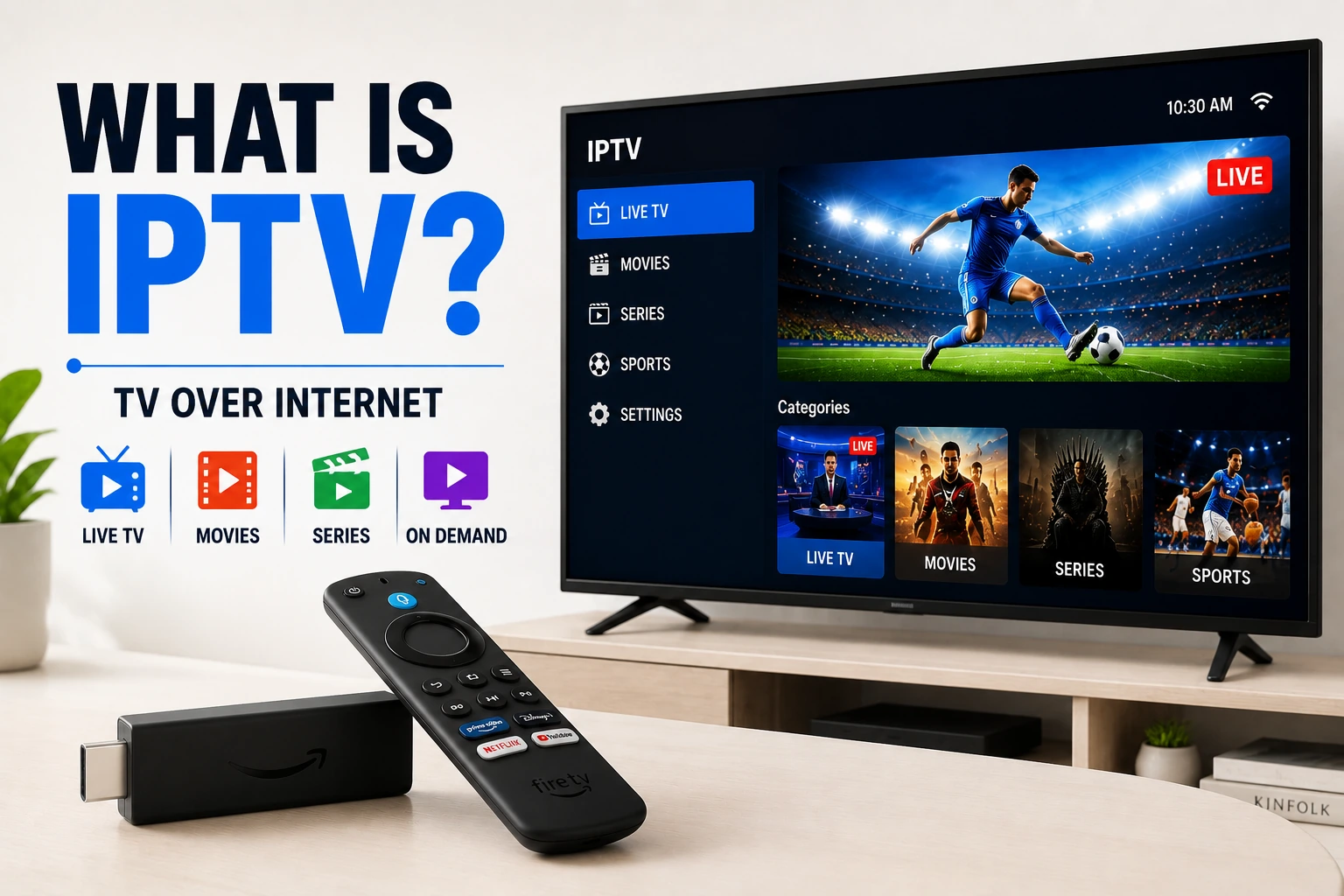
IPTV (Internet Protocol Television) is a system that delivers television content over the internet instead of traditional cable, satellite, or antenna. Think of it as watching TV through your internet connection - you get live channels, on-demand shows, and movies, just like cable, but delivered digitally.
Unlike streaming services like Netflix that only offer on-demand content, IPTV gives you live TV channels (news, sports, entertainment) plus on-demand libraries, all through one service.
IPTV Explained in Simple Terms
Let's break down what IPTV actually means:
Internet Protocol (IP)
This is the technology that powers the internet. It's how data travels from one device to another online. When you browse websites, send emails, or stream videos, you're using Internet Protocol.
Television (TV)
The content you watch - live channels, shows, movies, sports, news. Everything you'd expect from traditional television, but delivered differently.
Put Together: IPTV
Television content delivered through internet technology instead of cable wires, satellite dishes, or broadcast antennas. Your TV shows travel through the same connection you use for browsing the web.
How Does IPTV Work?
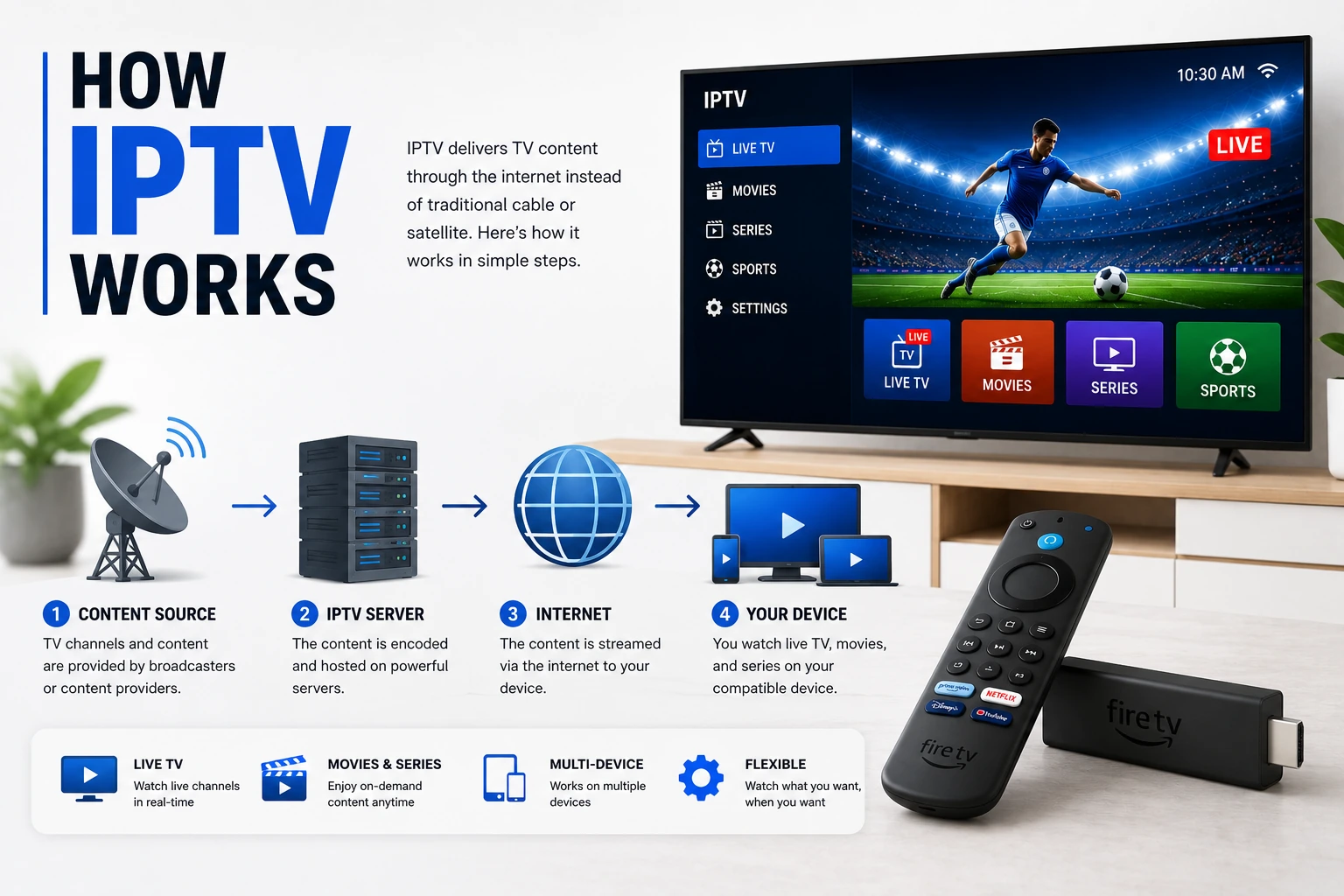
Here's a simple breakdown of what happens when you watch IPTV:
Content Source
TV channels and content are captured from broadcast sources (satellite, cable networks, studios) and converted into digital format.
Server Storage
The IPTV provider stores this content on powerful servers. Live channels are streamed in real-time, while on-demand content is stored for later viewing.
Internet Delivery
When you select a channel or show, the content is sent to your device through your internet connection using streaming protocols.
Your Device
Your IPTV player app receives the stream and displays it on your screen. You can watch on phones, tablets, smart TVs, streaming boxes, or computers.
IPTV vs Traditional TV: What's the Difference?
| Feature | IPTV | Cable/Satellite |
|---|---|---|
| Delivery Method | Internet | Cable/Satellite |
| Equipment Needed | Internet device | Set-top box, dish |
| Installation | DIY, instant | Technician visit |
| Monthly Cost | $10-30 | $50-150+ |
| Channel Selection | Thousands | Hundreds |
| Device Flexibility | Any device | TV only |
| Contract | Usually none | 1-2 years |
| On-Demand Content | Extensive | Limited |
3 Types of IPTV Services
live_tv 1. Live IPTV
Watch TV channels in real-time, just like traditional television. News, sports, entertainment - everything broadcasts live as it happens.
Examples: Live sports events, news broadcasts, reality TV shows
video_library 2. Video on Demand (VOD)
Access a library of movies and TV shows to watch whenever you want. Similar to Netflix, but included with your IPTV subscription.
Examples: Movie libraries, TV series archives, documentaries
history 3. Time-Shifted IPTV (Catch-Up TV)
Watch shows that aired in the past few days. Missed your favorite show? Go back and watch it from the beginning.
Examples: Catch-up on yesterday's news, rewatch last week's game, pause and resume live TV
Why Choose IPTV? Key Benefits
Cost Savings
Save 50-70% compared to cable. Most IPTV services cost $10-30/month vs $80-150+ for cable packages.
Watch Anywhere
Use any device - phone, tablet, laptop, smart TV, streaming box. Watch at home or on the go.
Global Content
Access channels from around the world. Watch international sports, news, and entertainment in multiple languages.
High Quality
Stream in HD, Full HD, or even 4K quality. Better picture quality than standard cable in many cases.
No Contracts
Most IPTV services offer month-to-month subscriptions. Cancel anytime without penalties or fees.
Multiple Connections
Watch on multiple devices simultaneously. Most plans support 2-5+ concurrent streams.
What Do You Need for IPTV?
wifi 1. Internet Connection
A stable internet connection is essential. Speed requirements depend on quality:
- check_circle SD Quality: 3-4 Mbps
- check_circle HD Quality: 5-10 Mbps
- check_circle Full HD: 10-20 Mbps
- check_circle 4K/UHD: 25-50 Mbps
smartphone 2. Compatible Device
IPTV works on almost any internet-connected device:
apps 3. IPTV Player App
Download an IPTV player app to watch content. Popular options include:
subscriptions 4. IPTV Subscription
Subscribe to an IPTV service provider. They'll give you login credentials or a playlist URL to access channels. Check our best IPTV services guide for recommendations.
Is IPTV Legal?
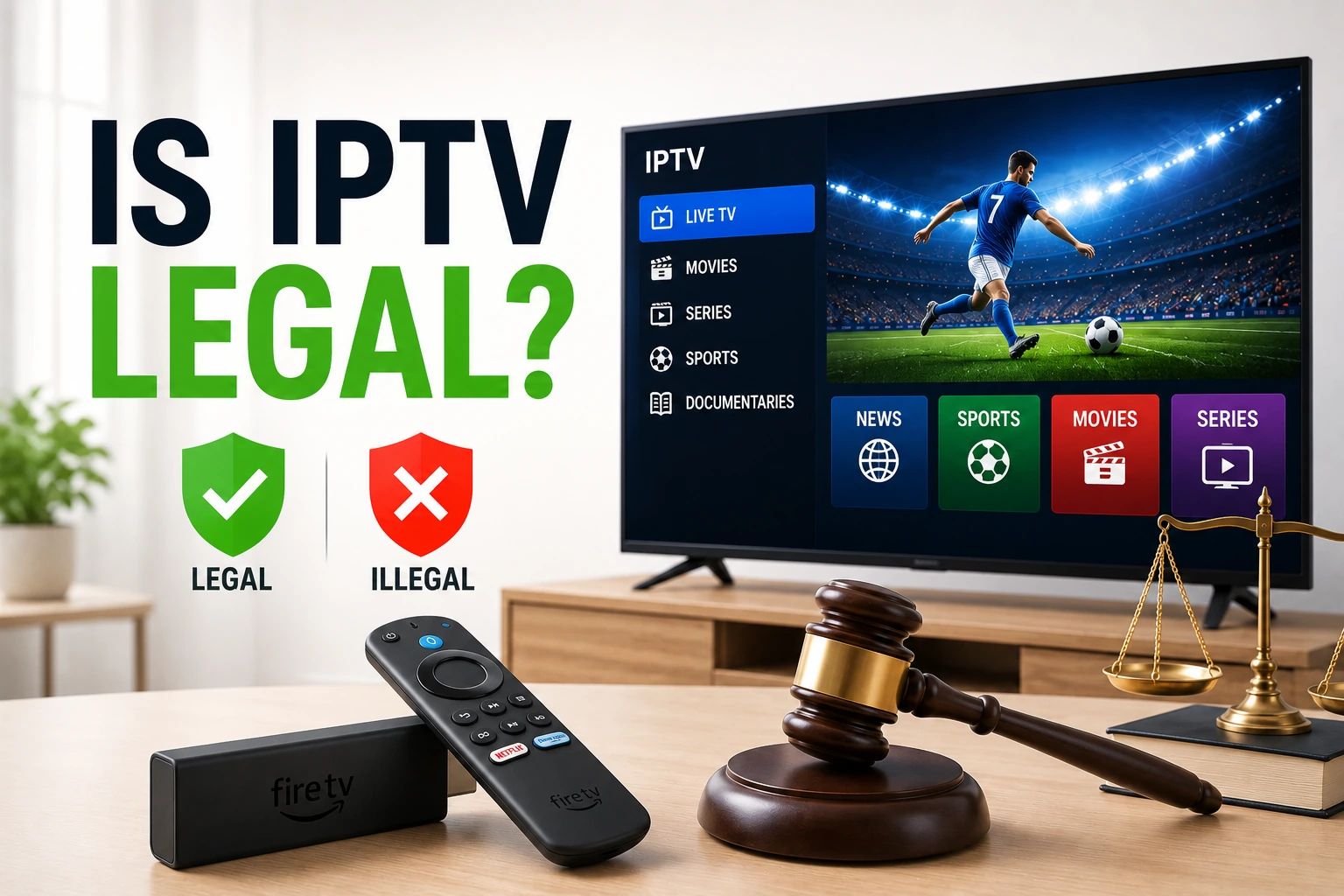
IPTV technology itself is 100% legal. Major companies like AT&T, Verizon, and YouTube TV use IPTV to deliver content. The legality depends on whether the service provider has proper licensing for the content they offer.
Legal IPTV Services
- check_circle Have broadcasting licenses
- check_circle Pay content providers
- check_circle Operate transparently
- check_circle Have clear terms of service
Illegal IPTV Services
- cancel No broadcasting licenses
- cancel Pirated content
- cancel Suspiciously cheap prices
- cancel No company information
Always choose reputable IPTV providers with proper licensing. If a deal seems too good to be true (thousands of channels for $5/month), it probably is. Learn more in our IPTV legality guide.
How to Get Started with IPTV
Choose an IPTV Service
Research and select a reputable IPTV provider. Look for good reviews, reliable uptime, and proper licensing.
? See our top IPTV service recommendationsSubscribe and Get Credentials
Sign up for a subscription plan. You'll receive login credentials (username/password) or a playlist URL (M3U link) - see our M3U Playlist Guide for format, free legal sources and creation tips.
? Find IPTV services with free trialsInstall an IPTV Player
Download an IPTV player app on your device. Popular choices include TiviMate, GSE Smart IPTV, and Perfect Player.
? Compare the best IPTV playersAdd Your Playlist
Open the player app and enter your credentials or playlist URL. The app will load your channels.
? Step-by-step setup guide for FirestickStart Watching
Browse channels, set up favorites, and enjoy your content. Consider using a VPN for privacy and to avoid ISP throttling.
? Best VPNs for IPTV streamingCommon IPTV Issues & Solutions
Buffering Issues
Stream keeps pausing? Learn how to fix buffering and optimize your connection.
errorConnection Problems
IPTV won't connect? Troubleshoot authentication and server issues.
link_offPlaylist Errors
M3U URL not loading? Fix playlist format and loading issues.
tuneOptimization Tips
Optimize your setup for buffer-free 4K streaming.
Frequently Asked Questions
What does IPTV stand for? expand_more
Is IPTV the same as streaming services like Netflix? expand_more
Do I need special equipment for IPTV? expand_more
Is IPTV legal? expand_more
How much internet speed do I need for IPTV? expand_more
Can I watch IPTV on multiple devices? expand_more
Final Thoughts
IPTV represents the future of television. With lower costs, more flexibility, and access to global content, it's no wonder millions are making the switch from traditional cable and satellite.
Whether you're looking to cut the cord, access international channels, or simply want a more modern TV experience, IPTV offers a compelling solution. The technology is mature, the apps are user-friendly, and the content selection is vast.
Ready to get started? Check out our best IPTV services guide to find the perfect provider for your needs, or explore our IPTV player recommendations to choose the right app for your device.
link Related Guides
How IPTV Works
Technical deep-dive into IPTV technology and protocols
Is IPTV Legal?
Complete guide to IPTV legality and safety
Best IPTV Services
How to evaluate providers and avoid bad ones